summon worlds ai art
  • Home
    • About Summon Worlds
    • AI Image Generator | Summon Worlds
    • Fantasy AI Worldbuilding
    • AI Chat Roleplay | Summon Worlds
    Epic fantasy party lineup featuring a muscular armored bear warrior, a wise old wizard in a pointed hat, a radiant winged female elf with glowing armor, and a noble white dragon humanoid – set against a surreal alien twilight landscape with jagged mountains and multiple moons, perfect for immersive AI-powered roleplay and worldbuilding.
    About Us
    Expansive floating city with futuristic towers and a colossal suspended orb, surrounded by clouds and cascading waterfalls at sunrise – AI-generated fantasy world perfect for collaborative storytelling and immersive worldbuilding.
    Fantasy AI Worldbuilding
    Mystical fairy with luminous wings and a jeweled headpiece, gazing through the twilight with a glowing green serpent coiled across her shoulder—an ethereal guide to realms where magic and danger intertwine in Summon Worlds.
    AI Art
    Futuristic biker racing across a dusty alien landscape with towering rock formations, scattered meteors, and a massive ringed planet looming overhead, an adrenaline-charged moment in an AI-generated world perfect for sci-fi storytelling and off-world adventure campaigns.
    AI Chat Roleplay
  • Worlds
    • Create a World with AI | Summon Worlds
    • Summon Worlds For Dungeon Masters
    • Summon Worlds For Writers
    create an ai art world

    Create a World

    Design stunning worlds with the help of AI

    dnd masters

    For Dungeon Masters

    Transform your D&D campaign preparation

    ai art storytelling

    For Writers

    Create immersive fantasy worlds through interactive roleplay

  • Resources
    • Blog
    • Summon Worlds Community Updates
  • Plans
    • Pricing Plans for Worldbuilders and Storytellers
  • Guidebook
    • Guidebook
Join Us!
summon worlds ai art
  • Home
    • About Summon Worlds
    • AI Image Generator | Summon Worlds
    • Fantasy AI Worldbuilding
    • AI Chat Roleplay | Summon Worlds
    Epic fantasy party lineup featuring a muscular armored bear warrior, a wise old wizard in a pointed hat, a radiant winged female elf with glowing armor, and a noble white dragon humanoid – set against a surreal alien twilight landscape with jagged mountains and multiple moons, perfect for immersive AI-powered roleplay and worldbuilding.
    About Us
    Expansive floating city with futuristic towers and a colossal suspended orb, surrounded by clouds and cascading waterfalls at sunrise – AI-generated fantasy world perfect for collaborative storytelling and immersive worldbuilding.
    Fantasy AI Worldbuilding
    Mystical fairy with luminous wings and a jeweled headpiece, gazing through the twilight with a glowing green serpent coiled across her shoulder—an ethereal guide to realms where magic and danger intertwine in Summon Worlds.
    AI Art
    Futuristic biker racing across a dusty alien landscape with towering rock formations, scattered meteors, and a massive ringed planet looming overhead, an adrenaline-charged moment in an AI-generated world perfect for sci-fi storytelling and off-world adventure campaigns.
    AI Chat Roleplay
  • Worlds
    • Create a World with AI | Summon Worlds
    • Summon Worlds For Dungeon Masters
    • Summon Worlds For Writers
    create an ai art world

    Create a World

    Design stunning worlds with the help of AI

    dnd masters

    For Dungeon Masters

    Transform your D&D campaign preparation

    ai art storytelling

    For Writers

    Create immersive fantasy worlds through interactive roleplay

  • Resources
    • Blog
    • Summon Worlds Community Updates
  • Plans
    • Pricing Plans for Worldbuilders and Storytellers
  • Guidebook
    • Guidebook
Join Us!
  • Home
    • About Summon Worlds
    • AI Image Generator | Summon Worlds
    • Fantasy AI Worldbuilding
    • AI Chat Roleplay | Summon Worlds
    Epic fantasy party lineup featuring a muscular armored bear warrior, a wise old wizard in a pointed hat, a radiant winged female elf with glowing armor, and a noble white dragon humanoid – set against a surreal alien twilight landscape with jagged mountains and multiple moons, perfect for immersive AI-powered roleplay and worldbuilding.
    About Us
    Expansive floating city with futuristic towers and a colossal suspended orb, surrounded by clouds and cascading waterfalls at sunrise – AI-generated fantasy world perfect for collaborative storytelling and immersive worldbuilding.
    Fantasy AI Worldbuilding
    Mystical fairy with luminous wings and a jeweled headpiece, gazing through the twilight with a glowing green serpent coiled across her shoulder—an ethereal guide to realms where magic and danger intertwine in Summon Worlds.
    AI Art
    Futuristic biker racing across a dusty alien landscape with towering rock formations, scattered meteors, and a massive ringed planet looming overhead, an adrenaline-charged moment in an AI-generated world perfect for sci-fi storytelling and off-world adventure campaigns.
    AI Chat Roleplay
  • Worlds
    • Create a World with AI | Summon Worlds
    • Summon Worlds For Dungeon Masters
    • Summon Worlds For Writers
    create an ai art world

    Create a World

    Design stunning worlds with the help of AI

    dnd masters

    For Dungeon Masters

    Transform your D&D campaign preparation

    ai art storytelling

    For Writers

    Create immersive fantasy worlds through interactive roleplay

  • Resources
    • Blog
    • Summon Worlds Community Updates
  • Plans
    • Pricing Plans for Worldbuilders and Storytellers
  • Guidebook
    • Guidebook
ai art generator
ai art generator
  • Home
    • About Summon Worlds
    • AI Image Generator | Summon Worlds
    • Fantasy AI Worldbuilding
    • AI Chat Roleplay | Summon Worlds
    Epic fantasy party lineup featuring a muscular armored bear warrior, a wise old wizard in a pointed hat, a radiant winged female elf with glowing armor, and a noble white dragon humanoid – set against a surreal alien twilight landscape with jagged mountains and multiple moons, perfect for immersive AI-powered roleplay and worldbuilding.
    About Us
    Expansive floating city with futuristic towers and a colossal suspended orb, surrounded by clouds and cascading waterfalls at sunrise – AI-generated fantasy world perfect for collaborative storytelling and immersive worldbuilding.
    Fantasy AI Worldbuilding
    Mystical fairy with luminous wings and a jeweled headpiece, gazing through the twilight with a glowing green serpent coiled across her shoulder—an ethereal guide to realms where magic and danger intertwine in Summon Worlds.
    AI Art
    Futuristic biker racing across a dusty alien landscape with towering rock formations, scattered meteors, and a massive ringed planet looming overhead, an adrenaline-charged moment in an AI-generated world perfect for sci-fi storytelling and off-world adventure campaigns.
    AI Chat Roleplay
  • Worlds
    • Create a World with AI | Summon Worlds
    • Summon Worlds For Dungeon Masters
    • Summon Worlds For Writers
    create an ai art world

    Create a World

    Design stunning worlds with the help of AI

    dnd masters

    For Dungeon Masters

    Transform your D&D campaign preparation

    ai art storytelling

    For Writers

    Create immersive fantasy worlds through interactive roleplay

  • Resources
    • Blog
    • Summon Worlds Community Updates
  • Plans
    • Pricing Plans for Worldbuilders and Storytellers
  • Guidebook
    • Guidebook

Category: Blog

a
October 21, 2025
by Andrea ChavezBlog

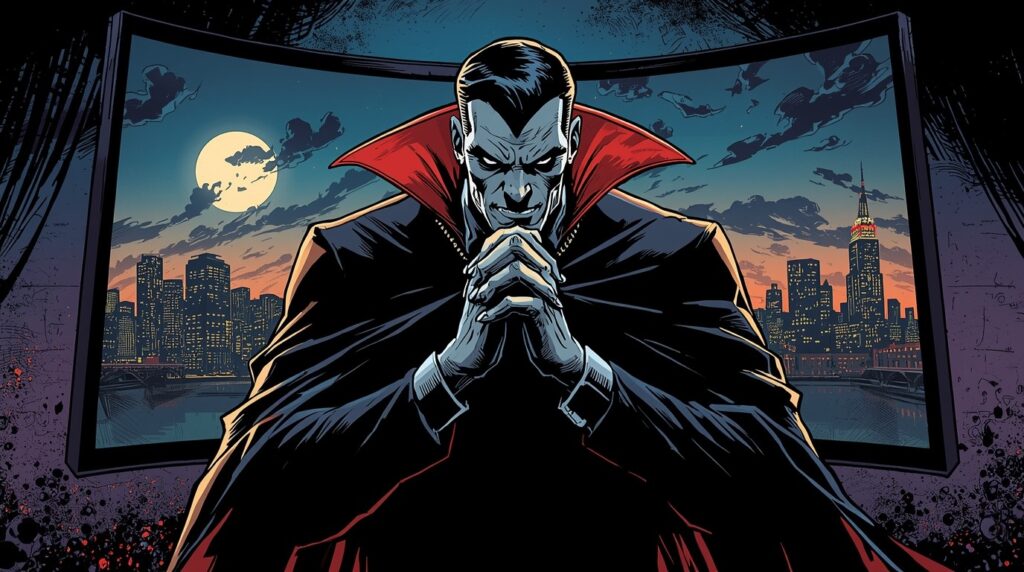
Creating Complex Villains with AI: Archetypes, Backstories & Motivations
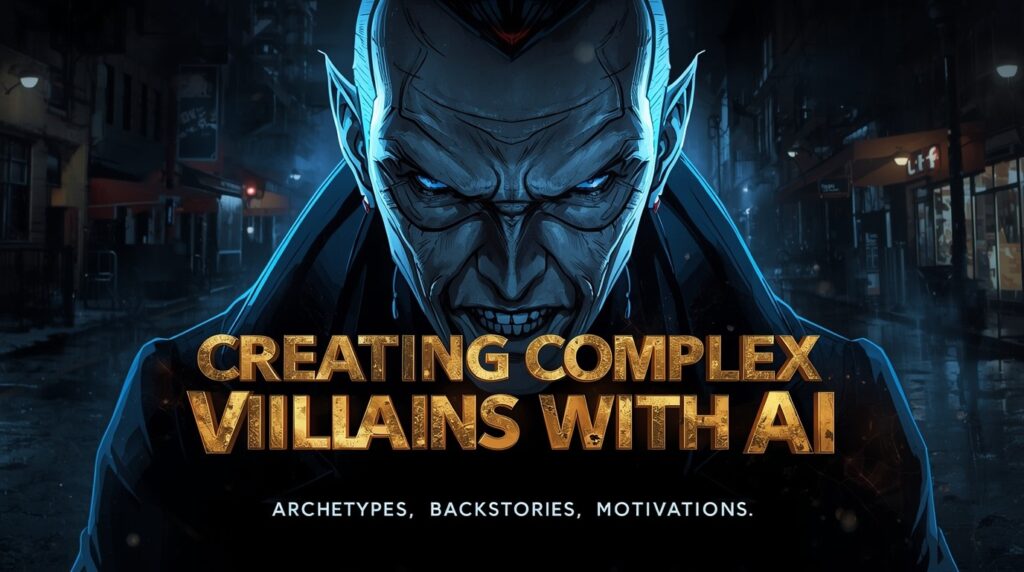
Creating Complex Villains with AI: Archetypes, Backstories & Motivations
Learn the art of creating a villain with AI, archetypes, backstories, and motives that grip readers. Craft smarter, darker foes in Summon Worlds. Try now!

  • October 21, 2025
  • Andrea Chavez

What if your readers feared your villain more than they loved your hero? That’s the grip you want. Not a mask. Not a trope. A presence that raises the room’s pulse.

👉Here’s the truth: creating a villain should feel simple, real, and fast. It can. You don’t need long speeches or purple prose. You need a wound, a rule, and a plan. Give the foe a reason that hurts. Give them a line they won’t cross. Then make them break everything else.

Picture this. Your party reaches the gate at dusk. The city lights flicker. The guard won’t meet their eyes. Somewhere inside, a calm mind is three moves ahead. One order, and your healer loses safe passage. One lie, and your rogue doubts a friend. You feel it, right? That slow turn of the knife. Stakes rising. Choices shrinking. That’s how a memorable villain sticks.

We’ll build that force together in Summon Worlds. You’ll pick an archetype, forge a backstory, and set clean motives. Then you’ll stage actions that bite. Short steps. Clear choices. Real heat.

Keep reading. In the next section, you’ll get a tight spine you can use tonight, wound, belief, and a first strike that drives the plot. Turn the page, and make your readers hold their breath.

Table of Contents

Why Creating a Villain Is the Key to a Powerful Story

A good villain is the pressure. The test. The mirror. Their choices drive the plot. Their belief rubs against the hero’s belief. That rub sparks change. When the foe is thin, scenes fall flat. When the foe feels true, readers lean forward.

Keep two points in mind. First, a goal is not a motive. A goal is the thing. The gold. The throne. The cure. Villain motivations are the reason the goal matters. The wound under the plan. Second, avoid evil for the sake of it. The sake of being evil is empty. Give roots. Give the cost. Give a rule they will not break. That is how great villains feel human and still hit hard. 

👉 Read our article about Character creation  

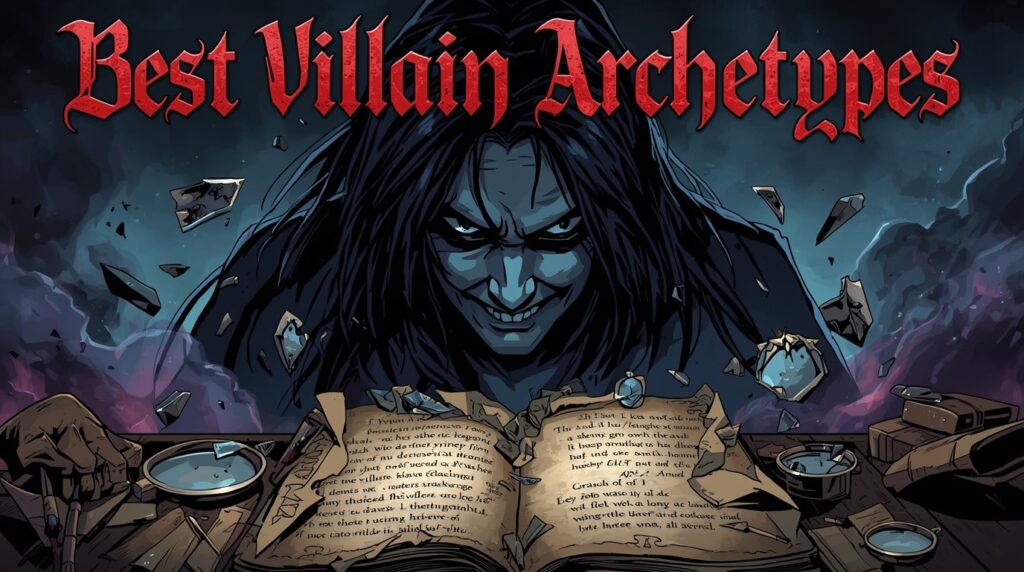
Best Villain Archetypes and How to Create a Memorable Villain

Archetypes help you start fast. They set a frame you can bend. Pick one that fits your world and theme.

  • 🧠The Mastermind: Calm. Cold. Two moves ahead. Prefers plans over fists. Uses systems, money, and smart allies. Works when the conflict is about control, trust, and truth. 
  • 🕺The Corrupted Idealist: Means well in their own mind. It will hurt many to “save” more. This path is thought-provoking because the logic sounds clean until it cuts. 
  • 🕴️The Tyrant: Order at any price. Breaks unions, guilds, families. Wants the world quiet and neat. Sets rules that the hero must break.
  • 🦸The Fallen Hero: Failed once. Swore never again. Pride turns to harm. Their mask is honor. Their wake is ruin.
  • 👻The Trickster: Lies with charm. Seeds cause chaos to get what they want. The hero must learn to doubt, test, and verify.
  • 👾The Monster: Rage, hunger, or fear set loose. It can be tragic. Works when the theme is survival and the cost of hate. 

Use common tropes as a hook, not a crutch. Keep the shape readers know, then flip one key edge. Change the motive. Change the method. Change the loss. Fresh beats follow. 

Writing a Villain Backstory: Deep-Seated Wounds and Personal Losses

Backstory is a blade. Keep it sharp. One deep-seated wound. One belief born from that wound. One or two personal losses made the belief stick. Then show how the belief shapes choices on the page. Short. Clear. Costly.

🗺️You can map it like this: wound → belief → behavior. A parent was taken by raiders (wounded). Only power keeps you safe (belief). Gather power and crush dissent (behavior). Now each move has weight. This is the core of creating compelling antagonists: harm with logic, not noise. 

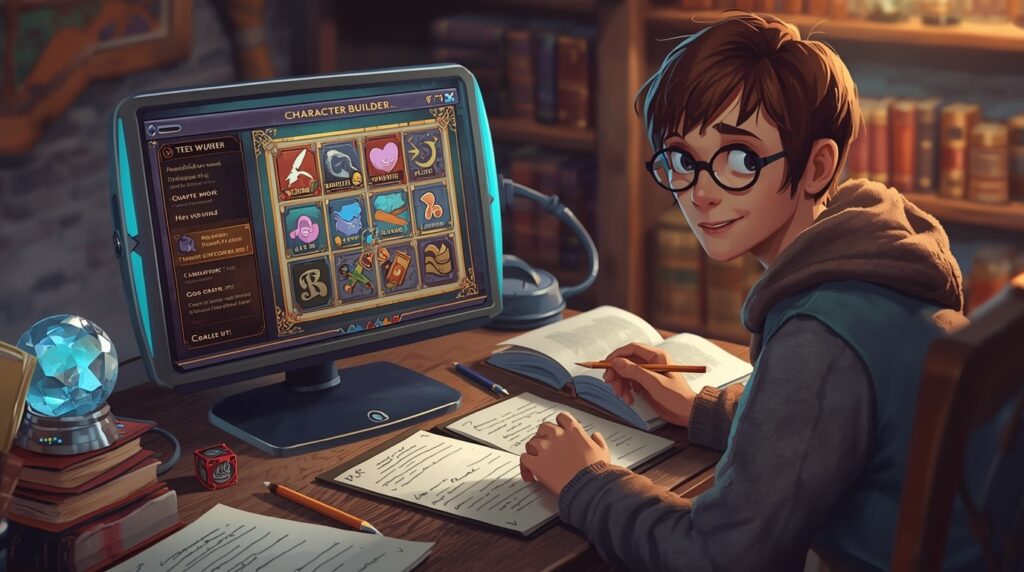
In Summon Worlds, open the Character Creator. Add one line for the wound. Ask Character Chat to restate it as a memory. Edit the tone. Save it. You now have a proof scene you can use in play.

👉 Read our article about How to generate character headcanon with AI

Common Mistakes to Avoid When Creating a Villain


  • Trap 1️⃣: No motive. You get noise with no core. Fix it by setting one motive that ties to the wound. 
  • Trap 2️⃣: Goal = motive. They are not the same. State both. Keep them linked. 
  • Trap 3️⃣: Speech over action. Cut speeches. Add a move that hurts. Then let the hero answer.
  • Trap 4️⃣: Lazy “madness.” Do not use illness as a shortcut. It reads dated and unfair. Build logic instead. 
  • Trap 5️⃣: Overused common tropes with no twist. Dialogue should be tight. Let the foe praise the hero, then twist the praise into a threat. One line that states the creed works well. “Mercy makes graves.” Keep the rest lean and visual. Swap method. Change a cost. 
  • Trap 6️⃣: No line they won’t cross. Give one rule. It humanizes the villainous character and sets up a sharp break near the end.

👉 Read our article about Character creator – Build your hero with AI

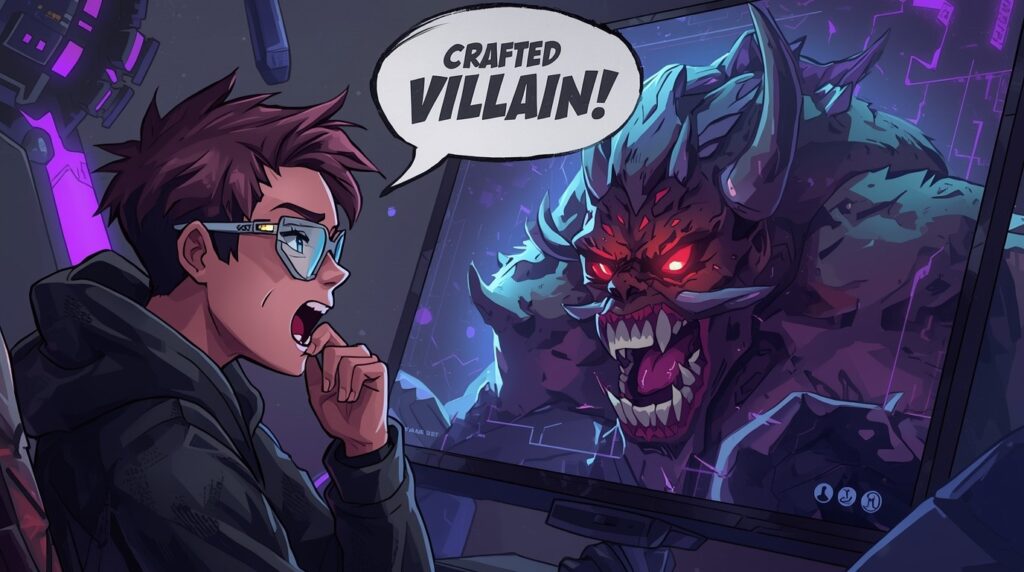
How to Build and Chat With Your Crafted Villain in Summon Worlds

You can plan, write, chat, and art your foe in one place. Here is a fast flow that mixes steps and small checks, not endless lists.

Start with the archetype. Set “Mastermind,” “Tyrant,” or what fits. Add one-line wound. Add the core belief. Ask the AI Character Chat for three motives tied to that belief. Pick the cleanest one. Tell the character to write a short threat. Hear it with Voice. Does it feel too soft? Ask for a harsher version with the same logic.

Next, pick two proof scenes. One painless win for the villain. One cruel choice they justify. Generate a portrait with AI Art. Choose a style that suits your world. Add one prop that echoes motive: a ledger, a mask, a cracked ring. Save the images to a Collection with the lair and the top lieutenants. Share if you like. Keep it private if you want a surprise.

If you play 5e, use 5e tools to frame stats and actions that support the motive. A control-driven foe uses restraint, fear, and laws. A revenge foe strikes supply lines. Let the sheet echo the mind. The plan reads clean at the table.

As you draft, run Character Chat like a war room. Ask the villain to audit their own plan. “What is the weak link?” “If the hero steals X, what do you do next?” The answers give you scene beats you can stage in order. The result is a crafted villain who adapts.

🧭 Ready to Create a Villain Readers Will Never Forget

When the last page turns, readers don’t remember speeches. They remember a choice that cut deep. That’s the mark of a true foe. Creating a villain is about scars, rules, and pressure that reshapes the hero. Start with a clear frame. Twist it to fit your world. Tie motive to loss. Put the proof on the page with bold, visible actions that tip the story forward.

Now make it real. Open Summon Worlds. Build the profile. Set the wound and belief. Chat in-character to test voice. Spin up art to lock tone. Store scenes in a Collection and line up your first strike. You’ll feel the story tighten.

Ready to ship that antagonist? Grab Summon Worlds on your phone. Search for it on Google Play or the App Store. Install. Create. Press start on the villain your readers will fear, and never forget.


"Download on the App Store"


"GET IT ON Google Play"

Disclaimer: Summon Worlds and the content on summonworlds.com are not affiliated with, endorsed by, or sponsored by Wizards of the Coast LLC. Dungeons & Dragons, D&D, and related terms are registered trademarks of Wizards of the Coast. Any references to D&D game mechanics, settings, or terminology are made for educational, commentary, and fan content purposes only. This blog does not reproduce or distribute official D&D content. All original ideas, characters, and creative content in this post are the intellectual property of OpenForge LLC, the parent company of Summon Worlds.

Share the Post:

Related Posts

How to Design Fantasy Calendars and Time Systems for Your Storyworlds

Read More
December 22, 2025

Fantasy Names That Tell a Story: How to Use Naming to Build Cultures

Read More
December 17, 2025

FAQ's

What makes a good villain?

Clear motive, strong method, and real cost. A rule they won’t break helps. Actions must pressure the hero in a way that drives the plot. Thin talk and random harm do not land.

How do I avoid “evil for the sake”?

Tie motive to a wound and belief. Show how the belief leads to harm. Name one personal loss event that set it all in motion. That ends the sake of being evil and starts logic.

Why do some AI What are strong villain motivations?feel the same-y?

Control, revenge, status, survival, love, ideology, greed with logic, raw curiosity, legacy. Pick one. Link it to scenes.

How do I keep a villainous character human?

Give one soft spot or one line they won’t cross. Let them say why. Then show it in a scene. Readers can hate the act and still see the heart.

How does Summon Worlds help with creating compelling foes?

You draft the bio, test voice in Character Chat, set rules in Character Instructions, and store beats in a Collection. You can create art, set 5e stats, and plan scenes in one place. It speeds up the parts that slow down most tables and drafts.
Read More
33
October 21, 2025
by Andrea ChavezBlog

Designing Magic Schools, Guilds & Factions with AI

Designing Magic Schools, Guilds & Factions with AI

Learn how to build a powerful Fantasy magic school, guilds & factions using AI. Create living worlds fast and real. Start your story now with Summon Worlds.

  • October 21, 2025
  • Andrea Chavez

What if your school bell could shake a city?

Picture the halls before dawn. Wards hum. Doors watch. A first-year steps wrong, and the street outside pays the price. That is the risk. That is the pull. A Fantasy magic school is not just a campus. It is a pressure point. Touch it, and the whole world moves.

You want tight prep. You want names, rules, and scenes that hit hard. You want students’ understanding to be clear from day one. No fog. No filler. You want guilds that pay the bills. You want factions that smile in public and scheme at night.

Here’s the twist. You can build all of it fast and still keep your voice. A simple plan. A few sharp rules. One helpful AI tool to speed up the grunt work. The rest is you.

🗣️So ask yourself: who gets in, who gets hurt, and who profits when a spell goes wrong? If you can answer that, your world has teeth. Keep reading. The steps below will help you shape the school, the guilds, and the factions, and turn every page into a choice that matters.

Table of Contents

How a Fantasy Magic School Works: Key Elements and Structure

A great school has one purpose, you can say in one breath. “We train wardens who keep the city safe.” That one line guides classes, exams, rules, and jobs after graduation. Keep it posted in your notes. Let every scene test it.

Admissions that create story

Who gets in sets the tone. Pick one rule and stick with it. Talent trials. Lineage. A sponsor letter. A lottery. Tuition or years of service owed. The rule shapes class mix and pressure. It also tells you who waits outside the gates with hope or hate.

A campus that supports the promise

Sketch five places. Give each a clear use and one risk. Wards Lab (burnout risk). Healers’ Court (crowds form). Quiet Stacks (restricted shelves). South Gate (city spillover). Bell Tower (familiars gather). These small notes make scenes easy to stage.

Curriculum that teaches action

Think like a trade school with ethics. Use five tracks that show up in play:

  • Core Theory: limits, costs, and what magic cannot fix.
  • Practice: drills, duels, and safe labs.
  • Ethics & Law: consent, bans, civic duty.
  • Field Work: patrols, relief work, ward repair.
  • Mundane Skills: history, languages, math.

Short classes. Clear tasks. Exams that change how the city sees the school.

Understanding Safety, Rules & the Real Cost of Magic in a School Setting

fantasy author

Power needs a price. Write three hard rules and the cost to break them. For example: no mind control; no summoning in dorms; no off-campus travel spells without a license. Set the costs you will enforce. Fines. Mana drain. Service. Expulsion. Trial. Publish the code inside your notes. Apply it to staff as well. Fair rules build trust and fear at the same time.

🧫Culture and paths that do real work

Houses or paths should not be a mood. They need duties. Wardens defend. Seekers research. Hands heal. Lumen serves the city. Give each a color, a crest, one ritual, and one flaw. That is enough for tension, pride, and fun rivalries.

🧙‍♂️Staff who push the story forward

Write staff like player characters. Each needs a goal, a secret, and a method. A dean who needs funding. A field chief who bends rules. A librarian who guards banned tomes. Let them act on stage. Let them disagree in public. Students will pick sides. You will get scenes for free.

Guilds That Power Daily Life: Ranks, Charters & Economy

Guilds keep the city running. They also give players clear ladders to climb.

Ranks and rights that feel fair

Use six ranks at most. Apprentice. Journeyman. Senior. Master. Councilor. Guildmaster. Tie each rank to one duty, one perk, and one test. Journeyman gets paid contracts, access to the vault, and a solo task to prove skill. Master trains others, leads teams, and votes on charters. Keep it visible so everyone knows where they stand.

A charter that stops fights

A simple charter saves hours of debate. Cover five points in a page: scope of work, dues and cuts, how the guild defends members, how you judge claims, and what secrets the guild keeps. If it makes money, it makes enemies. That is good news for your plot.

Services, economy, and signs

Write how the guild earns coin. Training. Contracts. Repairs. Wards. Maps. Show the hall, a token, and a call phrase. Small symbols make scenes pop and help readers remember who is who.

Factions That Shape the City and Story: Goals, Methods & Conflict

A faction needs three things to matter: a goal, a method, and a resource. With those, each scene gains choices and heat.

🧱The basic faction block (use it again and again)

  • Name and type.
  • Goal (win state in one line).
  • Method (how they act).
  • Leader (trait and flaw).
  • Assets (money, land, people, magic).
  • Symbols and colors.
  • Rivals and allies.
  • Three hooks: jobs or story beats.

You can fill one of these in five minutes and get a week of play from it.

✨Reputation that reacts

Track standing from −3 to +3. Publish what each level means. At −2, members refuse service. At 0, they are polite but cold. At +2, doors open, and help arrives. Let actions move the score. People will care because the world cares back.

Build Faster with Summon Worlds: Your AI Tool for Fantasy Worldbuilding

You can do all of this by hand. You can also speed it up with one ai tool that keeps your ideas in one place. Summon Worlds helps you plan, chat in character, and make art that locks in the look.

  • Start with people: Create a headmaster, a field leader, and a rival dean. Auto-generate a backstory for each. Edit in your voice. Save the trio to a Collection so they stay together.
  • Shape the organization: Ask Character Chat to draft a one-page school code from your notes. Add memory so the chat remembers laws, tone, and names across sessions. Update the code when your story changes.
  • Build factions: Make three faction blocks with clear goals and methods. Put them in a Collection called “City Forces.” Tag them for quick search later.
  • Create symbols that stick: Use AI Art to make a crest, house banners, and guild tokens. Try Epic Fantasy, Steampunk, or Anime styles to match your mood. Add a short prompt. Generate a set. Pick the best and save.
  • Test scenes: Open AI Character Chat. Speak as a student. Let the dean answer in voice. Ask hard questions about duty, safety, and cost. You will spot gaps fast.
  • Prep for tables: Use 5e tools to auto-build character sheets for mentors and rivals. Edit stats. Export notes. Your work is ready for a session tonight.

🧭 Ready to Build a Fantasy Magic School People Remember?

What if your next session feels ready in one hour?

You now have the bones, the rules, and the spark to build a Fantasy magic school that actually moves the city around it. Your guilds have ladders people can climb. Your factions have goals that bite back. Scenes flow. Stakes stick. Students’ understanding rises fast because the world is clear.

Here’s your next move. Pick one promise for the school. Write three laws with real costs. Sketch two factions and one guild. Then let one scene test all of it. Keep the best parts. Cut the rest. Simple.

Need speed without losing your voice? Use Summon Worlds as your AI tool. Create characters, chat in-world, and make crests and banners in minutes. Keep drafts private. Share when you’re ready.

👉Ready to start right now? Open Summon Worlds and build your first class, your first exam, and your first plot hook tonight.

"Download on the App Store"

"GET IT ON Google Play"

Disclaimer: Summon Worlds and the content on summonworlds.com are not affiliated with, endorsed by, or sponsored by Wizards of the Coast LLC. Dungeons & Dragons, D&D, and related terms are registered trademarks of Wizards of the Coast. Any references to D&D game mechanics, settings, or terminology are made for educational, commentary, and fan content purposes only. This blog does not reproduce or distribute official D&D content. All original ideas, characters, and creative content in this post are the intellectual property of OpenForge LLC, the parent company of Summon Worlds.

Share the Post:

Related Posts

How to Design Fantasy Calendars and Time Systems for Your Storyworlds

Read More
December 22, 2025

Fantasy Names That Tell a Story: How to Use Naming to Build Cultures

Read More
December 17, 2025

FAQ's

What is the right size for a school?

Pick the size that serves your story beats. A small school under 200 gives tight bonds and face time. A large school with over 500 students hosts big events and clear houses. Define staff count and student-to-mentor ratios so scenes feel real.

How to set up a guild fast?

Use six ranks with one perk, one duty, and one test each. Add a one-page charter with scope, fees, protection, disputes, and secrets. Create a hall, a token, and a short motto. That is enough to run jobs this week.

Why use a reputation score for factions?

Because it turns choices into clear results. A −3 to +3 scale is easy to track. Publish what each step grants or blocks. Players see gains and risks. Writers get clean stakes.

What is the best way to use an AI tool here?

Use it for first drafts, short lists, and scene tests. Keep your voice on names, rules, and tone. In Summon Worlds, save results to Collections, then edit. Use Character Chat to stress-test rules and spot gaps.

How to keep balance when magic is strong?

Set costs up front. Fuel, risk, and law. Limit public use. Give team tools that are safe but weaker. Make the big spells slow or rare. Then stick to those rules in every scene.
Read More
56
October 20, 2025
by Andrea ChavezBlog

How to Design a Fantasy Map from Scratch (Even If You Can’t Draw)

Learn easy steps to create a stunning fantasy map without art skills. Build worlds, shape stories, and bring your ideas to life.

Read More
GPT-4 vs Claude 3
October 20, 2025
by Andrea ChavezBlog

GPT-4 vs Claude 3 for Worldbuilding: Which AI Wins in 2026?

See GPT-4 and Claude 3 go head-to-head for worldbuilding in 2026. Find out which AI model truly builds better worlds.

Read More
AI Roleplay vs. Traditional RP
October 3, 2025
by Andrea ChavezBlog

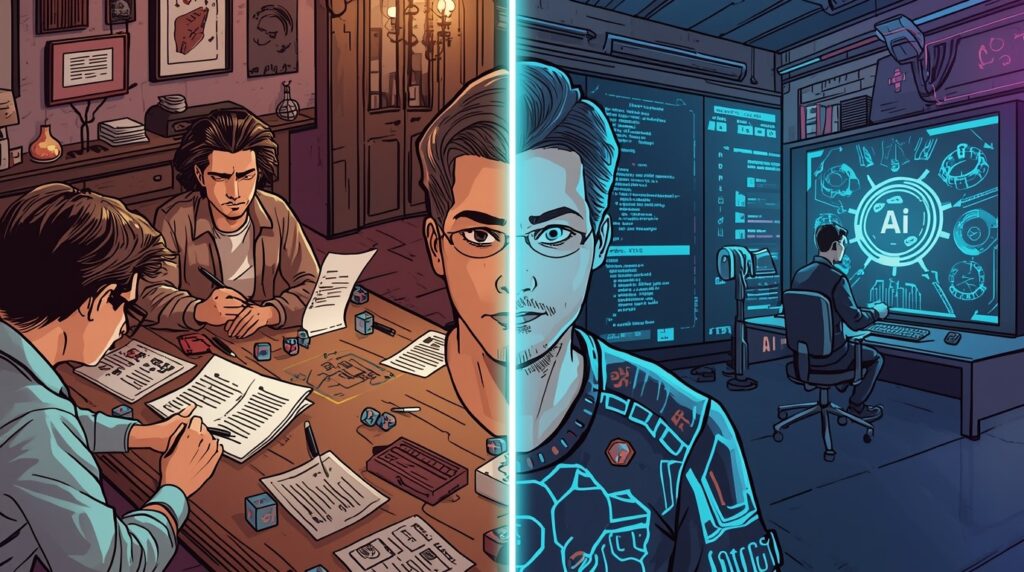
AI Roleplay vs. Traditional RP: Which is Better for Storytelling?

AI Roleplay vs. Traditional RP: Which is Better for Storytelling?

AI Roleplay vs. Traditional RP

Discover how roleplaying AI compares to classic tabletop RP for epic storytelling. See key pros, cons, and tips, try Summon Worlds free today!

  • October 3, 2025
  • Andrea Chavez

Do your sessions stall when schedules clash? Do prep and flat NPCs slow your momentum?


🛠Here’s the fix: roleplaying AI keeps scenes moving in real time, supports long-form arcs, and gives you quick sparks when you’re tired. It boosts creative freedom without replacing your table. You still lead the role-playing; the tech handles grunt work.


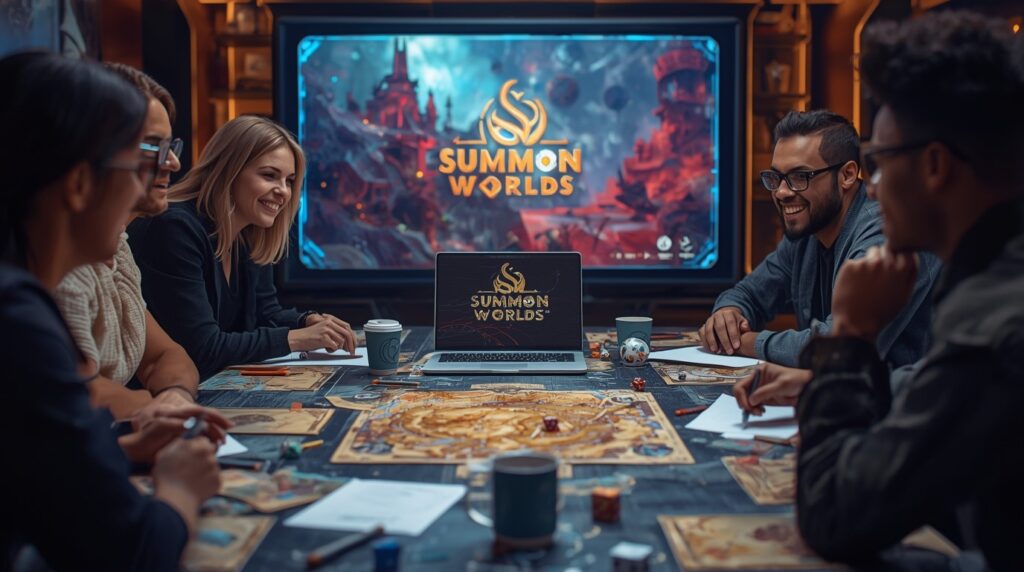
In this post, you’ll get a clear, no-hype comparison: what classic tabletop does best, what AI does best, and when to blend both. You’ll see simple steps, common traps, and ways to set a sharp character setting so the story stays yours. You’ll also see how Summon Worlds, AI-powered for GMs and writers, helps bring stories to life with fast character tools, art, and in-character chat.


If you want smoother prep, stronger scenes, and control of your voice, keep reading👇

Writers working in fantasy genres are increasingly using AI to expand their settings, this piece on AI-assisted fantasy worldbuilding explores how it’s being done.

Table of Contents

Understanding AI Roleplay vs Traditional Role Playing

Traditional RP is face-to-face or virtual tabletop play. Players and a GM build scenes, roll dice, and react to each other. The group pushes the plot in real time. Research shows that tabletop play builds collaboration and narrative skills. It also supports social and emotional growth. That matters when your table wants shared, character-driven arcs. 

AI roleplay uses chat models to act as partners, NPCs, or even a light DM. You type. The AI replies. Some platforms add voice and memory. Tools like Character.AI even support real-time voice calls and are moving toward live video chat with characters. 

AI text adventures like AI Dungeon showed how flexible this can be. You pick a prompt, a character setting, and the story reacts to your choices. 

❓So which path is “better”? 

It depends on your goal: deep group improv and table bonds, or flexible sessions and always-on scenes. Let’s break it down.

Writers exploring different tools beyond ChatGPT might find this list of ChatGPT alternatives useful for comparing features and writing support.

Why Classic Tabletop Role Playing Still Shines?

    • Player agency and group chemistry

    At the table, your friends surprise you. The GM adapts. The story breathes. Studies of tabletop play highlight improvisation by GMs in response to players’ goals and choices. This co-creation style is hard to beat for emergent arcs. 

    • Social growth and trust

    TTRPGs support communication, problem-solving, and teamwork. That’s why educators and youth programs use them. Strong table trust fuels bold scenes and lasting long-form campaigns. 

    • Stakes that stick

    When your friend plays the Paladin, you care more. It’s not just plot. It’s shared time, glances at the table, and in-jokes that grow between sessions. Those bonds keep players invested through slow burns and quiet beats.

    • The trade-off: prep and fatigue

    Table greatness takes work. Many GMs report 30–60 minutes of prep for a three-hour session when running a known adventure, with big variance by style. Over time, prep can drain energy and limit spontaneous play. 

Key Advantages of Roleplaying AI for Storytelling

✨Always on, real-time replies

You can run a scene at 2 a.m. You can practice dialogue. You can test twists before your game night. Character.AI’s voice calls show how AI partners are getting more immediate and lifelike. 

✨Fast content when you need it

Need an innkeeper, a map hook, or a rumor list? AI can generate prompts, locations, and scene seeds in seconds. Google’s Wordcraft project found that AI assistance can make parts of writing easier, faster, and more fun for writers. That maps well to GM needs. 

✨Flexible creative freedom

You can try wild tones without risking a live session. Want romance one night and grimdark the next? Try both. AI will adapt to your character setting and mood.

✨The trade-off: sameness risk

There’s a catch. A large 2024 study (Science Advances) found AI-assisted stories scored higher for creativity and enjoyment, especially for less experienced writers. But outputs became more similar overall. Used blindly, AI can flatten your voice. You must steer it.

Challenges of Both AI and Traditional Role Playing

Traditional RP pitfalls

  • Heavy prep can slow you down.
  • Missed sessions stall arcs.
  • Spotlight time can skew toward louder players.

AI roleplay pitfalls

  • Memory and context can drift. Some tools add pinned memories and chat memories to reduce forgetting, but it’s not perfect yet. 
  • Style can lean generic if you let it. The Science Advances study warns about sameness when many people take AI ideas at face value.
  • Not every scene fits AI judgment. Complex moral calls still do best with a human GM.

How to Combine AI and Traditional RP for the Best Experience?

The strongest table stories often mix both worlds. Keep your group’s heart and improv. Use AI-powered helpers to cut busywork and open new angles.

❓What to keep human

  • Session zero rules, tone, and lines.
  • Big choices and consequences.
  • Character bonds and social trust.

❓What to hand to AI

  • Names, hooks, and flavor text.
  • First-pass stat blocks and loot ideas.
  • Quick scene art for mood.
  • NPC banter practice between sessions.

This hybrid approach gives you speed and soul. It also keeps your unique voice while you boost throughput.

If this description isn’t quite what you’re looking for, AI allows you to refine your vision by asking follow-up questions:

  • What does the air quality look like post-nuclear war?
  • What specific plants and animals have adapted to survive in this setting?
  • How does the dystopian government maintain control in this harsh environment?

Using Summon Worlds to Power Your Roleplaying AI Sessions

Summon Worlds is built for GMs, writers, and AI roleplayers. It helps you bring stories to life while keeping control.

👩‍🎤Build vivid characters fast

  • Use Character Creation to draft heroes and NPCs. Backstories are auto-generated and fully editable.
  • Set character setting in notes. List goals, secrets, and hooks.
  • Save favorites, and group them into Collections to prepare arcs.

💬Chat in character, stay in the scene

  • Use AI Character Chat for in-voice banter. You can pick voices and talk in real time.
  • Add Character Instructions to lock style, temper, and values.
  • Turn on Memory Controls and Knowledge Integration so the AI respects your lore. (This helps with long-form continuity in role-playing.)

🎨Generate art for mood and handouts

  • Use AI Art Generation for characters, items, weapons, places, and spells.
  • Pick style presets like Epic Fantasy, Steampunk, Anime, or Photorealistic.
  • Keep drafts private or publish them on your profile. Share with your table when ready.

🎬Keep it D&D-ready

  • Tap 5e Alignment and 5e Optimization to draft editable sheets and actions.
  • Use auto stats as a head start, then tweak for balance.
  • You are the final judge. The tool just saves time.

🧭 Ready to Level Up Your Roleplaying AI Storytelling?

You don’t need a winner; use both. Traditional RP brings human trust and table chemistry. Roleplaying AI adds speed, real-time practice, and steady momentum. The mix works best: let AI cut prep and spark ideas while you keep tone, stakes, and heart.

With Summon Worlds, you get AI-powered tools that bring stories to life. Build characters fast. Chat in character. Keep long-form notes with memory. Generate art for mood and handouts. Stay in control of your world and your role-playing style.

Ready to try the blend that works? Get Summon Worlds free:

  • Android (Google Play): Download here
  • iOS (App Store): Download here

Run your next scene tonight. Keep your voice. Let the tools handle the rest.

Disclaimer: Summon Worlds and the content on summonworlds.com are not affiliated with, endorsed by, or sponsored by Wizards of the Coast LLC. Dungeons & Dragons, D&D, and related terms are registered trademarks of Wizards of the Coast. Any references to D&D game mechanics, settings, or terminology are made for educational, commentary, and fan content purposes only. This blog does not reproduce or distribute official D&D content. All original ideas, characters, and creative content in this post are the intellectual property of OpenForge LLC, the parent company of Summon Worlds.

Share the Post:

Related Posts

How to Design Fantasy Calendars and Time Systems for Your Storyworlds

Read More
December 22, 2025

Fantasy Names That Tell a Story: How to Use Naming to Build Cultures

Read More
December 17, 2025

FAQ's

What is roleplaying AI?

It’s role play with an AI partner. You chat with a character or narrator who responds like a person in the scene. Many tools add memory and voice, so you can run scenes any time and keep continuity over weeks.

How to use AI with a tabletop group?

Keep the table for choices and feelings. Use AI for NPC prep, rumors, images, and quick dialog tests. Bring short notes to the session. Edit anything the AI writes so it fits your table’s tone.

Why do some AI scenes feel the same-y?

A 2024 study found AI ideas boost story quality but can reduce variety. To fix this, rewrite, add your quirks, and feed clear character setting notes. That keeps your voice sharp.

What is the best way to keep continuity in AI chats?

Use memory tools when your platform supports them. Pin key facts. Keep a living summary. Repeat goals and tags at the top of a long thread. It helps with long-form stories.

How to cut GM prep with AI but keep control?

Draft first with AI. Then trim to fit your world. Add stakes and tells for each NPC. Tools like Wordcraft showed AI can make parts of writing easier and faster. You still lead the story.
Read More
Medieval knight armor
October 2, 2025
by Andrea ChavezBlog

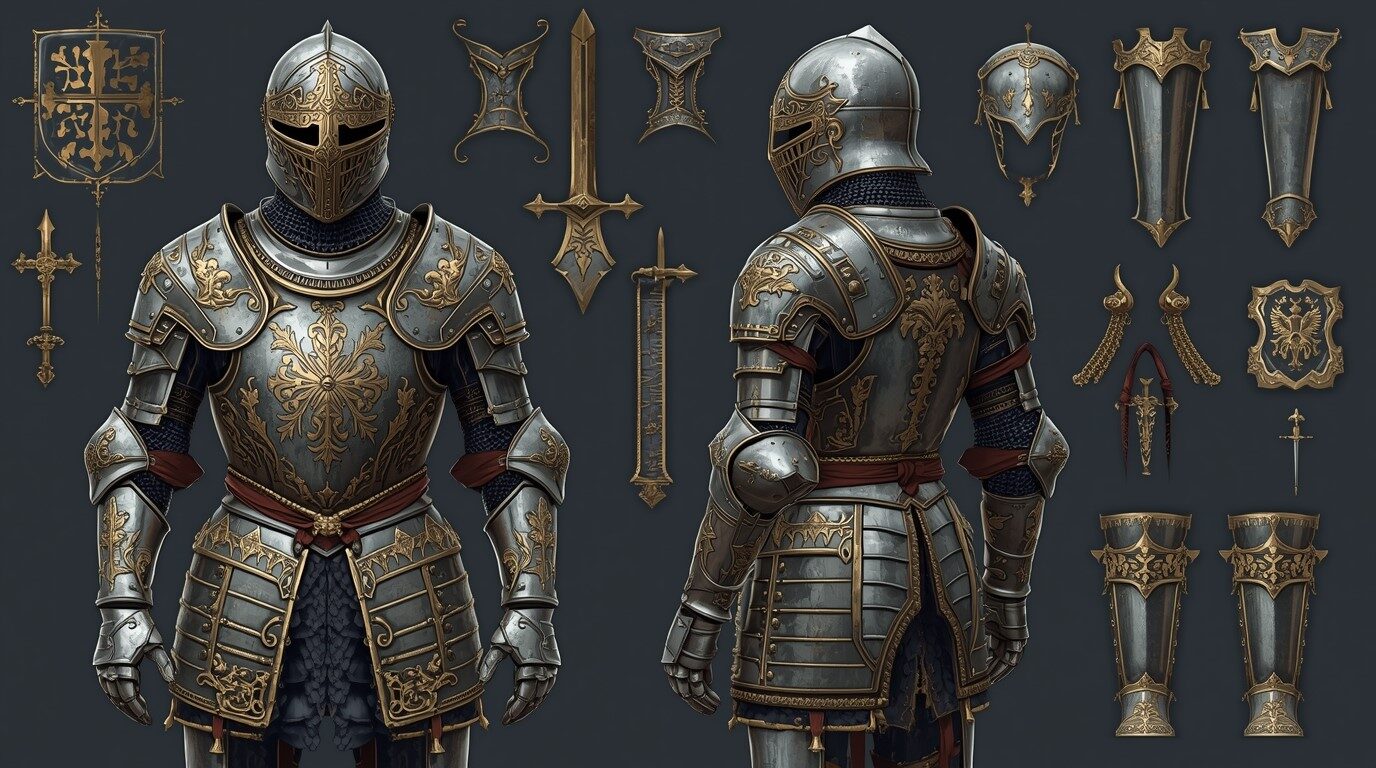
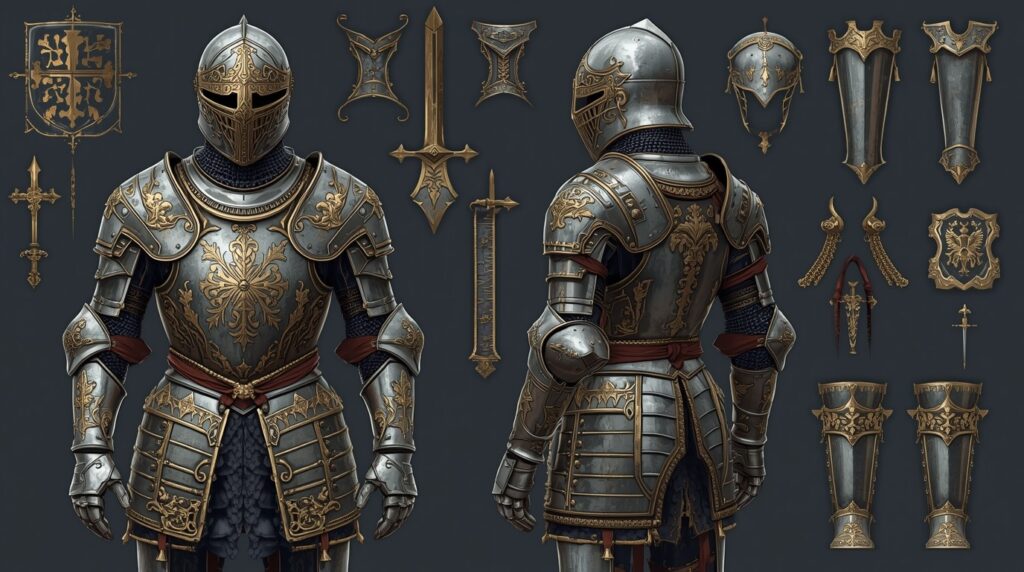
Knight Armor Generator: Design Medieval Gear with AI

Knight Armor Generator: Design Medieval Gear with AI

Medieval knight armor

Learn how to design true medieval knight armor with AI. Get tips, prompts, and fast visuals for writers and GMs. Start creating today!

  • October 2, 2025
  • Andrea Chavez

Are you confused about what medieval knight armor to use on your character?

You juggle dates, helmets, weight, and heraldry. Prep takes hours. The result still feels off.

Here’s the shift. With Summon Worlds, you plan, preview, and refine in minutes. Your test looks. You fix errors fast. You keep the story moving.

❓Why it matters: clean gear choices build trust at the table and on the page. Your players and readers notice when the kit is right.

Ready to lock your knight’s look and move on with the story? Keep reading👇

Writers working in fantasy genres are increasingly using AI to expand their settings, this piece on AI-assisted fantasy worldbuilding explores how it’s being done.

Table of Contents

Key Facts About Medieval Knight Armor

  • Why it matters: Your story feels real when the armor is right. That means knowing layers, dates, and what people could move in.
  • The build: Knights wore padding (an arming doublet or gambeson) under mail and plate. The padding helped fit plates, stopped chafing, and absorbed hits. The plate went on legs first, then body and arms. Helm and gauntlets were last.
  • The timeline: Plate pieces started to replace full mail in the 14th century, first, as extra plates on knees, elbows, and shins… later, a full, jointed harness.
  • The weight: Field armor (for battle) was about 20–25 kg. The weight spread over the body, so movement stayed workable.
  • Tournament vs. war: Some show sets were far heavier. Henry VIII’s famous foot-combat armor is ~42.6 kg, about double a normal battle suit. Great for a joust. Not for a march.
  • Stamina: Armor still taxed the body. Lab tests show walking in full plate armor can cost ~2× the energy of walking unarmored. The limb weight and tighter breathing are key reasons.
  • Heraldry: Knights marked their surcoat and shield with arms so friends could spot them in the crush. That is the root of “coat of arms.”

Writers exploring different tools beyond ChatGPT might find this list of ChatGPT alternatives useful for comparing features and writing support.

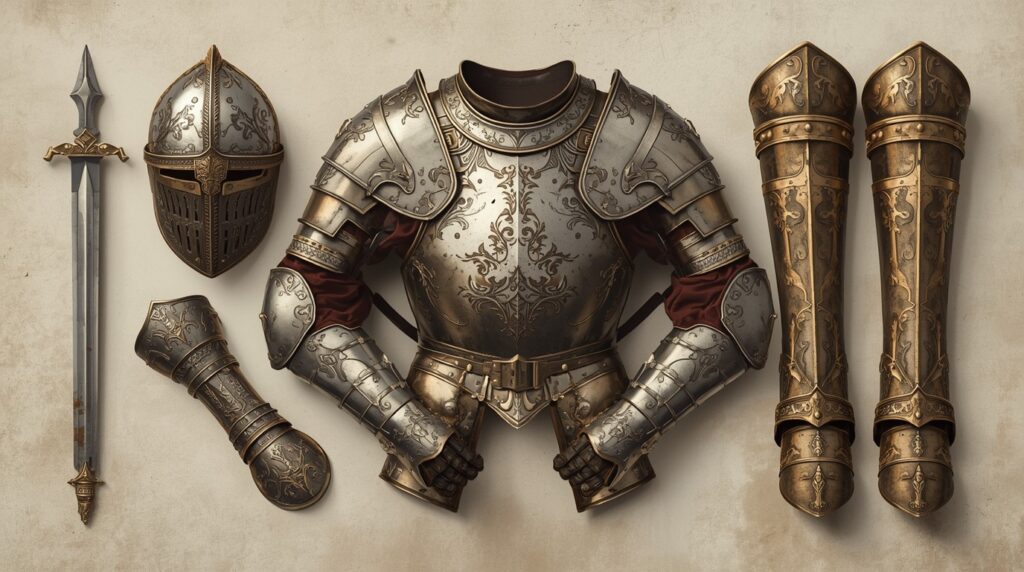
Essential Parts of a Medieval Knight’s Gear

  • 👤Start with the head

    • Bascinet (14th–early 15th c.): open-faced at first; later with a visor (often “houndskull”). Often used with a mail camail for neck and cheeks.
    • Sallet (mid-15th c.): swept tail to guard the neck; open face or visor. A staple in Italy and Germany.

    🦾Core and arms

    • Cuirass (breast + back), fauld, tassets (upper thigh).
    • Pauldrons/spaulders (shoulders), vambraces (forearms), counters (elbows), gauntlets (hands).
    • Legs and feet: cuisses (thighs), poleyns (knees), greaves (shins), sabatons (feet). The sabaton often has stacked lames; some late styles flare “bear’s paw.” 

    🦿Underlayers

    • Arming doublet/gambeson under plate for fit and shock. Mail patches (gussets) cover gaps. 

    These pieces give you a checklist for your generator scene. Pick a century. Pick a helm. Pick plate shape and flare. Then add heraldry.

From Traditional Research to Modern AI Tools

  • ⏳Old way: You hunted reference art, guessed terms, and hoped the image matched your era. You rewrote notes. You waited for a concept artist. You lost steam.
  • ⏰New way with Summon Worlds: You can sketch the full harness in minutes. You can produce visuals, backstory, and stats in one place. You can save versions, swap helms, and test color passes. You can also chat with your knight to stress-test voice and lore.

You keep control. The app only speeds up the grunt work.

Common Knight Armor Mistakes and Simple Fixes

Mistake 1: Armor too heavy or too light

✅Fix: Aim for 20–25 kg for a field harness. If you want a joust set, note that it’s far heavier and stiffer. Add that to the scene text. 

Mistake 2: Wrong helmet for the year

✅Fix: For c. 1350–1410, try a bascinet (with camail or gorget). For mid-15th, switch to a sallet or armet. Add a bevor if you want a jaw/neck cover.

Mistake 3: No padding layer

✅Fix: Include the arming doublet/gambeson under plate in your AI prompt text. It sells realism and shape. 

Mistake 4: Blank surcoat and shield

✅Fix: Add a bold field color and a simple charge. Note why it matters to the family or order. It helps readers and players remember them. 

Mistake 5: Myth of “can’t move”

✅Fix: Show that the knight can run, vault, and fight. Mention the real cost on stamina for long fights or muddy ground. 

How to Design Medieval Knight Armor in Summon Worlds?

🎬Set your scene

Open Summon Worlds. Start a Character. Pick “Knight” or write your own tag.

  • Era and place: Write one line like: “Late 14th-century English medieval knight on campaign in France.” This locks your style choices.
  • Role: Add: “Field harness, not a joust set.” This guards weight and form. 

🌠Choose visual style

In AI Art Generation, pick a style preset. Try Epic Fantasy for bold forms. Try Photorealistic for museum-like metal. Try Anime for sharp silhouettes. Try Steampunk if you want alt-history flair. You can also switch to custom prompts.

🧱Use simple AI prompt blocks

Here are copy-ready blocks. Tweak names and colors:

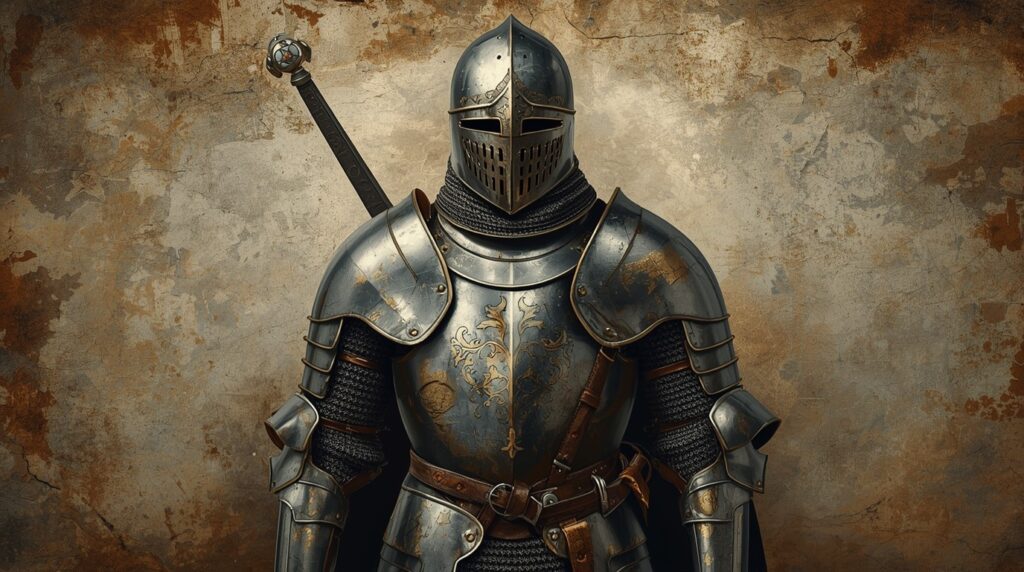
  1. Core armor (historical field): “Late 14th-century medieval knight armor. Bascinet with camail, visor down. Cuirass with fauld and tassets. Pauldrons, vambraces, gauntlets. Cuisses, poleyns, greaves, sabatons. Arming doublet visible at joints. Mud on sabatons.”
  2. Sallet variant (15th c.): “Mid-15th-century harness. Sallet with long tail, bevor at throat. Fluted pauldron lines. Slim waist. Plate skirts. Field wear, scuffs on breast.” 
  3. Heraldry pass: “Red surcoat, white stag. Painted heater shield, same stag. Linen texture. Stitches at edges.”
  4. Weathering: “Dried rain streaks on breastplate. Dents on poleyns. Leather straps slightly cracked.”
  5. Lighting: “Overcast camp light. Soft reflections. No studio gloss.”

🤖Make art with AI, then refine

  • Use Extra Images to try side, front, and back plates.
  • Use Enhance Chips to sharpen lines on flutes and rivets.
  • Save a “Draft” if you’re not ready to share.
  • Publish to your profile when happy.

📈Add story and stats

Inside Character Creation, turn the image into a person:

  • Backstory: Why the stag? What vow did they take?
  • Gear list: Bascinet variant, mail gussets, arming doublet, field harness weight range (note: 20–25 kg).
  • Voice: Pick a voice and tone in Character Chat.
  • Memory: Add rules so chat keeps heraldry and kit consistent.

Now chat with your knight before game night. Ask, “How do you fight in mud?” The reply should reflect stamina costs and tactics.

🧭 Ready to Start Building a World of Your Own?

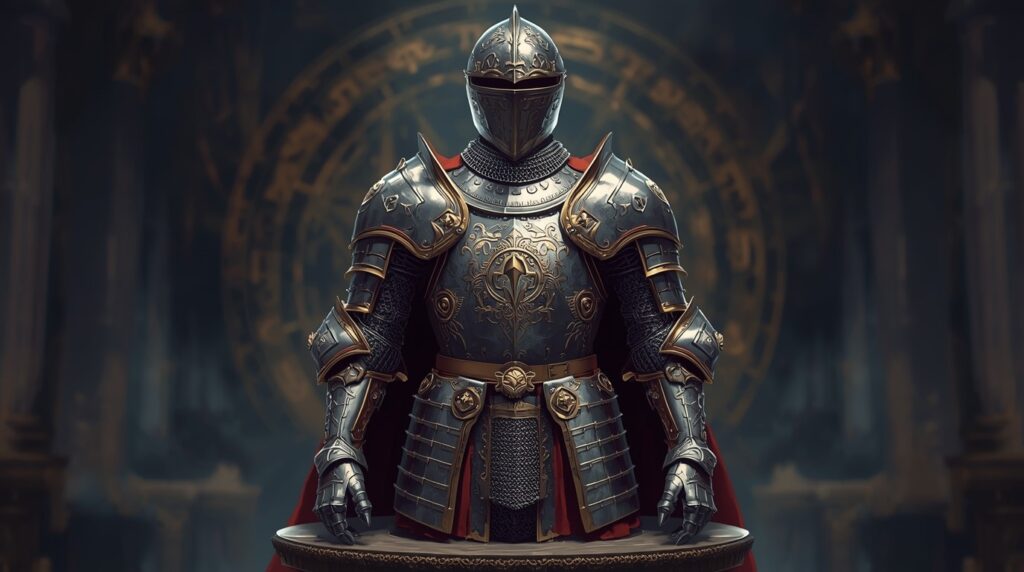
You can plan medieval knight armor with confidence. Start with the era and the role. Pick the right helm. Add the padding layer. Keep field weight reasonable. Use bold heraldry. These choices make any medieval knight look true and memorable.

Summon Worlds turns that plan into fast results. Create art with AI, test looks, and keep notes together. Use the AI prompt blocks to lock style and gear in minutes. Chat with the character. Share with your table or readers. Less guesswork. More story.

✨Ready to build and save time? Try Summon Worlds free and start creating now.

  • Android: Get Summon Worlds on Google Play
  • iOS: Get Summon Worlds on the App Store

Disclaimer: Summon Worlds and the content on summonworlds.com are not affiliated with, endorsed by, or sponsored by Wizards of the Coast LLC. Dungeons & Dragons, D&D, and related terms are registered trademarks of Wizards of the Coast. Any references to D&D game mechanics, settings, or terminology are made for educational, commentary, and fan content purposes only. This blog does not reproduce or distribute official D&D content. All original ideas, characters, and creative content in this post are the intellectual property of OpenForge LLC, the parent company of Summon Worlds.

Share the Post:

Related Posts

How to Design Fantasy Calendars and Time Systems for Your Storyworlds

Read More
December 22, 2025

Fantasy Names That Tell a Story: How to Use Naming to Build Cultures

Read More
December 17, 2025

FAQ's

What is a bascinet?

A bascinet is a 14th-century helmet, often with a visor and a mail camail for neck and cheeks. It was common before the sallet took over in the 15th century.

How to set the right armor weight in my scene?

If it’s a battle harness, write 20–25 kg in your notes. If it’s a joust or show set, state that it’s much heavier and stiffer. This keeps the action believable.

Why add a surcoat and shield design?

It’s how people knew who was who. The surcoat literally became the “coat of arms.” It also gives your readers and players a strong visual hook.

What is the best AI prompt for a 15th-century guard?

“Mid-15th-century sallet with tail, bevor at throat, fluted pauldrons, plate skirt, city badge on breast, light field wear.” Short. Clear. True to the period.

What is the padding under the plates?

An arming doublet (a type of gambeson). It fits the plates, reduces rub, and helps spread force. It’s a key layer you should mention.
Read More
D&D Character with AI
October 2, 2025
by Andrea ChavezBlog

Definitive D&D Character Creator 2026 Guide: Build Your Hero with AI

Definitive D&D Character Creator 2026 Guide: Build Your Hero with AI

D&D Character with AI

Create your next D&D hero with AI, quick stats, spell slots, art & chat. Follow our 2026 guide and start your adventure today! Download Summon Worlds.

  • October 2, 2025
  • Andrea Chavez

Game night is close. You need a hero, not more stress. Stats, backstory, art, and a clean sheet, all on a tight clock.

✨Here’s the fix: use a D&D Character with an AI workflow that speeds setup while keeping the rules right. You stay in charge. The tool handles the busywork.

In this guide, you’ll go from character concept to a ready digital character sheet. You’ll set ability score numbers the right way, confirm saving throw proficiencies, track hit points, and manage spell slots. You’ll also see how Summon Worlds adds portraits, sharp personality traits, and in-character chat, so your hero feels alive in real time.

If you want faster prep and better play at the table, start here and read on.

Writers working in fantasy genres are increasingly using AI to expand their settings, this piece on AI-assisted fantasy worldbuilding explores how it’s being done.

Table of Contents

What a D&D Character with AI Really Is

AI should not replace your taste. It should speed up your character creation. Think of it as a smart character creator that listens, suggests, and fills the boring bits. You still decide class, race, and backstory. The app does the grunt work and keeps the math clean.

  • ⏳Old way: You flip books, juggle notes, and fix errors on paper character sheets.
  • ⏰New way: You draft in a digital character sheet, plug in a standard array, and let AI help with names, bonds, and gear. You still approve each call.

👉🏻Why this works: Rules are clear, but there are many steps. AI lets you build your characters fast, then polish the soul of the hero. It cuts prep, not flavor.

Writers exploring different tools beyond ChatGPT might find this list of ChatGPT alternatives useful for comparing features and writing support.

Essential D&D Rules to Get Right Every Time

  1. Ability scores and modifiers: The game uses six scores. You can use the standard array: 15, 14, 13, 12, 10, 8. After you assign scores, your ability score modifier is (score − 10) ÷ 2, rounded down. This is how your checks, attacks, and saves stay consistent.
  2. Hit points: At level 1, your class sets your base HP. For example, a fighter starts at 10 + Constitution modifier. A wizard starts at 6 + Constitution modifier. After level 1, you add your hit die (rolled or average) + Con mod each level. That keeps your hit points stable and fair.
  3. Saving throws: Your class gives two save proficiencies. For example, fighters are proficient in Strength and Constitution saves. Your proficiency bonus applies to those saves. Spell save DCs also follow a fixed formula. These basics keep your saving throw math clean.
  4. Spell slots: If you cast, your spell slots come back after a long rest. That’s the default rule. Plan your day around it.

👉🏻Bottom line: when the numbers match the book, your table runs smoothly.

Top Character-Building Mistakes and How to Fix Them

  • Mistake 1: Random stats that don’t match the role

    ✅Fix: Use the standard array and point your highest number where it matters most for your class. Put your second-best in Constitution unless your build needs something else. This protects hit points and key saving throws.

    Mistake 2: Fuzzy modifiers

    ✅Fix: Don’t wing it. Use (score − 10) ÷ 2 and round down. If you hate math, lock it into your digital character sheet so you never re-calc during play.

    Mistake 3: Forgetting spell slots timing

    ✅Fix: Track casts and rests. Mark slots as you go. Plan for a long rest to refresh them. Casters feel weak when you miscount; they feel great when you plan.

    Mistake 4: Flat personality traits

    ✅Fix: Start with three words that shape choices at the table. Example: “steady, curious, loyal.” Use chat in Summon Worlds to stress-test scenes. If your hero sounds off, tweak and try again. Keep it short. Keep it playable.

    Mistake 5: Overwriting backstory

    ✅Fix: One paragraph max. Tie it to the party and the dungeon master’s hooks. Let the story grow in play, not in a doc no one reads.

Step-by-Step Guide: Create a D&D Character in Summon Worlds

Summon Worlds is built for D&D players’ needs and GM flow. You can create characters, spells, weapons, items, and lore together. It feels simple. It works in real time. Your digital character sheet is ready for a virtual tabletop.

👩‍🎤Step 1: Set your character concept

Pick a class and one clear hook. Add three short personality traits. In Character Creation, draft one sentence, then use AI Character Chat to suggest names, ideals, and quirks. You approve the best options.

🔒Step 2: Lock your numbers with the standard array

Open the digital character sheet. Enter 15, 14, 13, 12, 10, 8. Put the 15 in your main stat. Put your second-best in Constitution. Record each ability score modifier with the simple formula. The sheet keeps the math tight.

🪡Step 3: Class details, saving throw, skills, and hit points

Select your class. Mark the two saving throw proficiencies it grants. Note your proficiency bonus and where it applies. Set hit points for level 1 from your class line. The fields are prepped and easy to edit.

🪄Step 4: Spells and spell slots

If you cast, choose level-fit spells. Track spell slots as you play. Reset after a long rest. The sheet helps you mark casts so nothing slips.

🎨Step 5: Art, gear, and look

Use AI Art Generation for a portrait. Try a Style Preset like Epic Fantasy, Steampunk, Anime, or Photoreal. Add a short prompt. Sharpen with Enhance Chips. Save alternates with Extra Images for disguises or upgrades. Add weapons and gear to the sheet.

🧑‍🎤Step 6: Speak in character (text or voice)

Open AI Character Chat. Run a quick scene. Pick a voice with Voice Generation. Tune tone with Character Instructions and Memory Controls. Context Memory keeps your story straight. Knowledge Integration uses your lore, so replies fit your world. You can also trigger Image Generation during chat for key moments. Choose from 3 AI models and check Cost Transparency to see the estimated cost per message.

🍽Step 7: Ready for the table

Keep your digital character sheet open on your phone. Bring it into your virtual tabletop. Your saving throw DCs, hit points, and spell slots sit up front. You run clean and fast.

Quick Tips to Keep Your D&D Sessions Running Smoothly

  • Keep the math visible. Show ability score modifiers, saving throw proficiencies, hit points, and spell slots on the first screen. Less tapping, more playing.
  • One-paragraph backstory. Leave space for table growth.
  • Scene test your voice. Five lines in Character Chat tell you if the hero lands.
  • Art last, not first. Lock your character concept first, then match the look.
  • Align with the party. Share role, goals, and boundaries with your dungeon master. Trust makes Dungeons Dragons shine.

Build Your Next D&D Character with AI

A D&D Character with AI should be fast, clear, and yours. Start with a tight character concept. Use the standard array and the simple modifier rule. Set each ability score. Confirm saving throw proficiencies. Track hit points and spell slots without guesswork. Keep a clean digital character sheet for real-time play and your virtual tabletop.

Summon Worlds cuts prep and keeps flavor. You get art, voice, and in-character chat to shape personality traits. You can build your characters quickly, edit anytime, and stay true to the rules. Less admin. More story at the table.

Ready to play? Download Summon Worlds free on Google Play or the App Store. Build fast. Play more.

Disclaimer: Summon Worlds and the content on summonworlds.com are not affiliated with, endorsed by, or sponsored by Wizards of the Coast LLC. Dungeons & Dragons, D&D, and related terms are registered trademarks of Wizards of the Coast. Any references to D&D game mechanics, settings, or terminology are made for educational, commentary, and fan content purposes only. This blog does not reproduce or distribute official D&D content. All original ideas, characters, and creative content in this post are the intellectual property of OpenForge LLC, the parent company of Summon Worlds.

Share the Post:

Related Posts

How to Design Fantasy Calendars and Time Systems for Your Storyworlds

Read More
December 22, 2025

Fantasy Names That Tell a Story: How to Use Naming to Build Cultures

Read More
December 17, 2025

FAQ's

What is a D&D Character with AI?

It’s a normal D&D character made faster with smart help. You decide class, stats, personality traits, and gear. The tool drafts, checks numbers, and helps with art and voice. You approve every step.

How to use a digital character sheet the right way?

Put core stats on one screen: ability score modifiers, hit points, saving throw proficiencies, attacks, and spell slots. Update as you level. A clean digital character sheet prevents mid-game errors.

Why use the standard array?

It speeds up creating characters and keeps parties balanced. The array is 15, 14, 13, 12, 10, 8. Assign them, apply race/class choices, and move on.

What is the best way to track spell slots?

Mark them when you cast. Reset after a long rest. This keeps casters strong and fair across the day.

How to shape personality traits fast?

Write three short traits and one sentence of aim. Then run a quick AI chat roleplay scene. Keep what feels right. Cut what doesn’t. Simple beats long text walls.
Read More
AI Map Generators
October 1, 2025
by Andrea ChavezBlog

Fantasy Location Generators Compared: Find the Best AI Map Tool

Fantasy Location Generators Compared: Find the Best AI Map Tool

Discover the top AI Map Generators for stunning fantasy worlds. Compare features, styles, and tips to build epic maps fast. Try Summon Worlds now!

  • October 1, 2025
  • Andrea Chavez

Stuck before a session with a blank map and no time? You need a port city, a ruined keep, and a road that makes sense, but the tool is slow, and the layout feels wrong. Players lose the thread. Your prep stalls.

✨Here’s the fix: AI Map Generators build a solid base in minutes. You choose map styles. You set points of interest. You stay in control while the tool handles the heavy lift.

In this guide, we compare the top fantasy map generators, plain and direct. You’ll see which map tools fit your scale and budget. You’ll learn how to create maps that match your tone, and how to pair them with Summon Worlds for fast world-building.

Good maps make better sessions and scenes. If you want speed, clarity, and clean results, keep reading. Your best map is a few smart choices away.

Writers working in fantasy genres are increasingly using AI to expand their settings, this piece on AI-assisted fantasy worldbuilding explores how it’s being done.

Table of Contents

What Are AI Map Generators and How Do They Work

AI and “smart” tools sit on a few paths. Some use procedural rules to build a world map with biomes, rivers, and cities (great for fast-generated maps). 

Others use asset libraries and brushes with quick customization options. A newer path uses AI to place rooms or props for you. These all help with map creation, but each shines in different jobs.

Old vs new approaches 

  • ⏳Old way: Manual drawing. Lots of time. Hard to keep the scale. Hard to change.
  • ⏰New way: Rules, presets, and AI help you create maps fast. You can switch map styles, add interactive elements, and export high-resolution art for print or VTT.

Writers exploring different tools beyond ChatGPT might find this list of ChatGPT alternatives useful for comparing features and writing support.

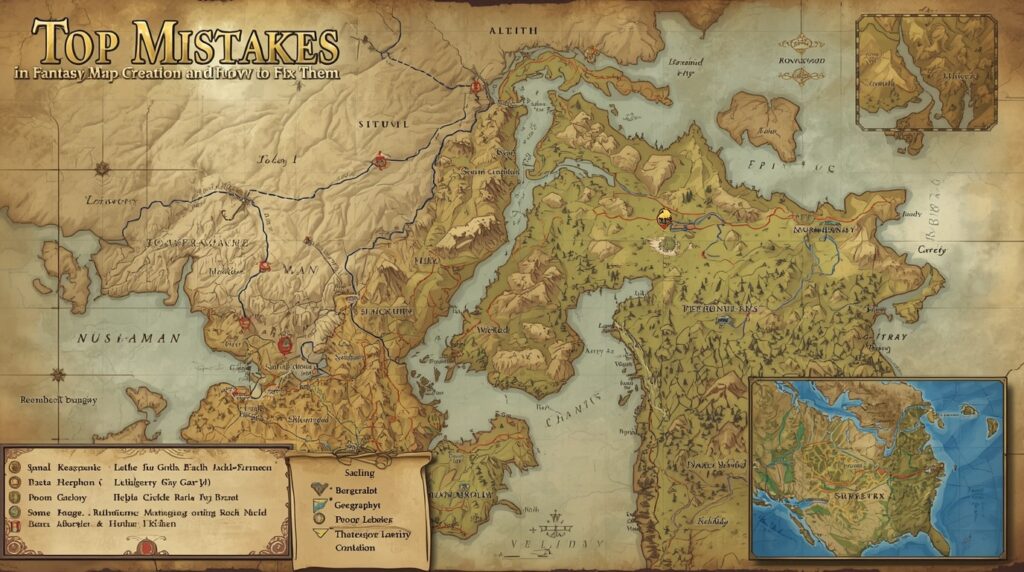
Top Mistakes in Fantasy Map Creation and How to Fix Them

Mistake 1: Picking a tool that can’t export big 

You make a great map. Then the export is tiny. Print looks fuzzy.

✅Fix: Choose tools that export high resolution (8k or similar) or vector/SVG when possible. Inkarnate Pro exports up to 8196×8196 px. 

Mistake 2: No way to mark places or link lore 

Your map looks fine, but you can’t pin towns or quest notes.

✅Fix: Use platforms with interactive map features and points of interest pins. World Anvil supports pins, layers, and links between maps and articles. 

Mistake 3: The style doesn’t match your world 

Your gritty setting needs a hand-drawn parchment look. Your tool only does glossy.

✅Fix: Pick tools with flexible map styles and broad asset packs. Or generate art that matches your AI fantasy map vibe, then keep that look across characters, places, and items.

Mistake 4: No team support 

You prep alone. Your group can’t help.

✅Fix: Use tools or workflows that support real-time teamwork for worldbuilding. Summon Worlds was built for collaborative creation with real-time features. 

Top Mistakes in Fantasy Map Creation and How to Fix Them

Below are focused, honest notes so you can choose fast. All are proven fantasy map-making software or platforms used by GMs and writers.

1. Summon Worlds

  • What it is: Summon Worlds is the Fantasy AI World Generator built for GMs and writers. Make characters, items, weapons, spells, and locations. Chat with characters, keep lore in real time, and build together. Available on Google Play and the App Store.
  • Strengths: On-phone creation, community feed, AI character chat, style presets for location art, and team workflow. Great when your story needs art, characters, and places all in one.
  • Watch-outs: It is a broad worldbuilding app. Use it solo, or pair it with a map painter if you need hyper-detailed cartography.

2. Azgaar Fantasy Map Generator

  • What it is: A free, open-source AI map generator (procedural) for world map scale. Layers for biomes, cultures, borders, rivers, and more. Includes “Places of interest,” markers, and multiple view modes (3D, globe). Exports and commercial use allowed.
  • Strengths: Massive map creation in minutes. Smart points of interest with markers. Great for creating custom maps of entire fantasy worlds.
  • Watch-outs: Style is data-heavy. You’ll polish visuals elsewhere if you want a hand-drawn feel.

3.. Inkarnate

  • What it is: Online fantasy map generator platform with ready art, brushes, and customization options. High resolution export up to 8k with Pro; commercial use allowed on Pro.
  • Strengths: Quick to create maps that look great. Many map styles for regions, cities, and dungeons.
  • Watch-outs: Best work sits behind the Pro plan.

4. Wonderdraft

  • What it is: Desktop fantasy map creation app; popular for hand-drawn looks and flexible assets. One-time purchase model.
  • Strengths: Full control, great for artists who want a custom look.
  • Watch-outs: Desktop only. You manage assets yourself and handle exports.

5. Dungeon Alchemist

  • What it is: AI-assisted battle map maker. Select room type; it auto places props and details. Exports straight to Foundry VTT and more.
  • Strengths: “Make rooms fast” is real. Ideal for last-minute sessions.
  • Watch-outs: Focused on 3D/room-level maps, not continental world map scale.

6. DUNGEONFOG

  • What it is: Web map tools for battlemaps with a vector editor, assets, and shareable library. Exports “Universal VTT” with lighting and walls for VTTs.
  • Strengths: Clean exports, VTT-ready, collaborative sharing.
  • Watch-outs: Subscription for full power.

7. World Anvil

  • What it is: A worldbuilding suite with interactive map pins, layers, and links to articles and timelines. Great for interactive elements and points of interest that click through to story content.
  • Strengths: Rich interactive elements. Tie maps to people, items, and history.
  • Watch-outs: It’s a platform, not a painter; you often build the map art elsewhere, then upload and enrich it.

How to Choose the Right AI Map Generator Quickly

  • Want to build worlds, characters, and location art with your group in real time on mobile? Use Summon Worlds. 
  • Need a whole world map fast with points of interest and data? Start with the Azgaar fantasy map generator. Then stylize later.
  • Need a pretty regional map this weekend? Choose Inkarnate Pro for high-resolution output and easy map styles.
  • Want a hand-drawn desktop look you control forever? Pick Wonderdraft (one-time).
  • Need battle maps “now”? Use Dungeon Alchemist for AI map generator speed and VTT export.
  • Want lore-linked interactive map pages with interactive elements? Host in World Anvil and add pins.

🧭 Ready to Start Building a World of Your Own?

Choose the best ai map generator

You don’t need one tool for everything. Mix AI Map Generators with a clear plan. Use Azgaar for world scale and data. Pick Inkarnate or Wonderdraft when you want a hand-drawn look with tight customization options.

Go with Dungeon Alchemist or DUNGEONFOG for fast battlemaps and VTT exports. Host pins and links on World Anvil when you need interactive elements. Then let Summon Worlds hold it all together. Your team builds fantasy worlds in real time, with characters, items, and locations side by side, and art that matches your AI fantasy map vibe.

📈The result is simple: faster prep, cleaner sessions, and maps that fit your story.

Keep your style consistent. Keep your notes close to the map. Ship your next game night with less stress.

👉🏻Try Summon Worlds free today:

Google Play (Android) • App Store (Apple)

Disclaimer: Summon Worlds and the content on summonworlds.com are not affiliated with, endorsed by, or sponsored by Wizards of the Coast LLC. Dungeons & Dragons, D&D, and related terms are registered trademarks of Wizards of the Coast. Any references to D&D game mechanics, settings, or terminology are made for educational, commentary, and fan content purposes only. This blog does not reproduce or distribute official D&D content. All original ideas, characters, and creative content in this post are the intellectual property of OpenForge LLC, the parent company of Summon Worlds.

Share the Post:

Related Posts

How to Design Fantasy Calendars and Time Systems for Your Storyworlds

Read More
December 22, 2025

Fantasy Names That Tell a Story: How to Use Naming to Build Cultures

Read More
December 17, 2025

FAQ'S

What is an AI map generator?

An AI map generator uses rules or AI to create maps quickly. Some build a full world map. Others make rooms or dungeons. Look for customization options, map styles, and high-resolution export so your generated maps are ready for print or VTT.

How to choose the best fantasy map-making software?

Decide on your scale first. Pick tools with the right export, points of interest, and interactive map needs. For creating custom maps, test Azgaar (world), Inkarnate/Wonderdraft (style), and Dungeon Alchemist/DUNGEONFOG (battlemaps). Host lore with pins if you need interactive elements.

Why pair map tools with Summon Worlds?

Maps are only half the job. You need people, items, and a story. Summon Worlds lets teams build that core in real time, while your chosen painter handles map creation. The result is a tight world with matching art and faster prep.

What are good customization options to look for?

Look for brush control, textures, label tools, and export size. Check for style presets for hand-drawn or parchment looks. If you need points of interest, make sure you can add pins, labels, and links on an interactive map.

What about interactive map hosting for campaigns?

If you want players to click towns and read notes, host your map on a platform with interactive elements and pins, like World Anvil. Then keep characters, items, and scenes inside Summon Worlds to keep sessions fast and coherent.
Read More
AI Roleplay Characters
October 1, 2025
by Andrea ChavezBlog

Most Popular AI Roleplay Characters in Summon Worlds (Community Spotlight)

Most Popular AI Roleplay Characters in Summon Worlds (Community Spotlight)

AI Roleplay Characters

Discover the most popular roleplay characters in Summon Worlds. Learn quick setup tips, see what works at the table, and download the app to play today.

  • October 1, 2025
  • Andrea Chavez

Feeling rushed before sessions? Players ask for details you didn’t prep? Notes scattered?

✨Here’s a better way✨

Summon Worlds helps you build AI Roleplay Characters that answer fast, remember facts, and keep your tone. You set rules. You keep full control. You can chat, run scenes, and show a face with image generation.

In this post, you’ll see which character types the community uses the most. You’ll learn why they work, how to set them up in minutes, and what mistakes to avoid. You’ll also get quick tips for smooth role-playing at the table or on the go.

If you’re a GM or a writer who needs strong voices and a steady memory, this guide is for you. Ready to meet the fan favorites and use them tonight? Read on.

Writers working in fantasy genres are increasingly using AI to expand their settings, this piece on AI-assisted fantasy worldbuilding explores how it’s being done.

Table of Contents

Why AI Roleplay Characters Stand Out in Summon Worlds

🕰Old vs. new: why this matters

Before, you wrote pages of notes. Then you tried to act them out at the table. It was slow. And easy to forget. Players asked for details you didn’t prep. Sessions stalled.
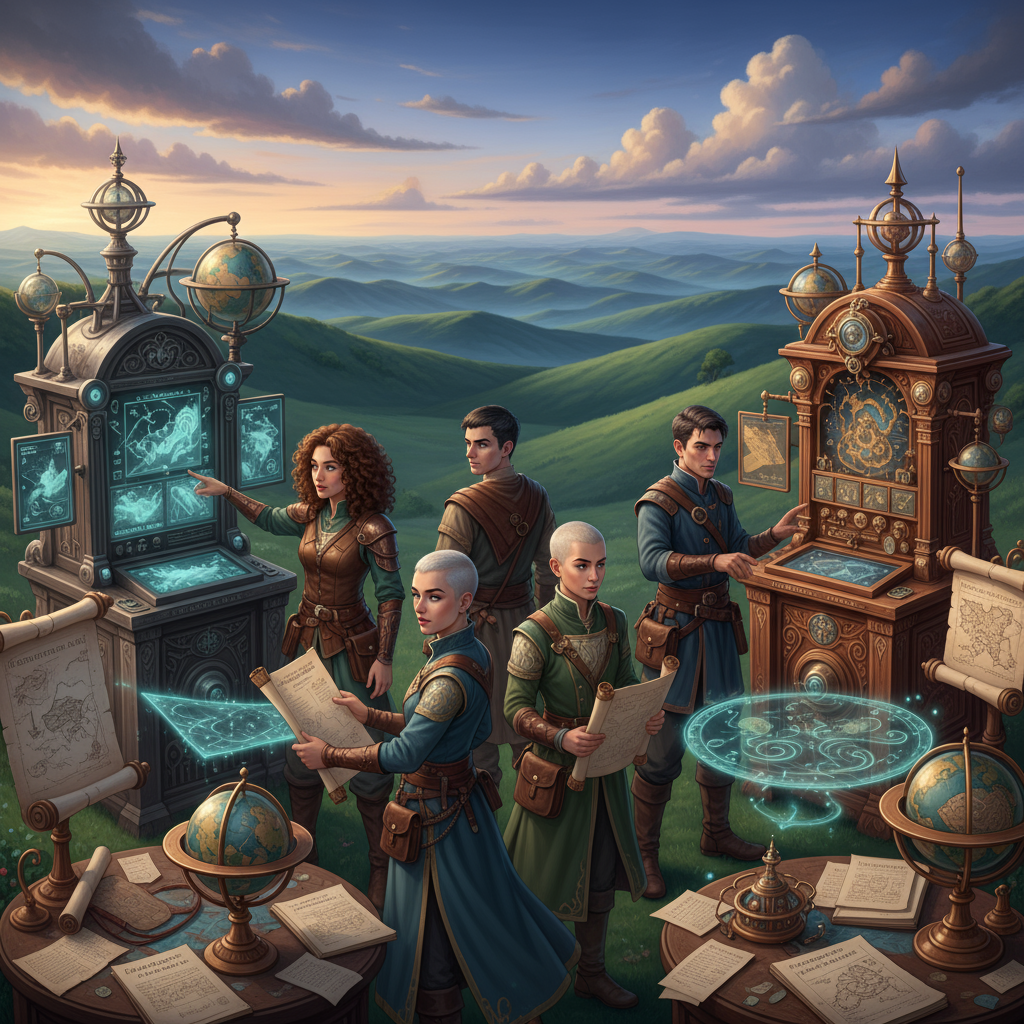
Now you can build fictional characters with artificial intelligence helping you. You get fast replies, rich backstories, and a memory that holds. The best part? You still guide the story. You set boundaries. You set the tone. You keep the lore.

📲The experience in the app

  • Create a character in minutes.
  • Give them a voice and goals.
  • Start chatting right away.
  • The character stays in character because you set rules and context.
  • You choose language models and tune them.
  • You can switch to real-time voice replies if you like.
  • You can render portraits with image generation and organize everything in Collections.

The result: quick response time, strong consistency, and characters that fit your world.

Writers exploring different tools beyond ChatGPT might find this list of ChatGPT alternatives useful for comparing features and writing support.

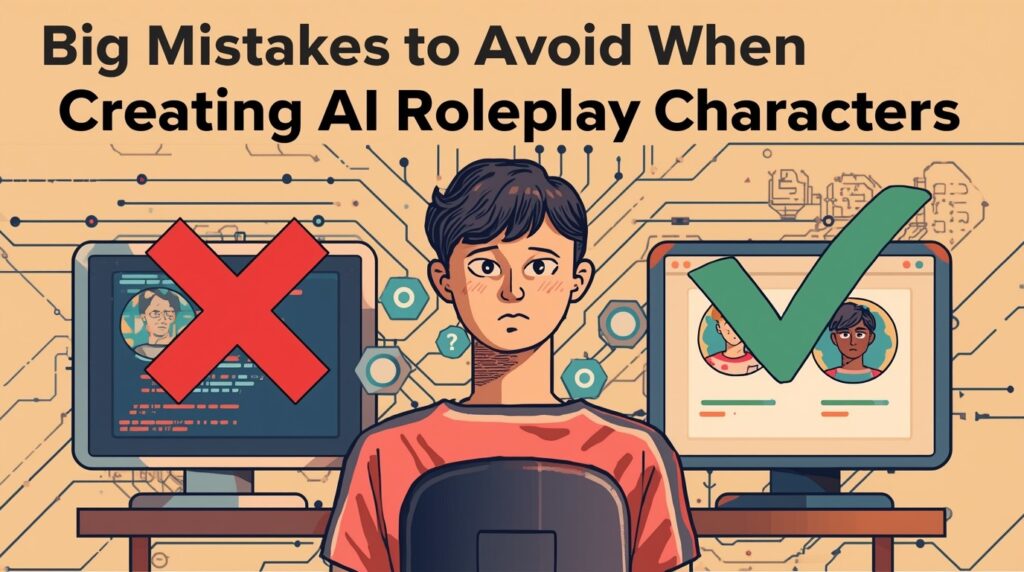
Big Mistakes to Avoid When Creating AI Roleplay Characters

Mistake 1: Vague instructions

If your character’s brief is thin, the voice will drift.

👉🏻Fix: Use Character Instructions. Add role, motive, secrets, speech style, and boundaries. Keep it short and clear.

Mistake 2: No guardrails

Players push hard. If your NPC has no limits, tone may slide.

👉🏻Fix: Set hard “do” and “don’t” rules. Make safety clear. Give examples of good and bad responses.

Mistake 3: Ignoring memory

You want continuity across sessions.

👉🏻Fix: Keep a simple session log. Write down allies, enemies, arcs, vows, items, and scene changes.

Mistake 4: One-size-fits-all model choice

Different language models behave differently.

👉🏻Fix: Try the three model options. Test voice, speed, and response time. Pick the one that fits your scene and tone.

Mistake 5: No visual identity

Players bond faster with a face.

👉🏻Fix: Use image generation with style presets like Epic Fantasy, Steampunk, or Anime. Make variants, then pick the best for your sheet.

Mistake 6: Letting things get messy

Too many notes outside the app kills the flow.

👉🏻Fix: Keep your AI characters and lore inside Collections. Tag them. Use the Social feed to save favorites. Keep prep inside one place.

Top AI Roleplay Characters Loved by Community in Summon Worlds

Build a Fantasy World with AI

These are the types the community keeps building and using. Each one is quick to set up, reads well at the table, and holds up in long arcs.

1) The Vow-Bound Paladin

  • Why it works: Clear code. Big stakes. Strong party glue.
  • Set up tips: In Character Instructions, add oath, deity, taboo, and mercy rules. Pick a warm but formal voice. Use Epic Fantasy for image generation.
  • Best use: Moral checks, tense court scenes, and rescue beats.

2) The Fae Trickster

  • Why it works: Mischief pushes the story forward. Secrets hook players.
  • Set up tips: Set rules for riddles and bargains. Define limits on lies. Give them a weakness like cold iron.
  • Best use: Use them in forest journeys, fae markets, and wish-at-a-price scenes.

3) The Steampunk Tinkerer

  • Why it works: Gadgets raise the action and color the world.
  • Setup tips: Choose a craft focus, a signature device, and a flaw like impatience. Give them a Steampunk-style portrait.
  • Best use: Use them for heists, chases, and puzzle doors.

4) The Witch of the Weald

  • Why it works: Folk magic and local lore deepen a region.
  • Setup tips: Add a code of boons and boons owed. Keep speech gentle and clipped.
  • Best use: Cures, curses, and hard choices about a town’s fate.

5) The Tavern Bard

  • Why it works: Instant party connector and rumor engine.
  • Set up tips: List favorite songs, name rivals, and note one debt.
  • Best use: Use them to open sessions, fill downtime scenes, and drop key info.

6) The Dragon Scholar

  • Why it works: This scholar pulls players deep into history.
  • Setup tips: List three topics they obsess over.
  • Best use: Ancient sites, relic hunts, and moral debates.

7) The Shadow Rogue

  • Why it works: Tension and stealth scenes need a voice.
  • Setup tips: Short replies. Sparse emotion. Clear code for contracts.
  • Best use: Recon, blackmail, and pressure valve scenes.

8) The Anime Swordsman

  • Why it works: Clean archetype. Big heart. Iconic duels.
  • Setup tips: Use Anime style for image generation. Set a signature move and a vow.
  • Best use: Rivalries, training arcs, and boss fights.

9) The Star Ranger

  • Why it works: Sci-fantasy crossovers boost scope and surprise.
  • Setup tips: Define home sector, call sign, and mission code.
  • Best use: Strange ruins, alien talk, and tech vs. magic scenes.

10) The Clockwork Oracle

  • Why it works: Fate and logic make sharp story turns.
  • Set up tips: Lay out prophecy rules and price. Keep tone calm and crisp.
  • Best use: Choosing paths, warning of costs, and time-bent quests.

Key Features That Make Summon World's Characters Come Alive

Summon World's Characters

👩‍🎤Character creation that respects your prep

Build sheets fast. Auto backstories help, and you can edit every line. You keep full control. You can add secrets, arcs, and ties to your world. Everything sits in one place.

💬Chat that flows

You can chat with AI like you would at the table. The character stays in character because you set the rules. You can switch voices. You can jump into real-time replies for a live scene. Think AI chatbots, but tuned for GMs and writers.

🎬Visual identity on tap

Spin up portraits with image generation. Use Style Presets: Epic Fantasy, Steampunk, Anime, and more. Make pre-built looks for a faction or city guard. Create extra images for gear, mounts, and items. Your cast feels real when the table can see them.

📝Memory that holds

Context Memory keeps facts straight. The tool recalls names, events, and promises. You won’t lose plot threads mid-scene. Your response time stays quick because the app trims and keeps only what matters.

🗣Voices and costs you can see

Pick from many voices. Match tone to role. You also see costs up front per message. That helps you plan scenes and long campaigns.

By structuring your prompt with clear parameters—location, timeline, environmental conditions, and key worldbuilding questions—you ensure the AI delivers useful, well-organized responses.

🧭 Ready to Start Building a World of Your Own?

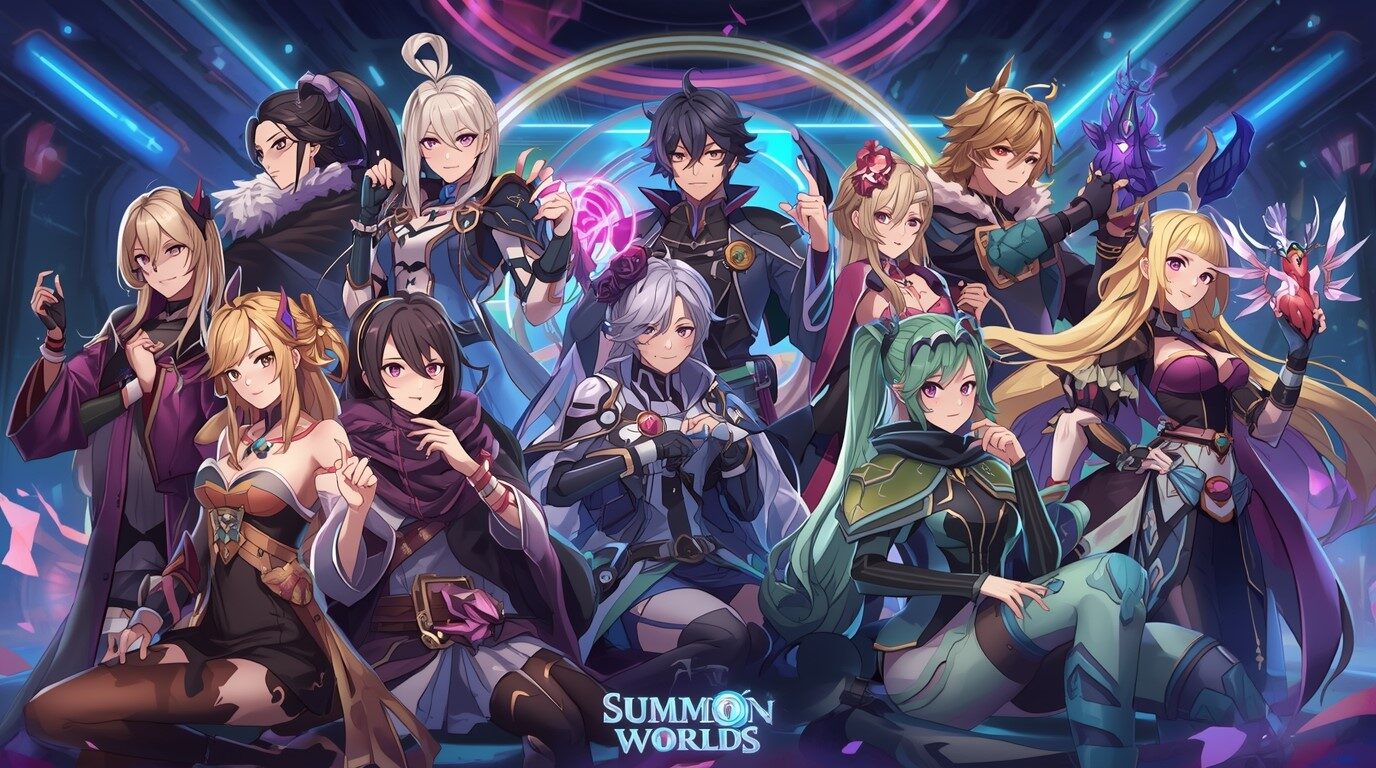
AI Roleplay Characters in Summon Worlds keep your story moving. You keep full control while the app handles memory and fast response time. You can chat with AI, swap language models, set tone, and use image generation for faces and items. Your cast stays in character. Your notes stay tidy. It works for role-playing at the table and on the go.

✅Try it free today on Google Play and the App Store.

👉🏻Open the app, pick a character from this spotlight, add three rules and one flaw, and start chatting. See how fast your world wakes up!

Disclaimer: Summon Worlds and the content on summonworlds.com are not affiliated with, endorsed by, or sponsored by Wizards of the Coast LLC. Dungeons & Dragons, D&D, and related terms are registered trademarks of Wizards of the Coast. Any references to D&D game mechanics, settings, or terminology are made for educational, commentary, and fan content purposes only. This blog does not reproduce or distribute official D&D content. All original ideas, characters, and creative content in this post are the intellectual property of OpenForge LLC, the parent company of Summon Worlds.

Share the Post:

Related Posts

How to Design Fantasy Calendars and Time Systems for Your Storyworlds

Read More
December 22, 2025

Fantasy Names That Tell a Story: How to Use Naming to Build Cultures

Read More
December 17, 2025

FAQ's

What is an AI roleplay character in Summon Worlds?

It’s a character you set up with goals, rules, and memory. You chat with AI to run scenes, plan arcs, or test dialogue. You can add portraits with image generation. The character stays in character because you control voice, context, and safety.

How to make characters answer fast and stay consistent?

Keep instructions short. Use Memory for key facts. Pick the language models and tone that fit your scene. Test a two-minute chat before game night. Tight rules plus clean memory improve response time and hold voice across many sessions.

Why use Summon Worlds over other tools?

It’s made for GMs and writers. You get quick setup, strong memory, and visual tools. It’s one of the few mobile apps that puts world notes, portraits, and AI chatbots together. You can run scenes in real time and keep prep in one place.

What are the plan options if I run big campaigns?

You can start for free. Paid plans and a premium subscription support longer chats, more image generation, and higher limits. You can also buy extra creation fuel when needed. Pick what fits your schedule and table.

What is the best way to handle sensitive or adult content?

What is the best way to handle sensitive or adult content? Use clear rules and safety settings. Keep drafts private until ready. NSFW characters are behind controls. You decide what to see. For mixed groups, keep strict tone rules so your AI characters stay in character without crossing lines
Read More
Build a Fantasy World with AI
September 30, 2025
by Andrea ChavezBlog

How to Build a Fantasy World with AI (Without Losing Your Personal Touch)

How to Build a Fantasy World with AI (Without Losing Your Personal Touch)

Build a Fantasy World with AI

Discover how a Fantasy World AI Generator helps you create immersive worlds that feel real, while keeping your personal touch. Try Summon Worlds today!

  • September 30, 2025
  • Andrea Chavez

Stuck on a blank page? Map half done? Names not landing? Prep time tight? You want a fantasy world that feels real and still sounds like you.

Here’s the shift: use a Fantasy World AI Generator as a fast helper, not a writer. With artificial intelligence in Summon Worlds, you guide the creative process. The tool speeds drafts. You keep voice, rules, and taste. 

👇What you’ll get below: a clear plan for world-building that holds up at the table and on the page. We’ll link story elements to one historic event and the real world. We’ll shape magic systems with limits so the world feels true. We’ll set character arcs and tighten characters’ plots. 

Want a hint of sci-fi in your setting? You can do that too. We’ll also show quick ways to create immersive art, maps, and NPCs without losing control.

If you’re ready to build, start reading the guide below.

Table of Contents

How to Make Your Fantasy World Feel Real

World-building is simple at heart. You decide what exists, how it works, and why it matters. Think land, culture, power, faith, trade, and myth. Add one anchor at a time. Link each choice to a cost or a change. That is the creative process. It keeps the world feeling grounded in cause and effect.

⏳Old method: stacks of notes and lost timelines.

⏰New method: you still make the calls, but artificial intelligence helps you draft, test, and tidy. You remain the author. The tool speeds the heavy lifting.

Start small. Pick a region. Write three truths about weather, history, and power. Ask, “If this is true, what shifts?” Each answer adds weight and makes the place feel real.

Writers exploring different tools beyond ChatGPT might find this list of ChatGPT alternatives useful for comparing features and writing support.

Top Worldbuilding Mistakes and How to Fix Them

  • Mistake 1: Soft magic with no limits

    ✅The fix: write limits first. Costs create drama. If healing drains years of life, every spell is a choice. If portals need rare ore, travel has stakes. This rule turns powers into plot fuel and keeps characters’ plots tight. 

    Mistake 2: Generic cultures

    ✅The fix: tie culture to land and historic events. A rain-scarce coast breeds salt guilds and strict water laws. A lost war shapes names, songs, and borders. Your “why” beats any long list. Use real-world echoes, then twist them.

    Mistake 3: Timelines that wobble

    ✅The fix: log one anchor per century, decade, and year. Mark what changed food, speech, borders, or gods. Keep dates short. Your plot will thank you.

    Mistake 4: Main cast with weak character arcs

    ✅The fix: give each lead a need, a fear, and a wound. Link each arc to the magic systems and the city rules. When the world pushes, your people grow. Your story elements lock together.

    Mistake 5: Copying the first AI-generated draft

    ✅The fix: run the “Rule of Three.” Ask for three versions. Merge the best. Rewrite one paragraph in your voice. Trim clichés. This keeps sameness out. 

Why Summon Worlds Is the Best Fantasy World AI Generator

Best Fantasy World AI Generator

Summon Worlds is made for GMs, TTRPG groups, and writers. It helps you build characters, items, places, and lore. You can work solo or with friends in real time. Here is how the parts map to your goals:

Create images and assets fast

  • AI Art Generation: make heroes, creatures, items, weapons, locations, and spells.
  • Style Presets: Epic Fantasy, Steampunk, Anime, Photoreal, Airbrush, Futuristic. Great when you blend sci-fi or gaslamp flavor into a fantasy world.
  • Custom Prompts + Enhance Chips: tune looks, sharpen details, and keep tone steady.
  • Extra Images: expand a gallery for one character or site and republish when ready.
  • Drafts / Private: keep work hidden until it’s ready to show.

Build people who feel alive

  • Character Creation: detailed sheets with editable, auto-built backstories.
  • AI Character Chat: talk to any character. Test voice, role, and goals.
  • Voice Generation: pick unique voices; let scenes “play” while you listen.
  • Context Memory: the chat remembers lore, tone, and past choices.
  • Character Instructions: set values, flaws, humor, and emotional range.
  • Knowledge Integration: keep the chat aware of world facts and history.
  • Cost Transparency + Memory Limits: clear usage and tier rules so you can plan.

Prep faster for TTRPG sessions

  • 5e Alignment + Optimization: auto base stats, ability scores, actions, and tools you can edit. Good for quick NPCs or stat blocks that match your tone.

Create and share safely

  • Social Feed: like, comment, follow, and find new ideas.
  • Collections: group story elements and art like a mood board.
  • Publishing Controls: draft, private, or public.
  • Community Integration: share in your spaces when you wish.

Fuel and growth

  • Mana System: in-app creative fuel.
  • Daily Rewards: earn free mana.
  • Pro Tier + One-time Purchases: get more mana or perks, as needed.

👉🏻Bottom line: you control the tone and the rules. The app speeds the busywork so your creative process stays fun.

Step-by-Step Workflow to Build a Fantasy World with AI

1️⃣Step 1: Set your north star

Write one line that sums up the world. Example: “Storms power the guilds.” This guides tone, story elements, and stakes.

2️⃣Step 2: Define the magic systems (with limits)

List three things your magic can’t do, two costs, and one flaw. Now your system has tension. This locks plot and character arcs to real choices.

3️⃣Step 3: Map culture through a historic event

Pick one event that still shapes life today. A lost queen. A plague ship. A sky mine collapsed. Show how food, law, or trade changed. This makes the place feel real.

4️⃣Step 4: Build your core cast

Give each lead a want, a fear, and a bond to the place. Use AI Character Chat to test voice. Ask how they argue. Ask what they hide. Edit the replies so they sound like people you’d write.

5️⃣Step 5: Sketch characters, plot, and character arcs

Note one inner change and one outer quest for each lead. Keep the steps small. Tie each beat to a rule of the world. If magic costs blood, a healer’s arc is about guilt and need.

6️⃣Step 6: Create immersive visuals

Use art tools to build faces, relics, shops, and roads. Use style presets to keep a steady look. Add sci-fi touches if your setting bends toward Starcraft or clockwork. Keep it light. Your text still leads.

7️⃣Step 7: Test scenes in chat

Run a scene in the tavern or the court. Ask for three scene beats. Pick the best. Rewrite lines so they match your voice. This cuts AI-generated noise and keeps your hand on the wheel. Research shows creators who keep control of key steps protect their voice and values.

8️⃣Step 8: Lock rules with short notes

Create a one-page guide: money, travel time, taboos, and spell limits. Add three sample sayings or proverbs. This anchors world-building with quick checks.

9️⃣Step 9: Keep a light canon

Use collections and tags. Store maps, laws, and NPC ties. Add a “truths” note for each region. Your prep stays ready for the table or the page.

How to Start with Summon Worlds Today?

You can build a world that feels real and still sounds like you. Set clear rules. Give magic systems a cost. Anchor one historic event. Shape story elements around people and power. Track tight character arcs. Trim clichés.

Summon Worlds speeds the work and keeps your voice. Draft art, items, NPCs, and notes fast. Use chat memory and 5e helpers when time is short.

👇Ready to create immersive worlds? 

Try Summon Worlds, the Fantasy World AI Generator, free on Google Play and the App Store. Build now. Keep control.

Disclaimer: Summon Worlds and the content on summonworlds.com are not affiliated with, endorsed by, or sponsored by Wizards of the Coast LLC. Dungeons & Dragons, D&D, and related terms are registered trademarks of Wizards of the Coast. Any references to D&D game mechanics, settings, or terminology are made for educational, commentary, and fan content purposes only. This blog does not reproduce or distribute official D&D content. All original ideas, characters, and creative content in this post are the intellectual property of OpenForge LLC, the parent company of Summon Worlds.

Share the Post:

Related Posts

How to Design Fantasy Calendars and Time Systems for Your Storyworlds

Read More
December 22, 2025

Fantasy Names That Tell a Story: How to Use Naming to Build Cultures

Read More
December 17, 2025

FAQ's

What is a Fantasy World AI Generator?

It’s a tool that helps you design places, people, and rules for your world. You still decide tone and meaning. The app drafts art, names, and notes so you move faster. You keep control of voice, story elements, and final choices.

How to keep my creative process human while using AI?

Pick where you will not use the tool: theme, key twists, final prose. Use AI for options only. Ask for three takes, then merge and rewrite. This avoids AI-generated sameness and protects your voice.

Why set limits for magic systems?

Limits create tension. Costs force hard choices and shape character arcs. When power has a price, scenes gain weight, and the world feels believable. This is a proven craft approach for strong magic design.

What is the best way to make a city feel real fast?

Anchor it to land and one historic event. Show how water, trade, or law changed. Add a proverb, a street food, and a local taboo. Tie at least one quest to each. Small, true details create immersive play and reading.

How to mix sci-fi with a fantasy world?

Pick one rule that binds both. Link gear, slang, and law to that rule. Keep terms simple. Let conflicts show up in markets, ships, and guilds. Use art tools to keep a steady look across tech and myth.
Read More
  • 1
  • 2
  • 3
  • 4
  • 5
  • 6
summon worlds ai art

SUMMON WORLDS IS THE PLATFORM FOR COLLABORATIVE WORLDBUILDING, CHARACTER CREATION, AND INTERACTIVE STORYTELLING

Join Our Community

Build Worlds. Meet Friends. Share Stories

D&D Character Art

Join thousands of writers, game masters, and artists sharing inspiration, tutorials, and Collaborative Worldbuilding projects!

YouTube

Tiktok

Reddit

Instagram

About Cookies | Terms and Conditions | Privacy Policy 

Copyright © 2025 OpenForge LLC. All Rights Reserved.

Back To Top