summon worlds ai art
  • Home
    • About Summon Worlds
    • AI Image Generator | Summon Worlds
    • Fantasy AI Worldbuilding
    • AI Chat Roleplay | Summon Worlds
    Epic fantasy party lineup featuring a muscular armored bear warrior, a wise old wizard in a pointed hat, a radiant winged female elf with glowing armor, and a noble white dragon humanoid – set against a surreal alien twilight landscape with jagged mountains and multiple moons, perfect for immersive AI-powered roleplay and worldbuilding.
    About Us
    Expansive floating city with futuristic towers and a colossal suspended orb, surrounded by clouds and cascading waterfalls at sunrise – AI-generated fantasy world perfect for collaborative storytelling and immersive worldbuilding.
    Fantasy AI Worldbuilding
    Mystical fairy with luminous wings and a jeweled headpiece, gazing through the twilight with a glowing green serpent coiled across her shoulder—an ethereal guide to realms where magic and danger intertwine in Summon Worlds.
    AI Art
    Futuristic biker racing across a dusty alien landscape with towering rock formations, scattered meteors, and a massive ringed planet looming overhead, an adrenaline-charged moment in an AI-generated world perfect for sci-fi storytelling and off-world adventure campaigns.
    AI Chat Roleplay
  • Worlds
    • Create a World with AI | Summon Worlds
    • Summon Worlds For Dungeon Masters
    • Summon Worlds For Writers
    create an ai art world

    Create a World

    Design stunning worlds with the help of AI

    dnd masters

    For Dungeon Masters

    Transform your D&D campaign preparation

    ai art storytelling

    For Writers

    Create immersive fantasy worlds through interactive roleplay

  • Resources
    • Blog
    • Summon Worlds Community Updates
  • Plans
    • Pricing Plans for Worldbuilders and Storytellers
  • Guidebook
    • Guidebook
Join Us!
summon worlds ai art
  • Home
    • About Summon Worlds
    • AI Image Generator | Summon Worlds
    • Fantasy AI Worldbuilding
    • AI Chat Roleplay | Summon Worlds
    Epic fantasy party lineup featuring a muscular armored bear warrior, a wise old wizard in a pointed hat, a radiant winged female elf with glowing armor, and a noble white dragon humanoid – set against a surreal alien twilight landscape with jagged mountains and multiple moons, perfect for immersive AI-powered roleplay and worldbuilding.
    About Us
    Expansive floating city with futuristic towers and a colossal suspended orb, surrounded by clouds and cascading waterfalls at sunrise – AI-generated fantasy world perfect for collaborative storytelling and immersive worldbuilding.
    Fantasy AI Worldbuilding
    Mystical fairy with luminous wings and a jeweled headpiece, gazing through the twilight with a glowing green serpent coiled across her shoulder—an ethereal guide to realms where magic and danger intertwine in Summon Worlds.
    AI Art
    Futuristic biker racing across a dusty alien landscape with towering rock formations, scattered meteors, and a massive ringed planet looming overhead, an adrenaline-charged moment in an AI-generated world perfect for sci-fi storytelling and off-world adventure campaigns.
    AI Chat Roleplay
  • Worlds
    • Create a World with AI | Summon Worlds
    • Summon Worlds For Dungeon Masters
    • Summon Worlds For Writers
    create an ai art world

    Create a World

    Design stunning worlds with the help of AI

    dnd masters

    For Dungeon Masters

    Transform your D&D campaign preparation

    ai art storytelling

    For Writers

    Create immersive fantasy worlds through interactive roleplay

  • Resources
    • Blog
    • Summon Worlds Community Updates
  • Plans
    • Pricing Plans for Worldbuilders and Storytellers
  • Guidebook
    • Guidebook
Join Us!
  • Home
    • About Summon Worlds
    • AI Image Generator | Summon Worlds
    • Fantasy AI Worldbuilding
    • AI Chat Roleplay | Summon Worlds
    Epic fantasy party lineup featuring a muscular armored bear warrior, a wise old wizard in a pointed hat, a radiant winged female elf with glowing armor, and a noble white dragon humanoid – set against a surreal alien twilight landscape with jagged mountains and multiple moons, perfect for immersive AI-powered roleplay and worldbuilding.
    About Us
    Expansive floating city with futuristic towers and a colossal suspended orb, surrounded by clouds and cascading waterfalls at sunrise – AI-generated fantasy world perfect for collaborative storytelling and immersive worldbuilding.
    Fantasy AI Worldbuilding
    Mystical fairy with luminous wings and a jeweled headpiece, gazing through the twilight with a glowing green serpent coiled across her shoulder—an ethereal guide to realms where magic and danger intertwine in Summon Worlds.
    AI Art
    Futuristic biker racing across a dusty alien landscape with towering rock formations, scattered meteors, and a massive ringed planet looming overhead, an adrenaline-charged moment in an AI-generated world perfect for sci-fi storytelling and off-world adventure campaigns.
    AI Chat Roleplay
  • Worlds
    • Create a World with AI | Summon Worlds
    • Summon Worlds For Dungeon Masters
    • Summon Worlds For Writers
    create an ai art world

    Create a World

    Design stunning worlds with the help of AI

    dnd masters

    For Dungeon Masters

    Transform your D&D campaign preparation

    ai art storytelling

    For Writers

    Create immersive fantasy worlds through interactive roleplay

  • Resources
    • Blog
    • Summon Worlds Community Updates
  • Plans
    • Pricing Plans for Worldbuilders and Storytellers
  • Guidebook
    • Guidebook
ai art generator
ai art generator
  • Home
    • About Summon Worlds
    • AI Image Generator | Summon Worlds
    • Fantasy AI Worldbuilding
    • AI Chat Roleplay | Summon Worlds
    Epic fantasy party lineup featuring a muscular armored bear warrior, a wise old wizard in a pointed hat, a radiant winged female elf with glowing armor, and a noble white dragon humanoid – set against a surreal alien twilight landscape with jagged mountains and multiple moons, perfect for immersive AI-powered roleplay and worldbuilding.
    About Us
    Expansive floating city with futuristic towers and a colossal suspended orb, surrounded by clouds and cascading waterfalls at sunrise – AI-generated fantasy world perfect for collaborative storytelling and immersive worldbuilding.
    Fantasy AI Worldbuilding
    Mystical fairy with luminous wings and a jeweled headpiece, gazing through the twilight with a glowing green serpent coiled across her shoulder—an ethereal guide to realms where magic and danger intertwine in Summon Worlds.
    AI Art
    Futuristic biker racing across a dusty alien landscape with towering rock formations, scattered meteors, and a massive ringed planet looming overhead, an adrenaline-charged moment in an AI-generated world perfect for sci-fi storytelling and off-world adventure campaigns.
    AI Chat Roleplay
  • Worlds
    • Create a World with AI | Summon Worlds
    • Summon Worlds For Dungeon Masters
    • Summon Worlds For Writers
    create an ai art world

    Create a World

    Design stunning worlds with the help of AI

    dnd masters

    For Dungeon Masters

    Transform your D&D campaign preparation

    ai art storytelling

    For Writers

    Create immersive fantasy worlds through interactive roleplay

  • Resources
    • Blog
    • Summon Worlds Community Updates
  • Plans
    • Pricing Plans for Worldbuilders and Storytellers
  • Guidebook
    • Guidebook

Category: Blog

dnd races
September 30, 2025
by Andrea ChavezBlog

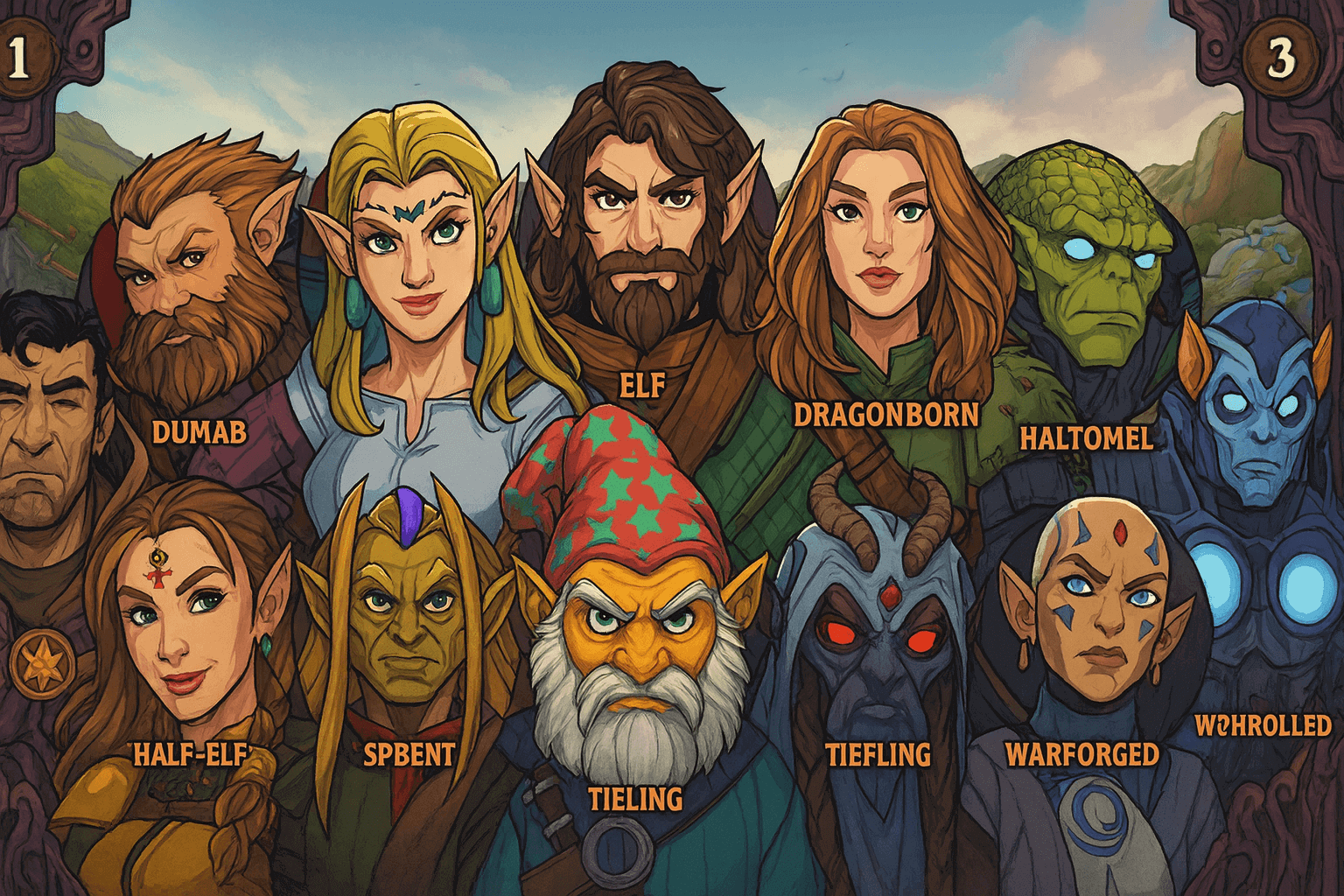
Top 10 Most Popular D&D Races (And Why Players Love Them)
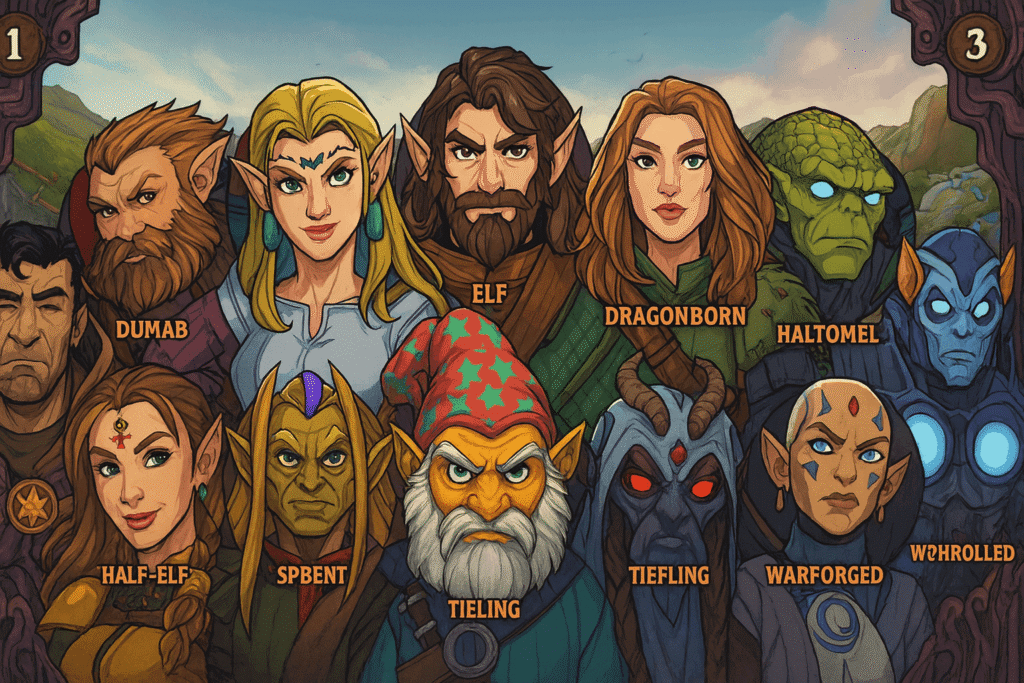
Top 10 Most Popular D&D Races (And Why Players Love Them)

dnd races

Discover the top 10 D&D Classes and Races players can’t stop choosing. Learn why they shine and start building your perfect character today!

  • September 30, 2025
  • Andrea Chavez

Stuck on what race to pick for your next Dungeons Dragons game? Session zero is closed. You need to build a character that fits your group, your story, and your style. Too many tabs. Too little time. Building a character should be simple and fun, not a slog.

Here’s the shift. You no longer have to guess and hope. Summon Worlds helps you test ideas fast: names, looks, traits, and a tight backstory. You keep the spark. The app does the heavy lifting.

What you’ll get below is clear and practical. We’ll cover the Top 10 D&D races, why players love them, and where they shine with different classes. We’ll point to quick ways to try them in Summon Worlds, so you can move from thought to table in minutes. New books may say “species,” and many tables still say “race.” We’ll use “race” here for plain reading, while keeping the focus on play.

If you care about D&D Classes and Races, you’re in the right place. Ready to pick your next hero? Scroll on and find the race that clicks.

Table of Contents

Understanding D&D Races and the New “Species” Update

Choosing a race sets story roots, sensory details, and early features. In the 2024 rules, “species” replaces the older term and ability boosts tie more to background than biology. This opens room for any class mix without forcing stat picks. It also adds core options like goliath and aasimar, and reframes older lore.

Old vs. new

  • ⏳Old approach: Racial bonuses pushed common class pairings (for example, human fighters, elf rangers). FiveThirtyEight’s 2017 snapshot reflected that pull.
  • ⏰New approach: Class is freer from specific math. Pick a story first, then shape stats with your background.

Writers exploring different tools beyond ChatGPT might find this list of ChatGPT alternatives useful for comparing features and writing support.

Top 10 D&D Races and Why Players Love Each One
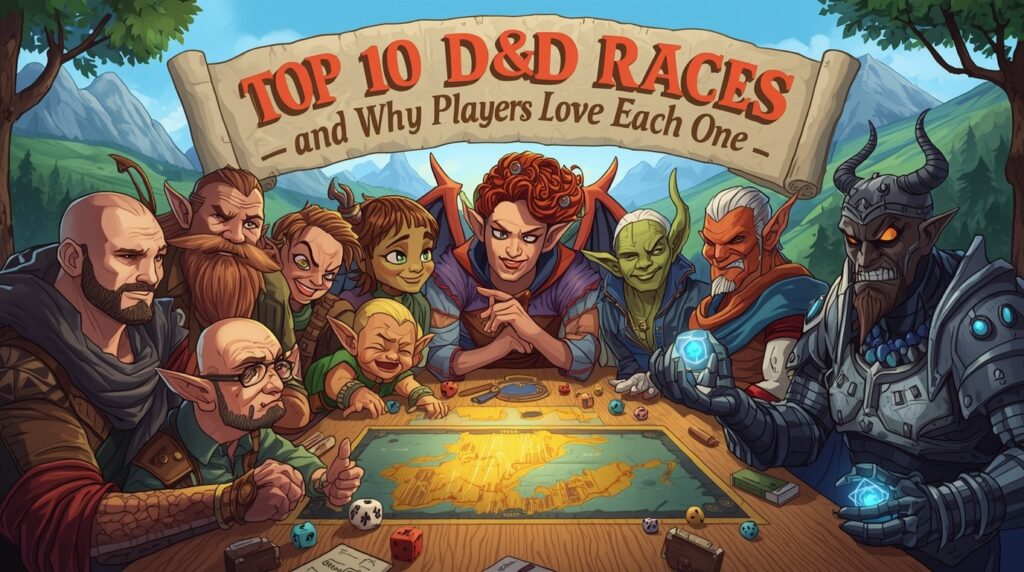
Below are the ten most popular D&D races and why players keep picking them. Use the build-fast tips to speed prep in Summon Worlds.

1) Human

Why players love it

  • Works with any class.
  • Easy to roleplay in any world.
  • Many settings center on human realms.

👉🏻Data note: Humans ranked #1 in the 2017 and 2023 datasets.

Build-Fast tips in Summon Worlds

  • Start with a Personality hook (duty, curiosity, faith).
  • Use Summon AI to draft three backstory seeds (home, mentor, flaw).
  • Generate a portrait in Epic Fantasy or Photorealistic, then save to a collection.

2) Elf

Why players love it

  • Graceful, sharp senses, long life.
  • Magic-leaning themes fit many classes.
  • Strong ties to nature or high culture.

👉🏻Data note: Consistently sits right behind Human.

Build-Fast tips

  • Ask: wood court, high hall, or shadow kin?
  • Spin a centuries-long memory with Context Memory so the AI recalls old vows.
  • Add elven heirlooms (bow, songblade) via Items.

3) Dragonborn

Why players love it

  • Breath weapon is iconic.
  • Clear clan identity and colors.
  • Easy hook for honor or legacy.

👉🏻Data note: Among the top species in 2023.

Build-Fast tips

  • Pick draconic color first; auto-generate clan oaths.
  • Create an ancestral rival and save it to your world’s Entities.
  • Generate armor in “Futuristic” or “Epic Fantasy” style and attach to the sheet.

4) Tiefling

Why players love it

  • Striking look; strong flavor at level 1.
  • Built-in outsider themes.
  • Great for Warlock, Sorcerer, Bard vibes.

👉🏻Data note: A frequent top-four pick in 2023 wrap-ups.

Build-Fast tips

  • Decide origin: pact legacy, cursed line, or city rumor.
  • Use Character Instructions to set voice: dry wit, guarded, warm with friends.
  • Generate horn variants and save extras to the character’s gallery.

5) Dwarf

Why players love it

  • Tough, loyal, and proud.
  • Clear ties to craft halls and clans.
  • Strong identity for Fighters, Clerics, and Paladins.

Build-Fast tips

  • Roll a clan craft (mithral, runes, stonecut) with Summon AI.
  • Add a rival clan and a lost hold as Locations.
  • Create a rune-etched warhammer item card.

6) Halfling

Why players love it

  • Lucky, light-footed, and brave.
  • Perfect for Rogues and charming story beats.
  • Easy hook: small folk in a big world.

Build-Fast tips

  • Generate a cozy hometown with food notes and neighbors.
  • Create two trouble scenes: a heist and a narrow escape.
  • Add Naturally Stealthy moments as tags in your session notes.

7) Gnome

Why players love it

  • Curious, witty, and tinkery (or fey-touched).
  • Fun voice at the table.
  • Great for Wizards, Artificers, Bards.

Build-Fast tips

  • Pick rock or forest vibe, then ask Summon AI for quirky habits.
  • Generate a clockwork pet as a companion Item.
  • Save catchphrases in Character Memory for quick RP.

8) Half-Elf

Why players love it

  • Social ease and flexible builds.
  • Classic go-between story.
  • Works for many party roles.

👉🏻Rules note: Not a 2024 PHB core species, but still beloved and common at many tables and in older content.

Build-Fast tips

  • Define two worlds: elf parent’s culture and human city life.
  • Generate three bridges the character built between them (jobs, favors, friends).
  • Create a diplomatic trinket as an Item with a short note.

9) Half-Orc

Why players love it

  • Strong, direct, and heartfelt.
  • Easy arc from stigma to honor.
  • Fits martial classes but can surprise as a Bard or Monk.

👉🏻Rules note: Also not a 2024 PHB core species, yet remains a staple at many tables and in campaigns that use 2014 options.

Build-Fast tips

  • Give them a soft spot (street kids, stray dogs, a pen pal).
  • Add a keepsake from a parent.
  • Generate battle scars with short one-line stories.

10) Goliath

Why players love it

  • Mountain-born strength and grit.
  • Clear tribe themes and trials.
  • Big moments at the table, both RP and combat.

👉🏻Rules note: Goliath is a 2024 PHB core species, so you’ll see it more in new games.

Build-Fast tips

  • Create a rite of passage and a tribal guide NPC.
  • Generate a totem weapon and an oath tied to peaks and storms.
  • Add footprints: a path of past climbs as Locations on your world map.

Mistakes to Avoid When Picking a D&D Race
  1. Picking for stats only: Today’s rules free you from that. Pick the story first, then class. Background handles the math.
  2. Copying a trope and stopping there: Give one twist. A dwarf poet. A tiefling medic. A dragonborn archivist.
  3. Thin backstory that stalls in session: Give two ties and one secret. Name a friend, a rival, and a hidden promise.
  4. Forgetting table fit: Ask what the party needs: face, scout, support, front line, or utility.

How to Build a D&D Character Faster with Summon Worlds
You want speed and flavor. Here’s a simple flow you can use today.

5-minute kickoff

  1. Pick your race.
  2. Pick a class.
  3. In Summon Worlds, open Character Creation and choose a Style Preset (Epic Fantasy, Anime, Steampunk, Photorealistic, or Airbrush Portrait).
  4. Tap Summon AI to write a one-paragraph origin plus a goal and fear.
  5. Save to a collection for your campaign.

Give the character a voice

  • Set Character Instructions (tone, slang, empathy level).
  • Turn on Context Memory so the chat remembers your lore.
  • Enable Voice Generation if you want spoken lines at the table.

Make it visual

  • Generate portraits, items, weapons, and locations.
  • Try Extra Images to explore looks; keep drafts private or publish them.
  • Use Style Presets for neat genre shifts (steampunk goggles on a dwarf, anime tiefling horns).

Tie into your world

  • Create Locations tied to your race choice (dwarf hold, elven grove, goliath pass).
  • Add Entities: mentors, rivals, and clan chiefs.
  • Tag with World Tags so your table can find things fast.

Party sync for GMs

  • Share a world link and let players co-create in real time.
  • Use AI Character Chat to roleplay NPCs on the fly.
  • Keep an eye on mana and daily rewards to stretch free creation.

How Summon Worlds Helps You Create Faster
Here’s the quick wrap-up. A clear top tier exists. Human leads. Elf, dragonborn, and tiefling follow. The classic races still show up at most tables. The 2024 shift to “species” loosens old stat locks. Pick story first, then class. Use this list to build a character that fits your party, your world, and your time. If you care about D&D Classes and Races, you’re set.

Summon Worlds makes building a character fast. Draft a backstory, create art, and spin up NPC chats in minutes. Prep less. Play more Dungeons Dragons.

Ready to create? Start now with Summon Worlds, free to try.

👇Download Summon Worlds:

  • Android (Google Play): Get the app
  • iOS (App Store): Get the app

Disclaimer: Summon Worlds and the content on summonworlds.com are not affiliated with, endorsed by, or sponsored by Wizards of the Coast LLC. Dungeons & Dragons, D&D, and related terms are registered trademarks of Wizards of the Coast. Any references to D&D game mechanics, settings, or terminology are made for educational, commentary, and fan content purposes only. This blog does not reproduce or distribute official D&D content. All original ideas, characters, and creative content in this post are the intellectual property of OpenForge LLC, the parent company of Summon Worlds.
Share the Post:

Related Posts

How to Design Fantasy Calendars and Time Systems for Your Storyworlds

Read More
December 22, 2025

Fantasy Names That Tell a Story: How to Use Naming to Build Cultures

Read More
December 17, 2025

What is the most popular D&D race right now?

Human. That’s shown in both early D&D Beyond data from 2017 and in the 2023 year-in-review. Elf, dragonborn, and tiefling follow. These picks stay common across many tables.

How to choose between D&D races when building a character?

Pick the story first. Ask what your character wants, who they love, and what they fear. Then pick the class. The 2024 rules make stats flexible, so your concept can lead the way.

Why did D&D change “race” to “species”?

To move away from old, charged language and to improve how the game treats culture and biology. The new book also updates which options are core in 2024.

How to Change my Photo from Admin Dashboard?

Far far away, behind the word mountains, far from the countries Vokalia and Consonantia, there live the blind texts. Separated they live in Bookmarksgrove right at the coast

What are the best class fits for popular races?

There’s no single best. Trends exist (elf with Dex builds, dwarf with hardy roles, dragonborn with oath-flavored play), but the 2024 rules let you mix freely.

How can Summon Worlds help me build faster?

Use Summon AI for backstories, Character Chat for roleplay, Style Presets for art, and Collections to organize. Share a link and co-create with your table in real time.
Read More
Best Fantasy City Generator Tools for AI Worldbuilders
September 27, 2025
by Iqra QaiserBlog

Best Fantasy City Generator Tools for AI Worldbuilders

Running a game or writing a chapter and still missing a city? You need streets, districts, and places to explore. Time is short. The usual hand-drawn prep won’t fit.

Here’s the shift: use a Fantasy City Generator. You get a clear layout in minutes. Roads, walls, rivers, and neighborhoods appear fast. You focus on story and play. The tool handles the grunt work.

In this guide, you’ll see the best city and fantasy map generators to use right now. You’ll get simple steps, common fixes, and real examples. You’ll also learn how to pair them with Summon Worlds for NPCs, notes, and art.

City prep becomes quick. Your world feels richer. Your session or scene stays on pace.

👇Want a city you can use tonight and grow for weeks? Keep reading.

How a Fantasy City Generator Helps You Build Worlds Fast

A city generator makes layout choices for you. It sets roads, blocks, rivers, walls, and districts. You get generated maps you can print, share, or tweak. Your focus shifts to story, culture, and play.

⏳Old way: draw by hand for hours. Or skim random town tables with no visual. 

⏰New way: click, get a readable fantasy city, export, and start writing scenes. 

Pair that map with worldbuilding tools for lore, NPCs, and events. Now your city feels alive.

Top City-Building Mistakes and How to Fix Them

Mistake 1: Too much detail at the start

👉🏻Fix: block your city first. Add only key points of interest (gate, market, temple, docks). Fill in more when play needs it.

Mistake 2: No scale or legend

👉🏻Fix: pick a unit right away. Use the tool’s scale bar if offered. Add a short legend for districts and landmarks.

Mistake 3: Empty streets

👉🏻Fix: attach simple NPC notes to each district. Two lines per shop. One hook per square. Keep it light.

Mistake 4: Map and lore live in different places

👉🏻Fix: keep “maps created,” notes, and art in one workspace. Use folders, pins, or collections so you can find things in seconds.

Mistake 5: No export plan

👉🏻Fix: check export formats before you commit to a tool. You’ll want PNG for quick sharing. SVG if you plan to edit lines in a vector app later.

Best Fantasy City Generator Tools You Should Try

Below are strong, proven options. Each one solves a specific need. Pick what fits your flow, then plug it into Summon Worlds for story, art, and play.

1. Summon Worlds (Mobile-first Companion)

Use Summon Worlds to bring your city to life. Create characters, items, and lore. Chat with NPCs in-character. Build collections for neighborhoods and factions. Generate character portraits or key location art right in the app. 

Worlds with locations and entities are on the roadmap, so tying city areas to lore will get even smoother. It’s built for GMs and writers who work on the go.

  • Android: Google Play
  • iOS: App Store

2. Watabou’s Medieval Fantasy City Generator

Need a fast, good-looking city layout? This one is a classic. It creates street plans with districts and rivers. You can export high-res PNG or SVG, which is great for editing or print. The generator has style options and regular improvements maintained by the creator.

✨Where it shines: instant city blueprints, clean exports, endless seeds.

3. Donjon Fantasy Town Generator

This is your “town stat block” machine. It spits out shops, NPCs, and useful town info in seconds. Perfect when you need a quick settlement with names and hooks, then you add your own flavor. Pair with a visual tool if you want a map image too. 

✨Where it shines: fast text detail for GMs, points of interest, businesses, and people.

4. Inkarnate

A popular map maker for the web. Make regional, city, and battle maps with large art libraries. The Free tier lets you design and export images; Pro adds bigger exports (up to 8k), commercial rights, and more assets. Note: it runs online only. 

✨Where it shines: polished city maps, quick dressing, and pro-level export control.

5. Wonderdraft

A desktop map tool with a one-time purchase. Many creators use it for world and city work thanks to custom brushes, symbols, and flexible styling. It runs on Windows, macOS, and Linux. Great if you prefer offline tools and a paint-style feel. 

✨Where it shines: full artistic control and local files.

Key Features to Look for in a Fantasy City Generator

  • Export options: PNG is easy for VTTs and print. SVG is great if you edit roads and blocks later. Watabou supports both. Inkarnate supports exports and larger sizes on Pro. Know how your tool saves your generated maps. 
  • Pins and linking: If you want clickable points of interest, make sure the platform supports pins or labels that link to notes or pages. World Anvil does this out of the box. 
  • Online vs offlin:. Inkarnate is online only. Wonderdraft is offline with a one-time purchase. Pick based on your internet and team setup. 
  • Scope: Need a single city? Watabou or Worldographer can be fastest. Need the world around it first? Start in Azgaar, then go city-level. 

Rights and plans: If you plan to sell content, check license and pricing. Inkarnate Pro includes commercial use rights per its terms. Wonderdraft is a one-time license. Read the fine print.

Step-by-Step: Use a Fantasy City Generator with Summon Worlds

Step 1: Make the base map

Open Watabou. Pick a seed you like. Export PNG or SVG. Or build a styled city in Inkarnate and export. Keep it simple. Your story will add the rest.

Step 2: Set your POIs

If you want interactive pins, upload the map to World Anvil and mark points of interest. Link each pin to short notes or encounters. 

Step 3:  Bring it into Summon Worlds

Create a collection called “Greyharbor City” (or your name). Add art and notes for districts, factions, and shops. Use AI Character Chat to roleplay with the innkeeper or captain. Use Voice Generation to give them a voice. Keep all your maps created, portraits, and hooks in one place.

Step 4:  Add the wider world

Need borders, rivers, and trade routes? Use Azgaar to shape the region. Note travel times and terrain. Your city now fits a real map. 

Step 5:  Prep play

Attach one scene hook to each district. One rumor per tavern. One secret per guildhall. You’re done. When players wander, you have a response ready.

Why Summon Worlds Is the Next Step?

A strong Fantasy City Generator saves hours. You get clean streets, clear districts, and fast exports. Use Watabou or Worldographer for speed. Use Inkarnate or Wonderdraft for polish. Use World Anvil for pins and notes. Use Azgaar for the region around your city.

Then plug it all into Summon Worlds. Create NPCs, chat in character, and keep art, hooks, and points of interest in one place. Prep stays light. Play stays sharp. Your city grows with every session or scene.

Ready to try it? Download Summon Worlds free and build tonight.

  • Android (Google Play): Get Summon Worlds
  • iOS (App Store): Get Summon Worlds

FAQ's

What is a Fantasy City Generator?

It’s a tool that builds a city layout for you. Roads, blocks, rivers, walls, and districts appear with a click. You can export the generated maps and add lore, NPCs, and points of interest in your notes or app. Many tools are free or low-cost.

How to make a city map fast?

Use Watabou for instant layout, then export PNG or SVG. If you want a styled look, use Inkarnate and pick a city stamp set. Add labels for districts and landmarks. You can pin locations in World Anvil if you want clickable notes.

Why pair city tools with Summon Worlds?

Maps show space. Summon Worlds gives you people and story. Generate NPCs, chat with them, save scenes, and keep images in collections. You get fast prep and strong roleplay without jumping across many apps.

What are the best free fantasy map generators for cities?

Watabou is free and great for city layouts. Azgaar is free for world scale and settlement context. Donjon is free for town details, shops, and NPCs. Start with these, then add polish in a paid tool if needed.

How to share my city with players?

Export from your tool as PNG. Post it to your group or VTT. If you need clickable points of interest, use World Anvil’s pins and link short notes. Keep your “maps created,” art, and session hooks in Summon Worlds so you can run light and fast.
Read More
Best AI for Fantasy Art and Character Creation in 2025
September 27, 2025
by Iqra QaiserBlog

Best AI for Fantasy Art and Character Creation in 2025

Best AI for Fantasy Art and Character Creation in 2025

Got a game tonight and no art? You still need NPC portraits, gear shots, and a map. Time is tight. Quality counts.

Here’s the shift in 2025. A fantasy character generator can take clear text prompts and AI generate art in minutes. You get high quality images that hold style and high resolution. Output quality improves with smart tweaks. It’s text to image that stays on the model. The best tools feel user-friendly, so you focus on story, not settings.

This guide shows what matters when you choose a fantasy character generator. It calls out common mistakes and fast fixes. It reviews the best options for 2025, open and paid. It walks through Summon Worlds for planning, creation, and in-character chat. It also gives a short look at AI video generators for trailers and moods.

If you build worlds or run games, this will save hours and lift your visuals. Keep reading.

What Makes the Best Fantasy Character Generator in 2025

Before we rate anything, let’s set the bar.

  • Output quality first. Do faces, hands, armor, and props look right?
  • Control. Can you guide art styles without the tool drifting?
  • Speed and cost. Does it generate high-quality images without breaking your budget?
  • Ease. Are the flows user-friendly and clear?
  • Workflow fit. Can you keep assets together, reuse lore, and export with background removal if needed?

Fantasy Character Generators Explained and Why They Matter

a portrait, a full body shot, or a scene. The best tools also support props, races, classes, and clothing notes. Some tools tie art to stats, voice, and lore. That’s where the real value is for GMs and writers.

Old way vs new way:

  • ⏳Old: Spend hours searching for stock art. Settle for “close enough.”
  • ⏰New: Use an AI image generator. Guide poses, clothing, and mood. Save variants. Keep the story moving.

Open models like Stable Diffusion push quality and control on personal rigs, with new releases that improve text rendering and multi-subject scenes. Stability AI’s SD3 line and updates through 3.5 focus on clarity and spelling, with open weights and improved fidelity. 

Common Fantasy Art Mistakes and How to Fix Them Fast

Mistake 1: Soft details at print size

✅Fix: Generate at larger sizes or upscale. Many tools offer built-in upscalers and high resolution modes. 

Mistake 2: Drifting away from your setting

✅Fix: Lock art styles with a short, steady style tag set. Save it. Reuse it across text prompts.

Mistake 3: Cluttered backgrounds

✅Fix: Use background removal after generation. Clipdrop, Canva, and Leonardo offer one-click removal to place your hero on a card or sheet. 

Mistake 4: Bad hands or props

✅Fix: Ask for clear poses. Add “hands visible, holding X” and a camera angle. Tools improved here in 2025, especially on newer Midjourney versions. 

Mistake 5: Inconsistent characters across scenes

✅Fix: Reuse a reference image or use tools that support character consistency. Newer video and image models add better identity control.

Top AI Tools for Fantasy Art and Character Creation in 2025

Below are practical picks. Each one can generate high quality art. Each one is AI powered. Choose based on budget, control, and platform.

A. Summon Worlds (Mobile-first, Built for GMs and Writers)

❓Why it’s here: You build worlds, not just images. Create characters, items, weapons, spells, and lore. Chat in character. Keep everything together on your phone. Summon Worlds supports text-to-image portraits and scenes, live co-building, and roleplay chat with memory. It’s made for campaigns and story arcs, not just single images. 

Core strengths for fantasy work:

  • Character creation + art in one place
  • In-app world notes, collections, and sharing
  • In-character chat with memory and voice options
  • Real-time collaboration for your table or co-writer
  • Clear, user-friendly flows on mobile

If you want one hub for prep, art, and chat, start here. It acts like your portable design desk and story bible.

B. Stable Diffusion 3.x and 3.5 (Open Ecosystem)

❓Why it’s here: You want local control and deep tweaks. SD3 and Stable Diffusion 3.5 improve text rendering and output quality, and you can run them on consumer hardware with the right setup. Great for creators who like pipelines and custom checkpoints. 

👉🏻Tip: AMD and partners have also optimized SD3 Medium for newer laptops with NPUs, making high-quality visuals local and private. 

C. Midjourney V7 (Precision and Detail)

❓Why it’s here: You want top-tier high quality images with rich texture and better anatomy. In 2025, V7 became the default. It improves prompt adherence and detail, and adds Draft Mode and Omni Reference for faster iteration. Great for portraits, armor, and mood pieces. 

D. Adobe Firefly (Guided Controls + Print Workflows)

❓Why it’s here: You need reliable high-resolution output and design hand-off. Firefly Image 3 improved photorealism, control, and variety. It plugs into Photoshop for quick edits and upscaling. Nice for cover art, posters, and cards. 

E. DALL·E 3 / Images in ChatGPT (simple and accessible)

❓Why it’s here: You want a smooth chat flow and solid text-to-image results. DALL·E 3 sits inside ChatGPT. In 2024–2025, OpenAI expanded image features and access tiers, making creation easier right in chat, with metadata and safety controls. Good for quick ideas and comps. 

Step-by-Step Guide to Creating Characters in Summon Worlds

Let’s walk a simple loop you can reuse for any NPC or hero. This keeps work tidy and fast.

📜Step 1: Draft the character

Open Summon Worlds. Create a new character. Write three short text prompts:

  1. Species/class and vibe: “Elf ranger, quiet, night scout.”
  2. Outfit and props: “leather armor, moon brooch, shortbow.”
  3. Shot type: “waist-up portrait, cool rim light.”

Generate a first pass. Save two variants. 

🔒Step 2: Lock style

Add a small style block. Example: “grounded fantasy, light film grain, painterly brush.” Keep this block for your world. Reuse it. You’ll get high quality visuals that match across sessions.

🧹Step 3: Clean the background (optional)

If you plan to place the portrait on a sheet or card, use background removal. Leonardo and Clipdrop both offer quick removal, so your PNG drops right into your layout. 

📈Step 4: Add stats and lore

Add a 5e block with ability scores and a short hook. Summon Worlds supports structured creations (characters, spells, items) so your art connects to usable notes. It’s tidy and fast for prep. 

👩‍🎤Step 5: Roleplay to refine

Open character chat. Speak in-voice. Ask for secrets, motives, or a line of dialog for tonight’s session. The chat keeps context, so your tone stays steady. Friendly interfaces matter here. You see what you need. You stay in flow. 

Why You Should Try Summon Worlds?

You don’t need one tool for everything. Pick the right tool for the job. For daily prep, Summon Worlds keeps the loop tight: idea to art to stats to chat to share. For hero shots, use Midjourney or Firefly. For local control, use stable diffusion. For motion, try Runway or Luma. The result is simple: less time searching for art, more time running great stories.

Summon Worlds helps you move fast and stay organized. Create characters, items, and spells. Keep notes and art in one place. Chat in character to sharpen voice and plot. Get clean, high quality visuals without the hassle. It’s practical, quick, and built for tables and writers.

👇Ready to try a fantasy character generator that fits your workflow? Download Summon Worlds free and start building today:

Google Play (Android) ~ App Store (Apple)

FAQ's

What is a fantasy character generator?

It’s a tool that turns text prompts into character art and profiles. You describe race, class, outfit, and vibe. The tool makes high-quality images you can use in sessions or drafts. Some link art to stats, voice, and lore for play.

How to pick the right AI image generator?

Check output quality, speed, user friendly flows, and cost. Look for text-to-image control, high-resolution modes, and style presets. Test one task you do often. If the tool gets you there fast, keep it.

Why do I need background removal?

You often want clean PNGs for sheets, cards, and banners. One-click background removal saves time. Clipdrop, Canva, and Leonardo have strong removers and transparent PNG export.

What is the best way to generate high-quality portraits?

Write tight text prompts with pose, clothing, camera angle, and light. Use high resolution or upscale after. Lock art styles with a short style block you reuse. Firefly, Midjourney V7, and SD3.5 all help here.

What is the best AI video generator for fantasy scenes?

Try Runway Gen-3/Gen-4 for scene control and consistency, or Luma Dream Machine for smooth motion. Keep shots short. Use a still from your character as a reference frame.
Read More
Anime Art Styles for Fantasy: Complete Guide
September 26, 2025
by Iqra QaiserBlog

Anime Art Styles for Fantasy: Complete Guide

Anime Art Styles for Fantasy: Complete Guide

Struggling to make your fantasy look like the anime you love?

You have a rich world, but the look feels off. Art styles clash. Color palettes fight. Character designs blur at small sizes. The vibe you want, clean anime style, clear shapes, bright colors, keeps slipping.

Here’s the shift. With AI, you can lock a clear animation style, set tight palettes, and build readable heroes fast. Summon Worlds helps you do it without guesswork.

In this guide, you’ll learn the basics of Fantasy Anime Art, the mistakes to avoid, and simple steps that work for GMs and writers. We’ll cover style choices, palette rules, pose tips, and scene setup. You’ll also see how to apply each step inside Summon Worlds.

Your world deserves a look that clicks at a glance. If you want that result today, keep reading.

Understanding Anime Style in Fantasy Worlds

Anime style is more than “big eyes.” It’s a language of shapes, line weight, and staging. Faces use clean lines. Eyes carry emotion. Movement switches between quiet shots and sharp action. The look favors clarity and mood. 

These traits work well for fantasy, where you need readable battles, magic, and creatures on the page or screen. Encyclopedias and industry guides describe anime as bold graphics, expressive faces, and often fantastical themes, exactly what high fantasy needs. 

You’ll also see techniques like cel shading. It gives 3D or painted work a flat, hand-drawn feel with crisp shadows and outlines. That keeps armor, runes, and weapon forms clear, even in motion. 

👉🏻Takeaway: choose one animation style rule set and stick to it. Clean lines. Simple shapes. Shadow logic that stays the same in every scene.

Common Mistakes in Fantasy Anime Art (and How to Fix Them)

Problem 1: Mixed art styles

You combine chibi side art with gritty knights. The tone breaks.

✅Fix: pick one lane per project. If you want chibi, keep the whole set chibi. Use a separate collection for serious work. Chibi (also called super deformed) has tiny bodies, large heads, and simplified detail. It’s cute and great for social posts, but it clashes with dark epics. 

Problem 2: Muddy color palettes

Every scene uses every hue. Nothing pops.

✅Fix: Set a master palette. Pick one base, one accent, one neutral. Lock them. Add a “night” and “magic burst” variant only. In animation, color designers set palettes for characters, props, and lighting to control mood. Do the same for your world. 

Problem 3: Generic character designs

Your mage looks like every other mage.

✅Fix: build a sharp silhouette first. Then add one signature prop or pattern. Limit ornaments to three. Keep shapes readable at thumbnail size.

Problem 4: Scenes too dark for bright colors

You love moody dungeons, but your spells vanish.

✅Fix: plan contrast. Use dark backgrounds with bright colors for magic and UI. Or flip it: pale backgrounds with deep, saturated spells.

Top Anime Art Styles Perfect for Fantasy Settings

Shōnen energy

High action. Bold shapes. Strong shadow blocks. Perfect for boss fights and flashy skills. Many sources note shōnen leans bold and dramatic in look. Think clear posing and punchy effects. 

Shōjo elegance

Slim forms. Soft lines. Sparkle effects. Ideal for court drama, spirit romances, and glamour mages. Visual notes often include finer eyes and more delicate detailing. 

Seinen grit

Rough textures. Limited color range. Great for low-magic or dark fantasy.

Chibi/SD

Round forms. Big heads. Minimal detail. Best for social posts, quick NPC sheets, or lighthearted one-shots. Keep it consistent inside a project. 

Painterly pattern mix

Some productions layer patterns over fabrics instead of flat fills. It creates a rich, storybook feel, useful for royal courts or fae realms. One well-known example is Gankutsuou, noted for lavish patterns instead of solid colors. Use lightly; it can overwhelm. 

Cel-shaded realism

If you want 3D scenes to look “drawn,” lean on cel shading and inked edges. It keeps metal, leather, and stone readable and stylized. 

Best Color Palettes to Bring Your Fantasy World to Life

Color is story. In animation, a color designer defines the color palettes for characters, props, FX, and lighting cues. You can borrow that process for your world. Decide the “normal” day set, the “night” set, and a set for special events (rituals, dream realms, boss arenas). 

Fast palette ideas for fantasy

  • Arcane academy: desaturated blues + gold accent + parchment neutral.
  • Blood-hunt dark fantasy: deep teal + crimson accent + soot gray.
  • Sylvan realm: moss green + warm cream + bark brown, with bright colors only for spells.
  • Steampunk port: brass + oxidized teal + coal black, with hazard orange for UI glyphs.

Tips

  • Keep skin tones readable against armor and cloaks.
  • Assign a magic color per school. One hue = one system.
  • Save neon for FX. Too much neon kills depth.
  • For anime art, limit gradients. Favor flat blocks with clean highlights. It reads well on mobile.

Simple Steps to Create Strong Fantasy Character Designs

👤Start with a silhouette

Block your hero in black. If you can’t read the class and role in two seconds, adjust.

3️⃣Lock three shape motifs

Triangles feel sharp (assassin). Circles feel kind (healer). Squares feel solid (tank). Repeat shapes in hair, pauldrons, and weapons.

👔Fabric and materials

Mix one matte, one glossy, one textured. Too many textures compete with line art.

💇‍♀️Face and hair language

Hair shapes guide motion and mood. Keep bangs simple. Use eyes and brows to show class vibe: soft curves for kind roles, angles for fierce ones.

👗Outfit logic

Magic marks sit where power channels: hands, chest, eyes, or weapon. Repeat that mark three times at different scales.

🎨Palette tagging

Give each party member a unique accent color. Your UI and party shots will stay readable.

Quick Guide: Create Fantasy Anime Art Fast with Summon Worlds

Summon Worlds is built for GMs and writers who want strong visuals without losing time.

Set up your art styles

  • Open AI Art Generation.
  • Pick the Anime preset under Style Presets.
  • Choose genre tags like Epic Fantasy, Steampunk, or Anime again for stacking.
  • Use Custom Prompts to add armor type, weapon shape, and mood.

Lock your color palettes

  • In your prompt, set three colors: “deep teal cloak, brass trim, bone white mask.”
  • Want bright colors for spells? Add: “FX glow: neon magenta.”
  • Save the result as a collection note so you can reuse it on new characters.

Build character designs with story hooks

  • Generate a hero, then click Extra Images to explore angles or outfits.
  • Use Character Creation to auto-generate a backstory. Edit it to match your campaign.
  • Open AI Character Chat and test the voice. Pick a Voice Generation option that fits the vibe.
  • Save favorites. Add them to Collections for party sheets.

Plan your set pieces

  • Create “Boss Room” or “Sky Dock” with Locations.
  • Keep props and runes consistent across images with a short prompt snippet you reuse.
  • Publish or keep drafts private while you refine.

For GMs on a deadline

  • Need quick NPCs? Generate a set with the same animation style and palette tag.
  • Use Global Search to pull community-made assets, then tweak.
  • Share with your group with profile links or drop into Discord.

How to Start with Summon Worlds Today?

Fantasy Anime Art shines when your choices stay clear and tight. Pick one animation style. Lock simple color palettes. Build character designs with strong silhouettes and one bold accent. Use bright colors for spells and big moments only. Plan a few showpiece frames. Keep a short, strict style guide so every image matches.

With Summon Worlds, you can do this fast. Use AI Art Generation with the Anime preset. Set prompts to control palette, gear, and mood. Create quick variants with Extra Images. Organize sets with Collections. Test tone in Character Chat. Share with your table or readers when it clicks.

Ready to make it real? Try Summon Worlds free today:

  • Google Play (Android): Download here
  • App Store (Apple): Download here

FAQ's

What is Fantasy Anime Art?

It’s a fantasy visual work made in an anime style. Clean lines. Readable shapes. Strong mood. Use flat shadows or cel shading for clarity. Keep magic and effects consistent across scenes. This look fits games, campaigns, and illustrated fiction. It also reads great on mobile.

How to choose the right animation style for my world?

Match style to tone. Big action? Use bold shōnen-like staging. Court drama or romance? Use softer shōjo-leaning design. Comedy one-shots? Go chibi. Pick once, then apply it everywhere in your project to avoid clashes.

Why do color palettes matter so much?

Palettes direct emotion and readability. In animation, color designers plan colors for characters, props, and lighting to guide mood and story. Do the same for your world. You’ll get faster decisions and tighter scenes.

What are the best tips for character designs in fantasy?

Start with a silhouette. Limit to one signature motif. Keep three materials max. Assign one accent color per hero. Make sure the design reads at thumbnail size. Test on a phone before you publish.

How to build this inside Summon Worlds?

Open AI Art Generation. Pick Anime under Style Presets. Set your color palettes in the prompt. Generate character designs, then use Extra Images for variants. Add to Collections. Chat with your hero in AI Character Chat to lock voice. Publish when you’re happy.
Read More
D&D Character Art
September 25, 2025
by Iqra QaiserBlog

D&D Character Art: Best Styles & Tips

D&D Character Art

Struggling with D&D Character Art that feels flat? Your D&D character is rich on the character sheet, but the character portrait misses the spark.

Here’s the change: pick clear art styles, add story cues, and use Summon Worlds to bring your character to life fast.

👉🏻What you’ll get: a simple plan, quick fixes, style picks, and in-app steps that work.

Strong art sets the mood, boosts buy-in, and helps your table play better. Ready? Let’s build the art your hero deserves.

What Is D&D Character Art and Why It Matters

Character art is more than a pretty face. It sets the tone. It tells your table who this hero is at a glance. It helps your DM pitch scenes that fit. It helps other players read your intent.

⏳Old way: hunt for random Pinterest refs, then wait weeks for a sketch.

⏰New way: decide the shot (bust, half, or full body). Pick a style. Lock a few story cues. Generate fast tests, then refine.

Tie it to your rules, too. Your character sheet lists gear, class, features, and looks. These notes guide pose, props, and costume. They also guide small details like scars, tattoos, hair, and eyes. 

💡The official 5e sheet even includes “Eyes,” “Hair,” “Skin,” “Character Appearance,” and “Backstory.” Use them.

Top D&D Character Art Styles and When to Use Each One

1) Realistic

Clean forms. True-to-life lighting. Great for gritty campaigns.

  • Tip: keep props practical. Dents, dirt, and wear signal history.
  • Use when: you want a grounded look for low-magic or grim stories.

2) Semi-realistic / Painterly

Soft edges. Visible brushwork. Nice balance of mood and detail.

  • Use when: you want emotion first, with enough accuracy for armor and gear.

3) Anime / Cel-shaded

Flat shadows. Bold shapes. Fast read at small sizes.

Works great for avatars, VTT tokens, and mobile screens.

  • Technique note: cel shading uses hard edges between light and shadow. No blending.

4) Comic / Ink

Strong line art. High contrast. Easy to read action poses. Perfect when you like clear silhouettes and punchy panels.

5) Watercolor / Wash

Soft gradients. Dreamy vibe. Great for fey, spirits, and druids. Keep the palette tight. Let texture set the mood.

6) Pixel / Low-poly (retro or stylized)

Chunky shapes. Big personality with few details. Good for maps, tokens, and “gamey” vibes. Many teams use cel-style or low-poly to keep forms clear and fast to read.

  • Quick pick rule: Match style to story. Bright pulp? Try a comic or an anime. Grim war? Go realistic or painterly. Arcade tone? Pixel or cel.

Choosing the Right Character Portrait Size: Bust, Half-Body, or Full-Body

dnd character ai art style

Character portrait choices matter. Each shot tells a different story.

  • Bust / Portrait: Head and shoulders. Face and emotion lead. Budget-friendly. Great for socials, sheets, and profile cards.
  • Half-body: Waist-up. Adds pose, armor plates, and key gear.
  • Full-body: Head-to-toe. Shows stance, boots, cape flow, and weapons. Good when gear and silhouette matter most.

If you are on a budget, start with a bust. If your build shines through gear and pose, go full-body.

How to Design D&D Character Art That Stands Out at the Table

👤Start with a silhouette

If the outline reads, the character reads. Horns, cloak shape, blade length, and hair mass should be clear in pure black. Shape language helps. Soft, round shapes feel friendly. Triangles feel sharp or dangerous. Squares feel steady and solid. 

📸Use a focal point

Pick one thing to pop first: eyes, holy symbol, or a cursed blade. Guide the eye with contrast and placement. Portrait teachers stress clear composition and value control for stronger reads. 

⚡️Tell a story with small cues

Use scars or tattoos to hint at past fights, vows, or culture. This is common in game art, but it works best when the marks serve character and world, not just “edge.” 

👍Keep props honest

If your D&D character carries a longbow, show the bowstring wear. If they wear a plate, show straps and buckles. Believability sells fantasy.

Common D&D Character Art Mistakes and How to Fix Them

  • Too many ideas in one design

If you add every trinket, nothing stands out.

✅Fix: cut to three visual themes. Example: “storm, oak, sapphire.”

  • No clear shape plan 

Mixed shapes muddy the read.

✅Fix: choose one main shape family for armor and silhouette. Support with a secondary shape for details. 

  • Flat pose

Arms down. Feet flat. No story.

✅Fix: add a purpose. “Shield meets blow.” “Hand lifts holy focus.” Pose should match class feature or spell.

  • Colors without a reason

Rainbow gear kills mood.

✅Fix: build a 3-color palette. One neutral, one material color (leather/steel), one accent.

  • No tie to the sheet

Art ignores stats and features.

✅Fix: pull 3 items from your character sheet (signature weapon, background trinket, class icon). D&D Beyond and official sheets stress that the sheet carries the info you need. Let it drive your choices.

Best Poses and Props for Every D&D Class

  • Barbarian: open chest, big triangle shapes, chipped axe.
  • Paladin: square stance, shield forward, holy mark bright.
  • Rogue: offset hips, cloak curve, small blades and pouches.
  • Wizard: hands lead, book or focus raised, cloth motion.
  • Ranger: bow limb curve, quiver angle, track dust on boots.

Keep gear readable. One hero prop beats five small ones. And ensure the prop matches the sheet entry you actually use. 

Simple Tips for Color, Lighting, and Texture in Character Art

  • One light rule: one main light, one soft fill at most.
  • Material hints: leather = soft specular; steel = sharp highlights.
  • Accent color: pick one pop that ties to oath, circle, or domain.
  • Texture balance: face smooth; cloak textured. Let the face win.

Cel-shade tokens: hard edges help tiny tokens read on VTT and phones.

How to Create D&D Character Art in Summon Worlds Step-by-Step

1️⃣Workflow A:  Fast portrait for a new one-shot

  1. Open Summon Worlds → Character Creation.
  2. Paste your class, background, and one-line goal.
  3. Pick the Anime or Comic preset for fast reading.
  4. Generate a character portrait bust.
  5. Use Enhance Chips to sharpen eyes.
  6. Save to a Collection named “One-Shot Party.”
  7. Share the link with your GM.

2️⃣Workflow B:  Full gear showcase for a campaign

  1. Open your character. Add gear from the character sheet as tags.
  2. Choose Full-body and Painterly style.
  3. Generate three angles with Extra Images.
  4. Use Legendary for a final pass before you post.
  5. Publish to your profile.
  6. Use Character Chat to preview voice lines that match the pose.

3️⃣Workflow C:  Iterating on story cues

  1. Add one scar tied to a past boss.
  2. Add one tattoo tied to clan or faith.
  3. Re-generate with those notes.
  4. Keep only one mark if both feel loud. Remember: clear beats clutter. 

Ready to Bring D&D Character Art to Life?

D&D Character Art works when it tells a clear story fast. Pick art styles that match your table. Choose the right shot for the job. Keep a strong silhouette and one focal point. Use details from your character sheet so the character portrait fits the hero you play in Dungeons Dragons. Add scars tattoos only when they mean something. Keep the loop simple: make, test, refine. 

Summon Worlds helps you move from idea to image in minutes on mobile, so your character art actually brings your D&D character to life. 

🌟Ready to turn notes into a portrait you love? 

Download Summon Worlds for free on Google Play (Android) or the App Store (Apple).

What is D&D character art?

It’s a visual art for your hero in Dungeons Dragons. It can be a bust, half-body, or full-body image. It shows face, gear, pose, and mood so others “get” your role fast. Tie it to your character sheet for accuracy.

How to choose the right art styles for my D&D character?

Match style to tone. Gritty world? Realistic or painterly. Bright, high-energy play? Anime or cel-shaded. Need strong reading at small sizes? Cel shading helps.

Why do silhouette and shape language matter?

They make your hero readable in seconds. Round shapes feel friendly. Triangles feel sharp. Squares feel stable. This shared visual “code” helps everyone read class and mood fast.

What is the best way to turn my character sheet into a character portrait?

Pick the shot. Pull three concrete details from the sheet (weapon, symbol, outfit). Choose one focal point and a tight palette. Then iterate. Official sheets include appearance fields to guide you.

How to use scar tattoos without clichés?

Link each mark to the story. One scar from a boss fight. One tattoo for a clan or oath. That’s enough. Industry advice is clear: body marks work when they serve narrative, not as random “cool” add-ons.

Disclaimer: Summon Worlds and the content on summonworlds.com are not affiliated with, endorsed by, or sponsored by Wizards of the Coast LLC. Dungeons & Dragons, D&D, and related terms are registered trademarks of Wizards of the Coast. Any references to D&D game mechanics, settings, or terminology are made for educational, commentary, and fan content purposes only. This blog does not reproduce or distribute official D&D content. All original ideas, characters, and creative content in this post are the intellectual property of OpenForge LLC, the parent company of Summon Worlds.
Read More
Ultimate D&D 5e Races Guide: Visualize Every Fantasy Race with AI
September 25, 2025
by Iqra QaiserBlog

Ultimate D&D 5e Races Guide: Visualize Every Fantasy Race with AI

Master D&D races and species in 5e. Learn key traits like damage resistance and build vivid characters with AI. Try Summon Worlds today!

Read More
78
September 24, 2025
by Iqra QaiserBlog

Everything You Need to Know About the Cyberpunk Art Style

Stuck on your future city’s look? Timer’s on. Ideas stall.

Here’s the fix. Summon Worlds uses AI to turn rough notes into scenes, characters, and props, fast, on mobile.

This guide keeps it real. You’ll learn what cyberpunk art is, why it matters, and how to make it read as street life plus high tech. We’ll cover quick wins for neon lights, neon signs, color, and type. We’ll flag common mistakes. We’ll show simple, step-by-step workflows you can use today.

🍭Ready to make that city pop? Keep reading.

What Is Cyberpunk Art and Why It Matters Today

Cyberpunk art comes from the cyberpunk genre in science fiction. It shows a near future where life is rough but tech is advanced. People hustle under giant ads, wet streets, and the glow of screens. Think “low life, high tech.” 

Two pillars shaped the look and feel. First is William Gibson and his novel Neuromancer (1984). It helped set the core ideas and even made the word “cyberspace” famous. The book pushed a world of hackers, corps, and street tech that artists still pull from today. 

Second is Blade Runner (1982). The film’s city is dark, wet, and stacked with neon signs. The concept art by Syd Mead set the tone for crowded skylines, huge ads, smoke, and rain. That mood still guides the palette and lighting artists use for the style. 

✍🏻The quick visual checklist

  • Neon lights and backlit fog
  • Dense streets with neon signs and screens
  • Mix of old grit and high-tech gadgets
  • Rain, reflections, and wet asphalt
  • Foreign scripts, stacked ads, and tight alleys
  • People first: the human story in the crush of machines

Hong Kong’s changing neon lights scene also shaped how we picture “future city” at night. Photographers and critics often link the Blade Runner mood to that glow. 

How Cyberpunk Art Has Evolved Over Time

⏳Old approach: Paint a clean “utopian future.” Wide streets. White towers. No grime.

🚀Cyberpunk approach: Show crowded blocks and class gaps. Keep the tech slick, but the street messy. The point is contrast. This is why the style sits inside sci-fi yet feels close to our world. 

⏰Today’s update: We still have rain, neon lights, and packed signage. Modern work also adds holograms, AR layers, drones, cheap implants, and corporate branding. The heart stays the same: the street fights back with style.

Cyberpunk Art Mistakes and How to Fix Them

🌟Mistake 1:  All glow, no story

Many pieces use bright magenta and teal but forget the human stake. Fix it with a small story beat: a courier in a hurry; a medic fixing a mod; a hacker at a food stall. The scene should show a choice, not just a backdrop.

🖥Mistake 2:  Clean tech, clean street

Cyberpunk art loves shiny devices, but the city should feel used. Add grime, stickers, tape, and wear. Broken vents. Rust on rails. Old posters under new ads.

💬Mistake 3:  Random fonts

Neon signs need hierarchy. Set one main typeface for big ads, then a simpler face for street labels. Keep sizes readable at a glance.

💡Mistake 4:  Flat lighting

You want contrast. Put bright sources behind rain or smoke. Use rim light on faces. Let neon lights spill on wet ground. (This “contrarian” lighting choice is a big part of the Blade Runner mood.)

🎨Mistake 5:  Colors with no logic

Pick a small palette. Example: cyan for corp branding, magenta for night food markets, amber for police drones. Repeat notes across signs and screens so the world feels linked. Research shows neon signs in these films often cycle blue, purple, red, yellow, and green.

✅Tiny digital tip: “click the layer”

In many editors, you can click the layer that holds your glow, then try a blend mode like Screen or Add. Lower opacity. Soften with a small blur. This boosts neon lights without washing out faces.

Key Features of the Cyberpunk Art Style

1) High contrast, low trust

Bright ads vs dark alleys. Big corps vs small crews. The style comes from the cyberpunk genre idea of outsiders up against systems. That “low life, high tech” push-pull defines the mood.

2) Urban density

Stacked neon signs, ducts, and cables. Narrow sight lines. Billboards at odd angles. All this sells scale and stress.

3) Tech as texture

Screens, wires, implants, drones. Tech is not just gear; it is set dressing. It fills space and creates light.

4) Rain makes it work

Wet surfaces reflect your lights and colors. This is a key reason Blade Runner feels so rich.

5) Roots in books and film

The look and themes come from science fiction writers and films. William Gibson shaped the tone with Neuromancer. Blade Runner shaped the camera and the city. Both still guide how we build the style today.

Create Cyberpunk Art in Summon Worlds (Step-by-Step Guide)

You came here to make things, not scroll theory. Here’s a clear path in Summon Worlds.
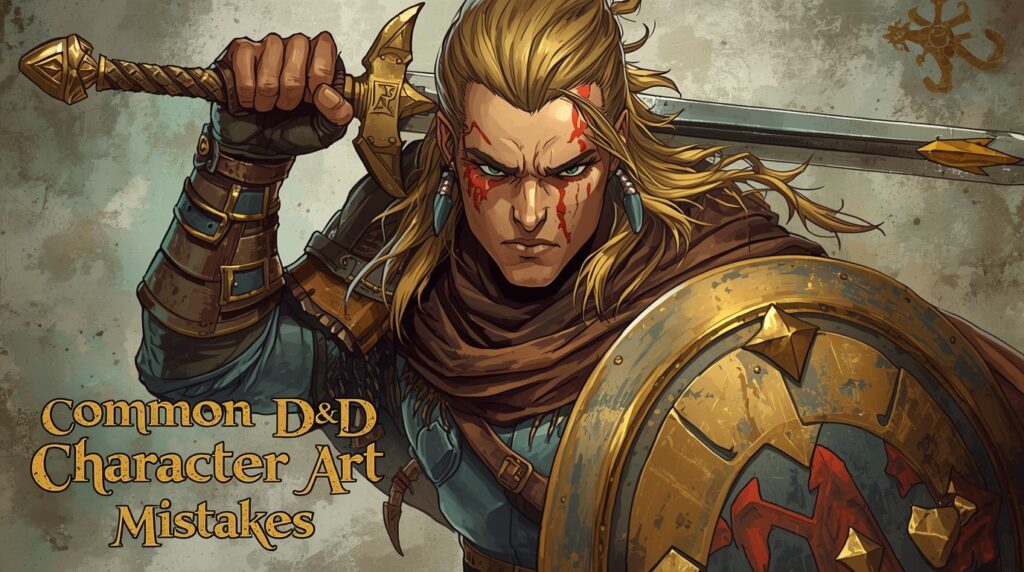
Step 1:  Pick a clear goal

Choose one job per piece: a street sci fi medic, a drone cop, or a noodle stall at midnight. Small scope makes strong art.

Step 2:  Use style presets

Choose a Futuristic look for hard surfaces and city glow. Use an Anime look for bold shapes and punchy color. Both styles fit cyberpunk art.

Step 3:  Write a tight prompt

Template you can tweak:

“Set a night market alley in rain. Pack the scene with neon lights and neon signs. Let wet pavement mirror the glow. Let street steam drift. Send a small high tech drone with a police tag through the scene. Stretch cables overhead. Show a hooded runner in profile, tense. Keep a cyan-and-magenta base with amber accents. Aim for a crowded, loud, humid mood.”

👉🏻Save the prompt as a custom setup for later.

Step 4:  Add realism with controls

  • Enhance Chips: Sharpen key areas like faces, helmets, or signage.
  • Extra Images: Generate a few more and pick the best.
  • Legendary: Use when you want a bigger step up in detail.
  • Draft or publish under your profile: Keep sets in Collections for fast access.

Step 5:  Build a character that fits the street

Use Character Creation to set base stats and a backstory. Pick 5e Alignment if you play D&D. Edit the auto text so it matches your world’s slang and corp names.

Step 6:  Give them a voice

Open AI Character Chat. Set Character Instructions so the voice is clipped, street-smart, and not chatty. Pick a voice in Voice Generation. Let the AI remember key beats with Context Memory. Now your runner can talk in-world.

Step 7:  Expand with props

Spin up items: cyberdecks, medkits, smart guns, data crystals. Use Style Presets again so the set matches. Tag them for search. Drop them in Collections tied to the same crew or block.

Ready to Create Stunning Cyberpunk Art?

Cyberpunk art works because it feels human first. Start with a person. Layer worn high tech. Light with neon signs and rain. Keep colors small and strong. Pick clear, readable type. Add grit, stickers, and scuffs so the street breathes.

Summon Worlds helps you make this fast. Use Futuristic or Anime presets. Tune prompts for neon lights, wet roads, and dense ads. Generate Extra Images and keep the best. Spin up a character, set a voice in Character Chat, and keep the story moving. Save sets in Collections. Share when ready.

✨Want a quick win tonight? Install the app for free and build your first scene in minutes:

  • Android (Google Play): Download
  • iOS (App Store): Download

FAQ's

What is cyberpunk art?

It’s a visual take on the cyberpunk genre. Think crowded cities, neon lights, rain, ads, and people trying to survive with high tech all around them. The roots tie back to science fiction books and films like Neuromancer and Blade Runner.

How to pick colors for a cyberpunk scene?

Limit the palette. Use cyan and magenta as a base. Add one warm accent like amber for contrast. Let neon signs reflect on wet ground. Keep skin tones readable. Research shows these films lean on alternating neon hues.

Why does everyone link it to Blade Runner?

Because that film nailed the mood: rain, smoke, stacked ads, and backlit haze. Syd Mead shaped the look, and artists still riff on it.

Best way to keep it human, not just sci-fi wallpaper?

Give your subject a goal. A courier is late for a drop. A parent repairing a kid’s implant. One clear human beat makes the tech matter.

How to make this style in Summon Worlds?

Use AI Art Generation with Futuristic or Anime presets. Prompt for rain, neon lights, and cramped streets. Generate Extra Images, pick one, then build a matching character and chat with them to shape the story. Publish or keep drafts private.

Read More
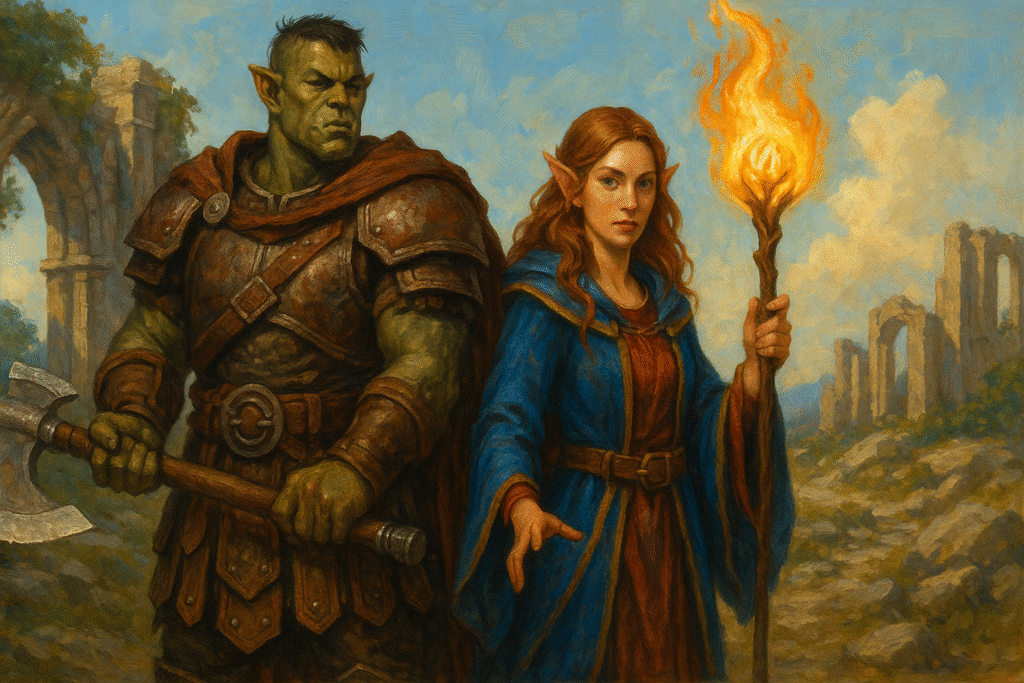
In a ruined stone city at dusk, a towering armored golem with glowing yellow eyes confronts a hooded sorcerer wielding a staff.
September 8, 2025
by Andrea ChavezBlog

Polybuzz AI vs. Summon Worlds

Polybuzz AI vs. Summon Worlds

In a ruined stone city at dusk, a towering armored golem with glowing yellow eyes confronts a hooded sorcerer wielding a staff.

Compare Polybuzz AI and Summon Worlds for worldbuilding, AI chat roleplay, and AI art on demand. See why GMs prefer Summon Worlds. Try it free today!
  • September 8, 2025
  • Andrea Chavez

Staring at a blank map before game night?

NPCs feel flat. Art doesn’t fit the scene. Prep time is tight. You need tools that work on mobile and keep your story moving.

AI now helps you shape worlds, talk to characters, and get matching art in minutes. Not all apps do this the same way. Some focus on open chat. Others focus on AI worldbuilding and session-ready assets.

This guide compares Polybuzz AI vs. Summon Worlds. You’ll see how each handles AI chat, character work, visuals, and safety. You’ll learn where they excel, where they fall short, and which one fits real tables and real writing time.
If you’re a GM, writer, or roleplayer who wants faster prep and stronger scenes, keep reading. The next sections show exactly what you can expect, and how to use the right app to get results tonight.

Table of Contents

Polybuzz AI vs Summon Worlds: Quick Comparison for GMs and Writers

  • Polybuzz AI is a huge AI chatbot playground with 20 million+ characters, including almost any beloved character or historical figure you can think of. Great for casual AI chat roleplay and quick vibes. Not built for structured campaign work.

Summon Worlds is a Fantasy AI World Generator with tools for character creation, stats, worlds, and campaign use. It’s mobile-first and tuned for TTRPG prep and writing. It also supports real time character chats and AI art on demand like hero portraits and a dragon lair.

Polybuzz AI and Summon Worlds: What Each App Offers

  • ⚡Polybuzz AI in a Glance

    Polybuzz is a “talk to anyone” AI chatbot hub. You’ll find an enormous library of user-made personas, 20 million+ by their own claim. You can chat with a beloved character, a historical figure, or an anime icon, and the bots generate responses as if they were that persona. It’s fun and quick. Think social roleplay, not table-ready prep. 

    🧙Summon Worlds in a Glance

    Summon Worlds is built for structured creation. It helps you summon AI generated NPCs, items, spells, and locations with balanced D&D 5e stats, and then chat with them. It’s made for GMs, worldbuilders, and writers who need characters crafted for actual scenes, not just chat. It also gives you AI art on demand, including a dragon lair, and real time in-character conversations. 

Old Methods vs AI Tools: Why Summon Worlds Changes the Game

🕰️The old way

You juggled five tabs, a notebook, and a last-minute generator. NPCs felt thin. Images didn’t match the vibe. You rewrote backstories after every session.

🚀The new way

You can generate a stat-ready NPC, talk to them, and drop art into your notes in minutes. Summon Worlds moves beyond traditional chatbots. It’s not just talk. It’s talk tied to game assets, stat blocks, and campaign structure. That cuts prep time and keeps tone consistent across sessions. 

Creator Struggles Solved: How Both Apps Handle Common Challenges

1) My NPCs feel generic

  • Polybuzz AI: Great for vibe checks and persona riffing. You can roleplay to test dialogue, but there’s no built-in D&D sheet or world context that carries forward. Good for mood. Not built for table-ready stats.
  • Summon Worlds: Generate an NPC with a role, quirks, and 5e actions, then run AI chat roleplay to hear their voice. You can refine backstories and sparks new scenes and quests in minutes. It’s fast, concrete, and reusable.

2) Art slows me down

  • Polybuzz AI: Focus is chat and personas; art generation is not the core pitch.
  • Summon Worlds: Need a portrait, locale, or dragon lair? Hit AI art on demand and get visuals that match your summons. It keeps your world coherent and saves hours.

3) We roleplay on mobile

  • Polybuzz AI: Made for casual chat on the go. That’s a plus for quick scenes.
  • Summon Worlds: Also mobile-first, but tuned for campaigns. You get real-time character conversations plus tools to anchor those chats to game objects.

4) I need safety that fits my table

  • Polybuzz AI: Their FAQ says they prohibit public NSFW and use screening and moderation. Community posts show adult topics exist in private or topic areas. Know your table and set expectations.
  • Summon Worlds: Enforces an NSFW filter across creation to meet mobile store rules. That keeps public content table-safe by default.

Key Features Compared: Polybuzz AI vs Summon Worlds

Conversation and Roleplay 

  • Polybuzz: Huge persona pool. Pick a celebrity, anime icon, or game persona and chat. Great when you want a quick scene or to test a voice. The AI chatbot focuses first.
  • Summon Worlds: Chat with any AI character you created. The system remembers recent context, so conversations feel coherent during play. You can use those lines in session notes right away. 

Character and Asset Creation 

  • Polybuzz: You can create personas, but they aren’t tied to game sheets or worlds. Good for social RP.
  • Summon Worlds: One tap character creation with backstories, traits, and 5e-ready stats. Turn prompts into items, spells, and locations. Then talk to them to stress-test motives and hooks. Characters crafted for sessions, not just chat. 

Visuals and Style 

  • Polybuzz: Emphasis is on chatting. Art is not the centerpiece.
  • Summon Worlds: Generate portraits, scenes, and even a dragon lair. This is AI art on demand for fantasy tables. It helps you keep one look across characters, factions, and places.

Safety and Filters 

  • Polybuzz: Says NSFW is blocked in public spaces, with screening and human moderation; adult topics surface in parts of the community. Know your group and use private mode wisely.
  • Summon Worlds: Built-in NSFW filter to follow Google Play and App Store rules. Safer by default for mixed-age communities and stream prep.

Cost, Access, and Community 

  • Polybuzz: App store presence and free chat focus. Good entry point if you just want to talk to a character now.
  • Summon Worlds: Free plan with daily rewards (Mana) and a clear upgrade path. Community feed to share and discover summons. That means more examples to study and remix. 

Which App Should You Choose for Roleplay and Worldbuilding?

💬Pick Polybuzz if… 

You want a fast AI chatbot playground. You love chatting with a beloved character or a historical figure. You enjoy open-ended RP without needing stats or world structure. You want a huge pool and instant generate responses from almost any persona. 20 million options make discovery easy. 

🐉Pick Summon Worlds if… 

You run games or write stories and need tools that ship assets, not just talk. You want AI worldbuilding and character creation that plugs straight into play. You need AI art on demand, real time in-app chat with your creations, and a workflow that keeps sessions moving. This is where you truly unleash your creativity. 

How to Use Summon Worlds in Real Campaigns and Writing Sessions

Start with a scene goal 

Pick what you need right now: an NPC, a room, or a twist. Create the asset in one tap. Open chat and pressure-test motives. If the voice feels off, tweak and refine backstories and sparks better conflict.

Lock the stat block 

Use 5e-ready actions and abilities for fights or negotiations. You can run the encounter without leaving the app. Your notes stay clean. Your players feel the upgrade. 

Add visuals in seconds 

Need a mood board or a reveal card? Trigger AI art on demand. Pull a portrait for the captain or an ominous dragon lair for the finale. Show, then go. 

Use chat during play 

Keep the character window open for real time replies. Let the NPC argue, plead, or boast. The AI character will generate responses that match your setup. You stay in flow. 

Keep it safe for groups 

Summon Worlds’ NSFW filter makes public assets safer for streams, classes, and mixed-age tables. Share with confidence. 

Ready to Build Smarter? 

If you want quick talk with a beloved character, Polybuzz is big and fast. But for real prep and play, Summon Worlds wins. It gives you AI worldbuilding, character creation with usable stats, real time AI chat, and AI art on demand (yes, even a dragon lair). 

You get characters crafted for sessions, not just chatter. The built-in NSFW filter also keeps public sharing safer for tables and streams.

Ready to unleash your creativity? Try Summon Worlds free and build your next scene now:

  • Google Play (Android): Download Summon Worlds
  • App Store (Apple): Download Summon Worlds

🔗 Explore Summon Worlds now to start building a world that truly stands out.

Previous
Next
Share the Post:

Related Posts

How to Design Fantasy Calendars and Time Systems for Your Storyworlds

Read More
December 22, 2025

Fantasy Names That Tell a Story: How to Use Naming to Build Cultures

Read More
December 17, 2025

What is Summon Worlds?

A mobile Fantasy AI World Generator for GMs and writers. Create NPCs, items, spells, and locations with 5e-ready stats, chat with them, and generate matching art for your table. It’s built for play, not just talk.

How to use Summon Worlds for fast prep?

Start with the scene you need. Create an NPC or place. Open chat to test motives. Lock the stat block. Generate art for the reveal. Run the encounter with the same asset. It’s quick and keeps you focused.

Why choose Summon Worlds over traditional chatbots?

Traditional chatbots are great for conversation. Summon Worlds adds game-ready stats, structure, and visuals. You get assets you can play with tonight, not just a chat log.

What is Polybuzz AI best for?

Casual AI chat roleplay with almost any persona. Talk to a historical figure or a beloved character and get quick, fun scenes on mobile. It’s broad and social.

How to How do both apps handle safety?my Photo from Admin Dashboard?

Polybuzz says it restricts public NSFW and moderates content. Summon Worlds applies an app-store-compliant NSFW filter across creation. Pick the model that fits your group.
Read More
Talkie AI Chat vs. Summon Worlds
September 8, 2025
by Andrea ChavezBlog

Talkie AI chat vs Summon Worlds

Talkie AI chat vs Summon Worlds

Talkie AI Chat vs. Summon Worlds

Compare Talkie AI chat and Summon Worlds for roleplay, D&D prep, and storytelling. See which app saves time and boosts fun. Try Summon Worlds free today!

  • September 8, 2025
  • Andrea Chavez

Do you run games or write stories with little time to prep?

You’re juggling notes, NPCs, and maps. Sessions creep up. Ideas blur. It’s hard to keep players hooked.

Mobile, AI powered tools can help. They turn rough notes into NPCs, scenes, and art in minutes. They keep tone, lore, and voices consistent so you can focus on the fun.

In this guide, you’ll get a clear comparison of Talkie and Summon Worlds. What each does. Where each fits. Real use cases you can try tonight.
Choosing the right tool saves hours and lifts the whole table. If you’re a GM, writer, or roleplayer who wants faster prep and better sessions, keep reading. The next sections show exactly which app to pick and why.

Table of Contents

Talkie vs Summon Worlds at a Glance

  • Talkie AI is a character chat and creative community app. It shines for casual chats, voice calls with characters, and browsing huge user content. It uses ads and in-app purchases and has 10M+ downloads on Android. If you want a lively talkie experience inside a big AI community, it stands out.

  • Summon Worlds is a fantasy worldbuilding and TTRPG tool. It’s built for GMs and writers. It creates characters, items, spells, locations, and art. It supports D&D 5e with auto stats and sheets, plus real-time collaboration and in-app roleplay with voice.  It adds a world leading focus on 5e workflows and prep speed. Available on iOS and Android.

If you need campaign prep, 5e tools, art, and structured worlds, choose Summon Worlds. If you want freeform chats and voice calls with characters, choose Talkie. 
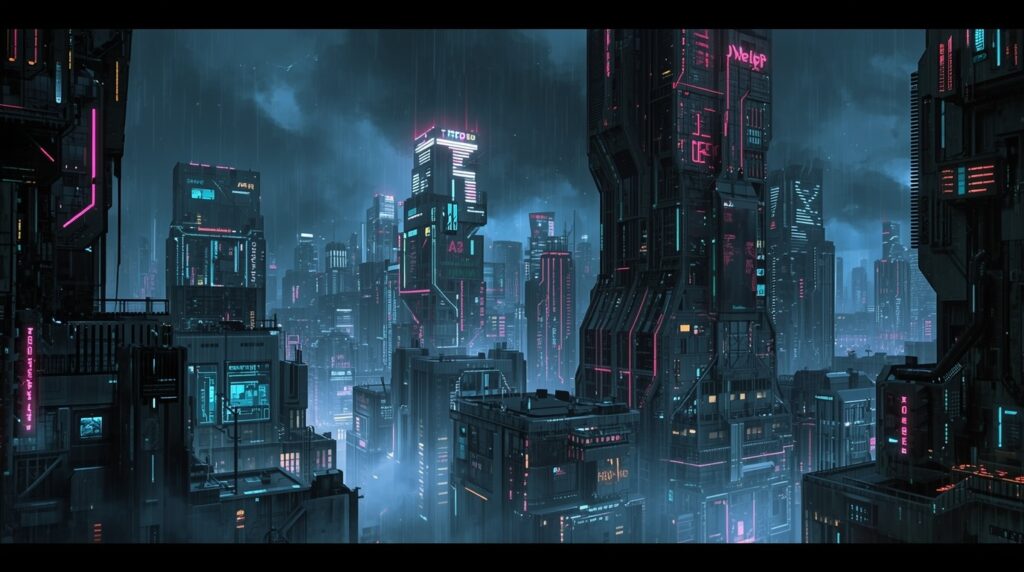
Talkie vs Summon Worlds: Core Purpose and Audience

💬Talkie: Chat-First Fun

Talkie is a place to chat with characters, browse a huge community feed, and even make voice calls with characters. It targets a wide entertainment. It includes text, images, audio, and more. Think social + character chat with interactive talkies. Not a rules tool. Not a campaign tool.

Talkie’s site and ToS also note text and voice access for chat. That matches what users see in the app. 

🏰Summon Worlds: Prep and Play for Fantasy

Summon Worlds is built for fantasy creators. It helps you build worlds, characters, items, spells, and locations fast. It includes high-res art, collab, character chat, and voice. It is also tuned for D&D 5e, with auto-generated stats, sheets, monsters, and balanced encounters. 

If you run sessions or write fiction, this focus saves time and keeps your story tight.

How Talkie and Summon Worlds Solve GM and Writer Challenges

Prep eats my week

  • Summon Worlds: Generate a 5e-ready NPC with stats and a backstory in minutes. Then tweak on the fly. That covers the crunch and the flavor in one go.
  • Talkie: You can roleplay scenes to spark ideas. But it doesn’t generate 5e sheets or encounter stats.

My NPCs feel generic

  • Summon Worlds: Use character chat and voice to test tone. Add world knowledge so the NPC remembers lore. Result: consistent, in-world replies.
  • Talkie: Great for quick banter and voice calls with a persona. It’s fun, but not tied to your campaign rules or your world’s canon.

We need art for tonight

  • Summon Worlds: Make portraits and scenes in many styles (anime, dark fantasy, more). Use them in your world right away with generated AI assets.
  • Talkie: Google Play lists image/video/audio/music creation tools for creators. Good for community posts. Not a focused TTRPG art pipeline.
On a mist-covered battlefield beneath jagged mountains, a hooded mage in a blue robe summons glowing golden dialogue glyphs, while a red-skinned demon in black armor roars, conjuring swirling blue energy in his claws.

Talkie Features vs Summon Worlds Features: Full Breakdown

World and rules support

  • Summon Worlds: D&D 5e integration. Character sheet generator. Monster generator with CR. Spell and item tools. World knowledge base to track lore and history.
  • Talkie: No rules layer for 5e. It’s chat/creation/community-oriented.

Roleplay and voices

  • Summon Worlds: Character chat with memory and voice options. Tailor persona and keep it tied to your world.
  • Talkie: Voice calls with characters and a big roleplay community, with talkies offering voice calls for immersive sessions.

Art and visuals

  • Summon Worlds: High-res art on demand for characters, locations, and more. Built to support your campaign assets. 
  • Talkie: Creative tools and lots of user content to browse. It’s social first.

Collaboration

  • Summon Worlds: Real-time collaboration for building worlds together. Perfect for co-DMs or writer rooms. 
  • Talkie: Collaboration via community posts and shared characters, but not structured world files.

Pricing and access

  • Summon Worlds: Free to start. Pro at $9.99/month on iOS. Mana refills optional.
  • Talkie: Contains ads and in-app purchases on Android. Model is ad + subs/IAP.

Practical Ways to Use Summon Worlds for D&D and Story Prep

⏱️Build a one-shot in an hour

  1. Create a new world.
  2. Generate 3 NPCs with 5e stats and short hooks.
  3. Generate one location and one magic item that ties to your plot.
  4. Use character chat to test NPC voices.
  5. Share the world with a co-GM. Prep done.

🔄Fix a dead session mid-game

  1. Open your world during play.
  2. Spin up a side NPC with a rumor and a goal.
  3. Ask the NPC questions in chat to align tone and facts.
  4. Use voice for a quick, memorable scene.

🧠Give your writer brain a boost

  1. Draft a villain and two locations.
  2. Generate art for each.
  3. Chat with the villain to test motives and limits.
  4. Save the best lines to your world knowledge base.

 🐉Prep a boss fight fast

  1. Use the monster generator to set a CR target.
  2. Add a signature spell and a legendary item.
  3. Create a lair location with hazards.
  4. Share it with your group before game night.

When to Choose Talkie Over Summon Worlds

You want to talk with a character, hear a voice, and hang out in a big feed. You want quick scenes or practice dialogue. You are not worried about rules, sheets, or world files. That’s Talkie’s sweet spot. 

Talkie Features vs Summon Worlds Features: Full Breakdown

Summon Worlds is built for prep and play. It gives you 5e stats and sheets, monsters, linked worlds, and built-in art. You can work with your group in real time. Chat and voice stay inside your world, so lore stays consistent.

Talkie is built for character chat. You get quick chats, voice calls with personas, and a big social feed. It’s fun and fast, but it isn’t a rules or campaign tool.

⚡Quick choice

  • Need 5e tools, world structure, and session assets → Summon Worlds.
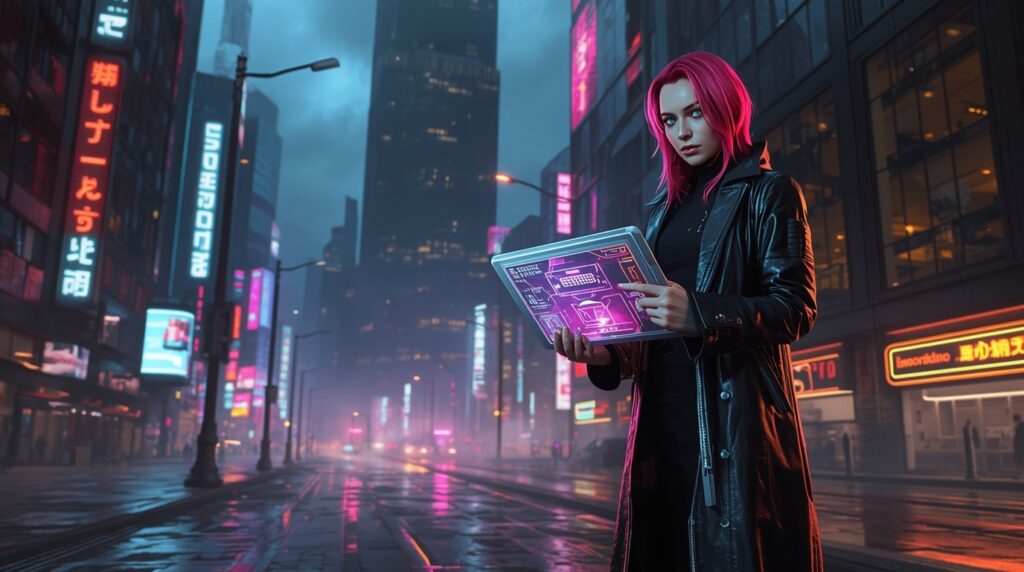
Want casual chats and character calls → Talkie.

Amid ancient stone ruins under a full moon, a hooded sorceress floats before a glowing rune-carved archway, conjuring a radiant portal of swirling purple and blue energy.

Ready to Pick Your Tool? 

✨Here’s the simple choice.

Summon Worlds is for real prep and play. You get 5e stats and sheets, monsters, items, and locations. You keep lore in one place. You make art that fits your world. Chat and voice stay inside your notes. You can build with friends in real time. It saves hours and lifts the whole table.

Talkie is fun for casual chats and voice calls with characters. But it does not give you 5e sheets, CR targets, or a world hub you can rely on.

If you run games or write stories, start with Summon Worlds. It cuts prep time. It keeps things clear. It helps you run better sessions, sooner.
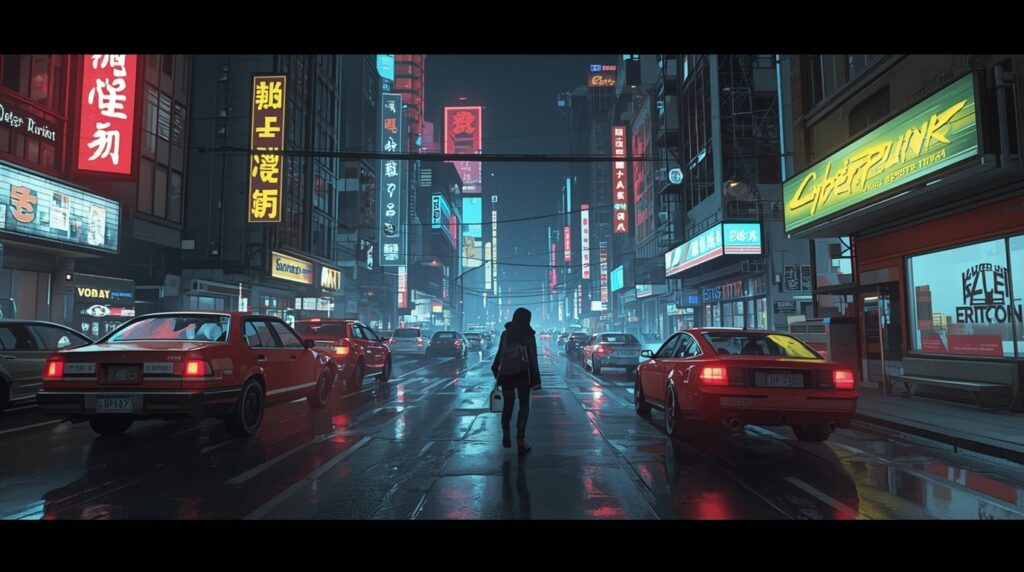
Try it free today!

  • iOS (App Store): Download Summon Worlds
  • Android (Google Play): Get Summon Worlds

Build a one-shot tonight. Or tighten your next session this weekend.

🔗 Explore Summon Worlds now to start building a world that truly stands out.

Previous
Next
Share the Post:

Related Posts

How to Design Fantasy Calendars and Time Systems for Your Storyworlds

Read More
December 22, 2025

Fantasy Names That Tell a Story: How to Use Naming to Build Cultures

Read More
December 17, 2025

What is Summon Worlds?

It’s a mobile app for fantasy worldbuilding and TTRPG prep. It creates characters, items, spells, monsters, and locations. It supports D&D 5e with auto stats and sheets, and includes art, chat, voice, and collaboration.

How to make a 5e NPC fast?

Open Summon Worlds. Generate a character with 5e stats. Edit details. Add a portrait. Use character chat to test voice and motives. Save it to your world. You’re done in minutes.
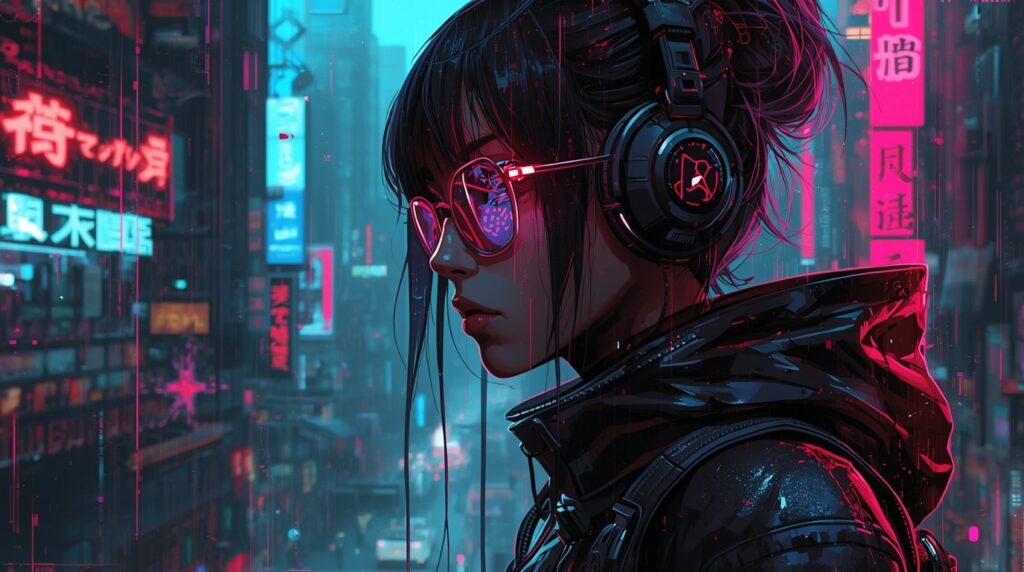
Why Choose Summon Worlds over Talkie for Game Prep?

Because Summon Worlds has 5e tools, world structure, art for assets, and collab. It’s made for GMs and writers. Talkie is great for chat and voice calls, but it doesn’t handle rules or sheets.

Can I Use Talkie for my Campaign?

You can chat with characters and make quick scenes. It’s fun for inspiration. But it lacks 5e integrations and campaign files. For session-ready content, Summon Worlds is a better fit.

What’s the Best App for Voice Roleplay?

Both offer voices. Talkie supports voice calls with characters. Summon Worlds supports voice inside your world so scenes match your lore and notes. Pick based on your goal: calls and casual chat vs in-world roleplay.
Read More
A hooded sorcerer cloaked in deep purple stands on a glowing rune circle, summoning radiant golden threads of magic
September 6, 2025
by Andrea ChavezBlog

Perchance AI vs. Summon Worlds

Perchance AI vs. Summon Worlds

A hooded sorcerer cloaked in deep purple stands on a glowing rune circle, summoning radiant golden threads of magic

See how Perchance AI compares to Summon Worlds for worldbuilding, art, and chat. Discover the best choice for creators. Try Summon Worlds free today!

  • September 6, 2025
  • Andrea Chavez

Do you run out of prep time before game night? Your notes sprawl. Your NPCs blur. Art feels last-minute.

Modern tools can change that. They speed up ideas, keep voices consistent, and pull art and chat into one flow without losing your style.

This post compares Perchance AI vs. Summon Worlds. You’ll see what each does, where each wins, and when to use both together. You’ll get clear steps, common fixes, and a quick workflow you can run tonight.
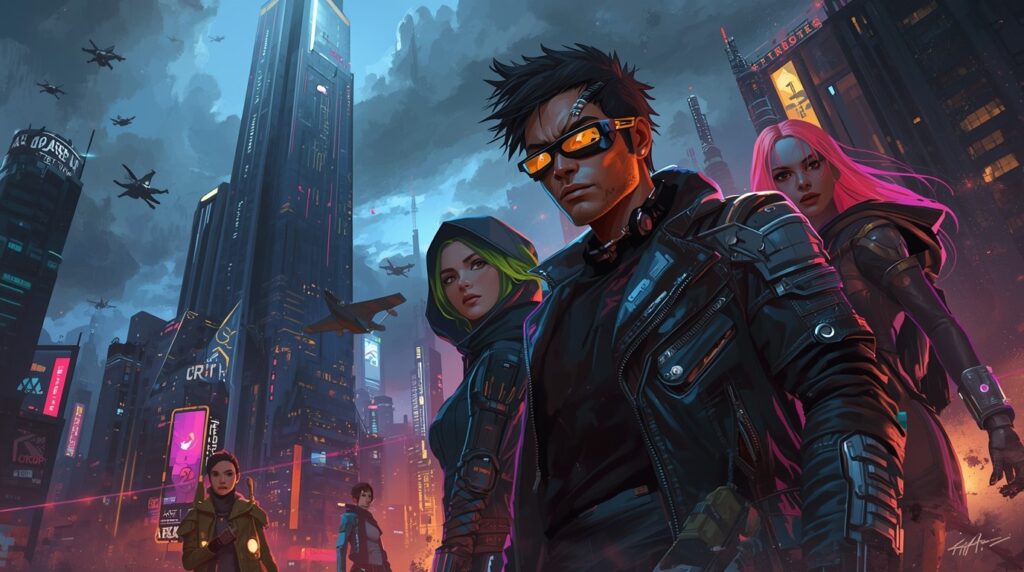
Worldbuilders and GMs need reliable, simple help that saves hours and lifts quality. That’s why this match-up matters.

Ready to pick the right setup and prep faster? Read on.

Table of Contents

Perchance AI vs Summon Worlds: Key Differences at a Glance

❓What is Perchance AI

Perchance is a free, browser-based platform for random generators. It also offers popular tools like AI text-to-image, AI character chat, and other AI generators. You can start right away. Many tools work with no login. It’s great for fast ideas and quick assets. 

❓What is Summon Worlds

Summon Worlds is a mobile-first app built for worldbuilding, roleplay chat, and team creation. You can make characters, locations, items, spells, and more. It supports live collaboration, high-res fantasy art, and in-character chat on your phone. It’s in both stores. 

Why These Tools Matter for GMs, Writers, and Worldbuilders

  • ⏳Old way

    You dig through wikis. You skim image sites. You rewrite the same NPC notes. Prep takes hours. The result can still feel random or thin.

    ⏰New way

    You keep your taste and rules. The tools speed the rest. Perchance gives you quick, free generators and image runs in the browser. Summon Worlds gives you a focused app to plan, create, and chat in character. It also lets friends help live, right on mobile. 

Common Problems with Perchance and How to Fix Them

This section is here to save you time, especially if you’re testing Perchance for the first time.

Real messages you may see on Perchance (and what they mean):

  1. “perchance generates warnings … it’s valid perchance syntax … feel free to ignore these warnings.”

👉🏻This appears when the editor spots unusual, but allowed, code. If you know what you’re doing, you can move on.

  1. “If you click the button below, it will load a list of older versions … in case you accidentally deleted your code … or your computer crashes and you hadn’t saved.”

👉🏻This is the built-in backup/revision area. Use it to recover past copies. 

  1. “There was some sort of server error … check your internet connection … post on the forum if the problem persists.”

👉🏻This shows on revision history errors. Try again, then post if needed.

  1. “sign up or login to create your own generators … we only email you at your request … too many requests (can be caused by vpn browser extensions).”

👉🏻This is the auth page text. It also hints at why rate limits can happen.

  1. “request reset code … we just sent a password reset code … check your spam folder.”

👉🏻This is the reset flow text. Follow the steps shown. 

  1. “load backup revision history.”

 👉🏻That’s the action that pulls your saved copies. 

If you hit those notes, you’re not doing anything wrong. These lines are part of Perchance’s own UI and help text.

A robed sorcerer stands before colossal stone ruins guarded by dragon statues, conjuring a radiant celestial portal.

Top Features of Perchance AI and Summon Worlds Explained

Perchance: Speed, Freedom, and the Web

  • Free, fast starts: Many tools run without an account. Great for one-off NPC art, minor props, or quick mood boards.
  • Lots of generators: Community pages cover story seeds, names, art prompts, and more. It’s a huge playground.
  • Editor + warnings: The code editor flags unusual patterns but lets you ship. Handy for tinkerers who like custom rules. 
  • Backups in the browser: “Load backup/revision history” lets you pull earlier copies when something breaks.

✨Best for: solo creators who want open, ad-hoc runs in a browser with minimal setup.

Summon Worlds: Mobile Worldbuilding that Stays with You

  • Mobile World Studio: Build worlds, characters, items, spells, and lore in one app. It’s designed for phones first.
  • High-res fantasy art: Generate portraits and scenes in styles like anime, dark fantasy, and more. 
  • Live collaboration: Invite your co-GM or a friend to help shape the same world in real time. 
  • AI character chat: Talk to your characters to test voice, history, and goals before game night. 
  • In-app economy (Mana): Top up when you need more generations; Pro unlocks more perks.

✨Best for: GMs and writers who want one place to plan, chat, and publish from a phone, and who like working with a team.

Mistakes to Avoid When Using Perchance or Summon Worlds

❌Mistake: Spreading prep across ten tabs.

🔧Fix: Use Perchance for quick inspiration. Then move the “keepers” into a world in Summon Worlds so your notes, images, and chat sit together.

❌Mistake: NPCs sound the same.

🔧Fix: Generate two or three portraits for the same NPC. Then open AI Character Chat and stress test the voice. Save the best take.

❌Mistake: Last-minute art hunt.

🔧Fix: Batch image jobs early with Perchance’s text-to-image tool. Save time the week of your session.

❌Mistake: The team can’t meet to prep.

🔧Fix: Use Summon Worlds’ real-time collaboration. Build together from your phones. 

Step-by-Step Workflow: How to Use Both Tools Together

Step 1: Brainstorm visuals fast

Open Perchance’s free text-to-image tool. Run a few prompts for your villain, city gate, and relic. Grab the two best. 

Step 2: Build the world in your pocket

Open Summon Worlds. Create a new world. Add your villain as a character. Add the city gate as a location. Pin the relic as an item. You can do all of this on your phone. 
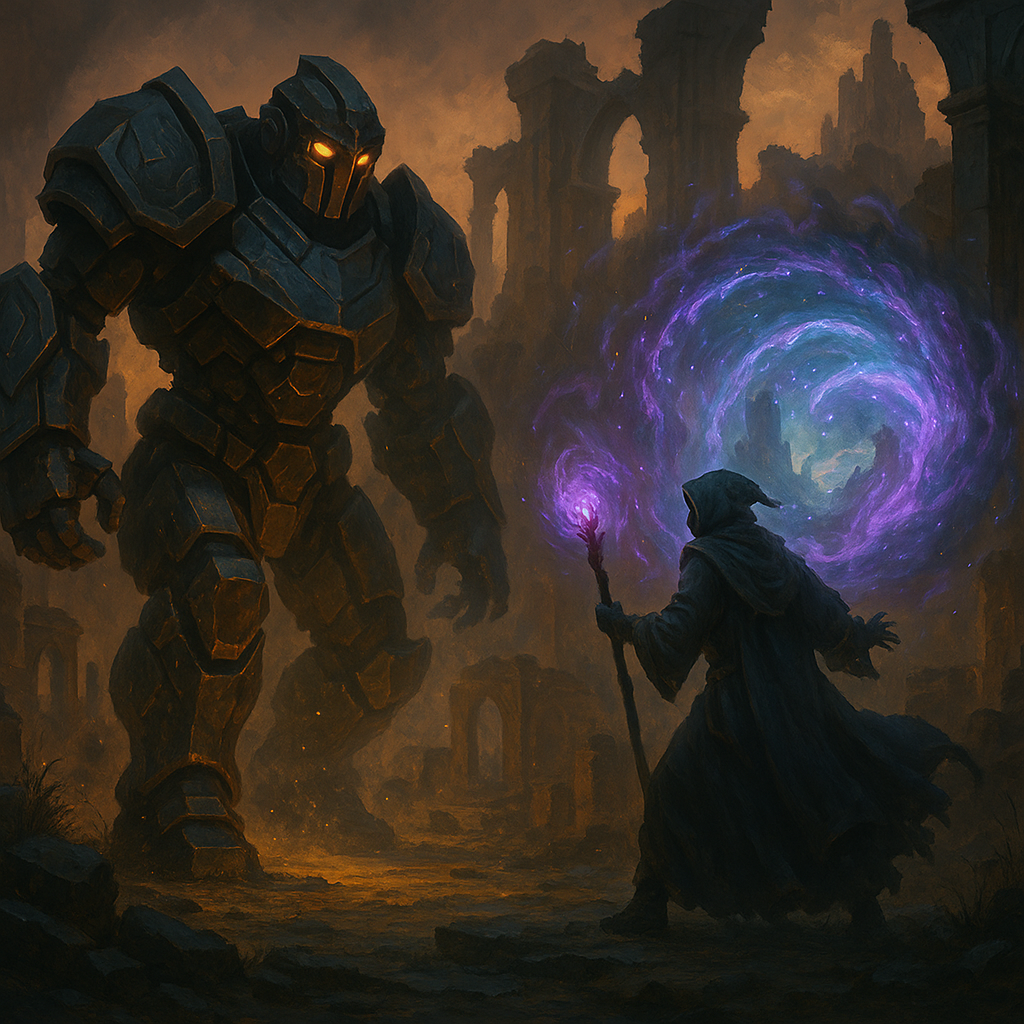
Step 3: Give the NPC a voice

Use AI Character Chat to roleplay a short scene. Test how the villain talks. Note their tells. Save the chat. Now you have “living” prep you can reuse. 

Step 4:   Share the load

Invite your co-GM or a player to help write rumors or shop lists. Work and live in the same world. 

Step 5: Final pass before the game

Attach the best images. Jot a three-line hook. You’re ready.

Perchance AI vs Summon Worlds: Honest Comparison You Can Trust

  • Access: Perchance runs in the browser, and many tools need no login. Summon Worlds is an iOS/Android app with a full feature set on mobile. 
  • Collab: Perchance is great for open, one-off use. Summon Worlds focuses on live, organized teamwork inside worlds. 
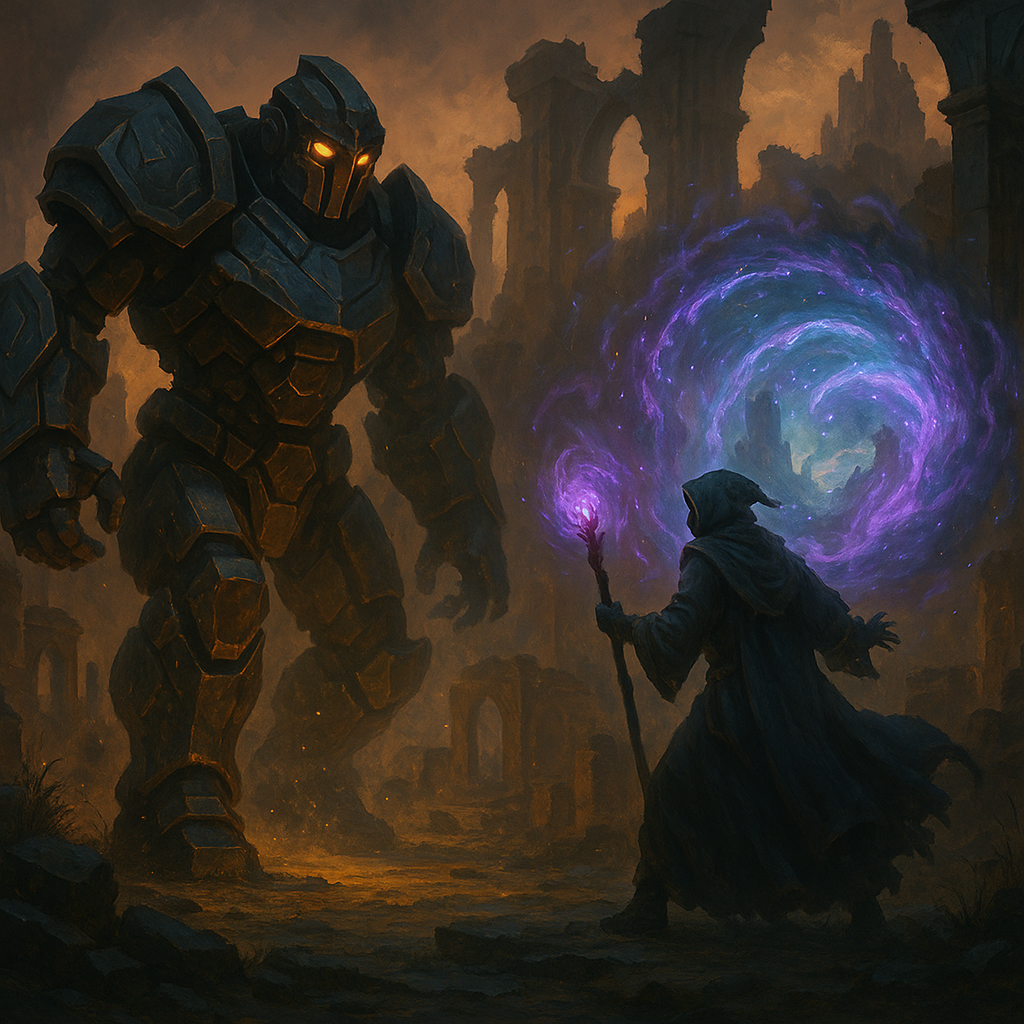
  • Recovery: Perchance exposes backups and “revision history” in the UI. If you see errors, it suggests checking your connection and posting on the forum. 

Scope: Both can help with art and ideas. Summon Worlds goes deeper into world structure and character chat in one mobile studio.

In a ruined stone temple under a full moon, two powerful sorcerers face each other.

Why Summon Worlds Is the Best Choice for Creators?

Both tools help you work faster and make more. It’s not Perchance AI versus Summon Worlds; it’s both. Use Perchance in the browser for quick sparks and fast art. 

Use Summon Worlds on your phone as the home base for worlds, characters, chat, and teamwork. This stack saves prep time, keeps notes and images in one place, and helps you lock a clear voice for every NPC. You get speed from Perchance and structure from Summon Worlds.
If you want one place to build, talk to characters, and share with your group, start with Summon Worlds. Create your cast, add items and spells, and co-build with friends in real time. Then pull in fresh visuals and ideas from Perchance whenever you need a boost. 
Ready to try it free? Download Summon Worlds on Google Play or the App Store, set up your next session in minutes, and keep everything in your pocket for game night.

🔗 Explore Summon Worlds now to start building a world that truly stands out.

Previous
Next
Share the Post:

Related Posts

How to Design Fantasy Calendars and Time Systems for Your Storyworlds

Read More
December 22, 2025

Fantasy Names That Tell a Story: How to Use Naming to Build Cultures

Read More
December 17, 2025

What is Perchance AI?

Perchance is a free platform for random generators with many AI tools baked in. It offers text-to-image, character chat, and more, right in the browser. Many tools work without logging in, which is handy for quick runs.
What is Summon Worlds?

Summon Worlds is a mobile app for worldbuilding and roleplay chat. You can create worlds, characters, items, spells, and high-res art. It supports live collaboration, so friends can help from anywhere. It’s on iOS and Android.
How to Recover Older Perchance Versions?

Use load backup/revision history. The page says the button below it will load a list of older versions you can download in case you accidentally deleted your code or had a crash. That’s the fastest way back.

Why use Summon Worlds if I already have Perchance?

Use Perchance for fast ideas and images. Use Summon Worlds as your “world hub” on mobile. It keeps art, notes, and character chat together. You can also collaborate live with co-creators.

What is “valid perchance syntax,” and why do I see warnings?

Perchance’s editor flags unusual code as “warnings.” This is still valid perchance syntax. The site even says to feel free to ignore these warnings if you know the code is right. It’s a helper, not a blocker.
Read More
  • 1
  • 2
  • 3
  • 4
  • 5
  • 6
summon worlds ai art

SUMMON WORLDS IS THE PLATFORM FOR COLLABORATIVE WORLDBUILDING, CHARACTER CREATION, AND INTERACTIVE STORYTELLING

Join Our Community

Build Worlds. Meet Friends. Share Stories

D&D Character Art

Join thousands of writers, game masters, and artists sharing inspiration, tutorials, and Collaborative Worldbuilding projects!

YouTube

Tiktok

Reddit

Instagram

About Cookies | Terms and Conditions | Privacy Policy 

Copyright © 2025 OpenForge LLC. All Rights Reserved.

Back To Top