
The Ultimate 2026 Guide To Fantasy Map Makers And Which Tool To Choose
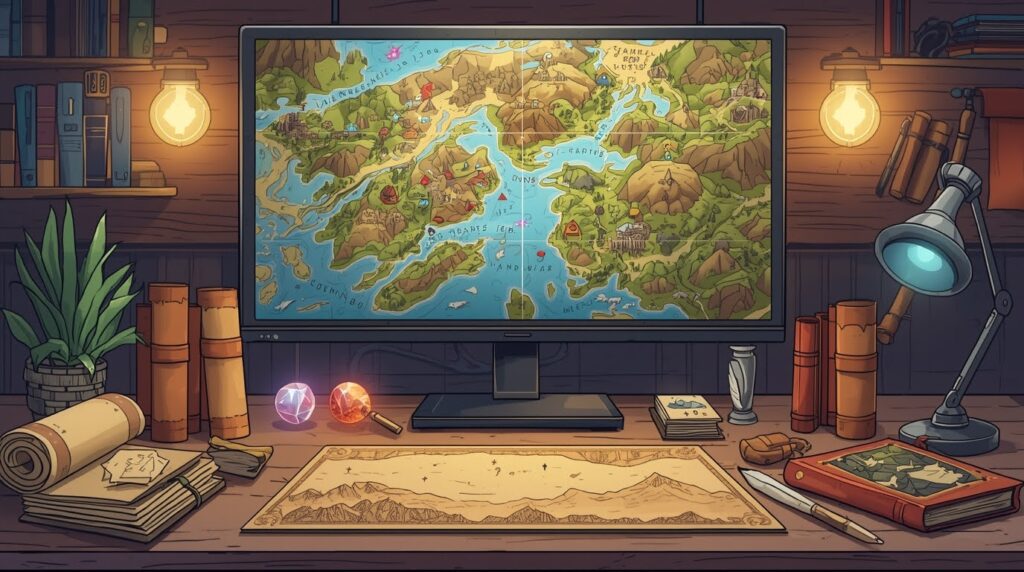
You have a session tonight. Or a chapter due this week. And your map is still a messy sketch on paper. Sound familiar? 😅
This guide is for you if you’re shopping for fantasy map maker tools and you want a clear answer, fast. Just real options and how to pick the right one.
A map does two jobs. It helps your players see the world. And it helps you stay consistent. When the party asks, “How far is the haunted marsh from the trade road?” you need an answer that does not change every session. 🎲
Let’s pick your tool like a smart GM. Or like a writer who hates wasting time.
Try Summon Worlds for free.


Fantasy Map Maker Tools: Choose Based On The Map You Need
Most people pick a tool because a screenshot looks cool. That is how you waste a week. Pick your map type first. Then pick the tool that fits that job.
World And Region Maps (Big View)
You use these for continents, borders, rivers, roads, and travel routes. These maps help you plan wars, trade, and big quests.
City And Town Maps (Mid View)
You use these for streets, walls, docks, districts, and key spots like temples and markets. These maps help when players start asking sharp questions. 🏙️
Dungeon And Battle Maps (Close View)
You use these for rooms, doors, cover, traps, and grids. These maps must be clear. Pretty is nice, but clear wins every time. ⚔️
One tool rarely does all three well. That is normal. Pick one “main” map job right now. Add a second tool later if you really need it.
The Best Fantasy Map Generators In 2026
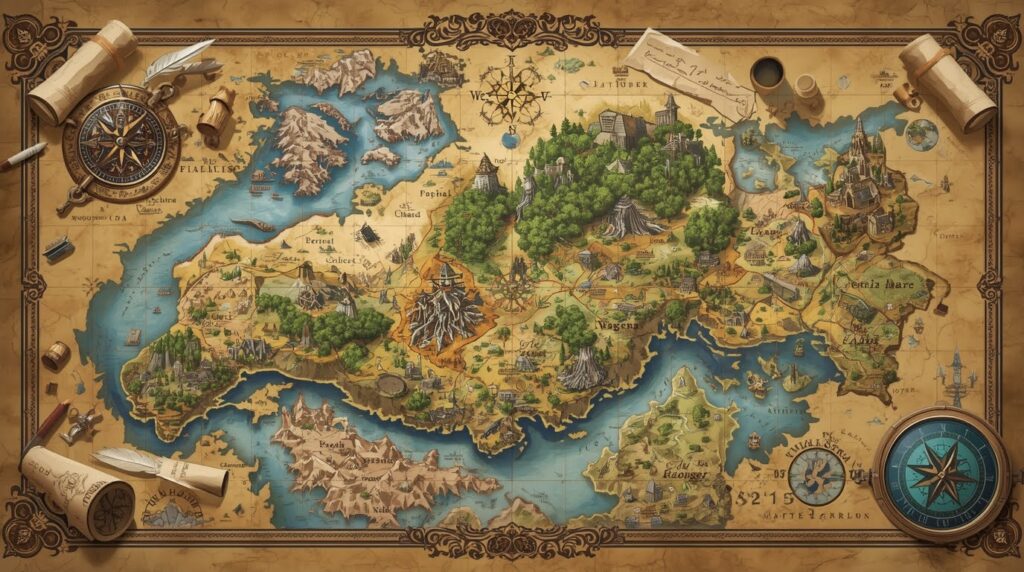
You asked for real choices. Here they are.
If You Want An Online Fantasy Map Creator For Polished World Maps
Inkarnate is a strong browser tool for world, region, and city maps. Its free plan lets you create up to 3 maps and export up to 2K.
If you want a web tool that feels smooth and looks good fast, this is a safe pick.
If You Want Fantasy Map Software That Works Offline And You Own It
Wonderdraft is desktop fantasy map software and it is sold as a one-time purchase. It’s a strong fit for world and region maps when you want control and steady style.
If You Want A Fantasy World Map Generator For Fast Structure
Azgaar’s Fantasy Map Generator is a free web app that helps writers and game masters create and edit fantasy maps. This is great when you need a usable world layout fast, then you refine.
If You Want Fantasy Map Making Software For Battle Maps
Dungeondraft is built for encounter maps. It lists a built-in lighting system, smart tiling, a dungeon/cave generator, and “no internet required” plus “no subscriptions.” If you run fights often, this tool earns its keep.
If You Need A Free Fantasy Map Maker Right Now
Dungeon Scrawl is a free online tool that needs no sign-up, and it exports as an image or PDF. This is perfect when you need a clean dungeon fast, without learning a heavy app.
If You Want Quick City Maps Without Fuss
Watabou’s Medieval Fantasy City Generator makes random city layouts and is honest about what it is: “rather arbitrary,” made to look good, not be a perfect city model. That is why it’s great for quick towns and side quests.
If You Want One Tool That Can Cover Many Map Types
Worldographer is pitched as a map maker for world, city, village, dungeon, and battlemat maps, with auto-gen options you can quickly customize. This is a good “all-around” pick if you like one app for many map jobs.
If You Love Hex Crawls And Want Speed
Hex Kit is a desktop tool for hex maps, built to be “intuitive and quick” with an emphasis on art. It’s great for travel-heavy games where hexes matter.
IIf You Want Deep Control And Don’t Mind The Learning Curve
Campaign Cartographer 3+ is positioned as a powerful map-making suite for campaigns. This is for the “I want maximum control” crowd, not the “I need a map tonight” crowd.
The Biggest Mistakes People Make With Fantasy Map Generator Tools
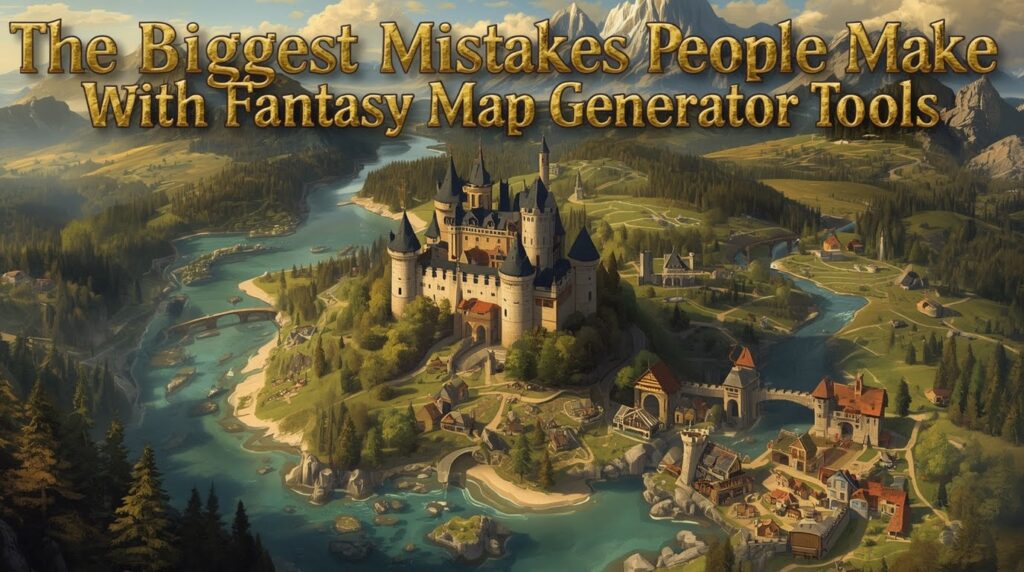
You can have the best tool and still end up with a bad map. This is why.
Mistake 1: You start with tiny details
You place 40 towns, then you notice your rivers run uphill. Now your choices are ugly: redo it, or accept a broken world.
Fix it with a simple order:
- coast and land shape
- mountains
- rivers
- roads
- borders
- only then towns
You don’t need more than 5–10 key locations at first. Add the rest later.
Mistake 2: You choose a tool that fights your map type
A world-map tool will not save you when combat starts in three minutes. A dungeon tool will not help you plan a whole continent.
Fix it by picking one “main job” tool first. Then add another only if you feel real pain.
Mistake 3: You wait too long to test exports
This is how you get blurry maps on game night. Dungeon Scrawl, for example, is built around quick creation and export for VTT or print use.
Fix it by exporting a test map on day one. If the export is bad, switch tools early.
Mistake 4: Your map has names, but no hooks
A pin called “Ruins” is not a reason to go there.
Players and readers want stakes.
Fix it with two lines per key place:
- Who wants control of it?
- What happens if nobody stops them?
That is enough to turn a dot into a story.
Where Summon Worlds Gets The Spotlight
Map tools help you draw land. Summon Worlds helps you stop that land from being empty. It’s built for fantasy creators who want characters, items, spells, and lore to stay in one place, and it supports real-time collaboration.
Here is a clean workflow that actually works:
Step 1: Make the map in your chosen tool
World map, city map, dungeon map. Keep it readable. Keep labels clear.
Step 2: Pick 10 spots that matter 📌
Do not pick 50. Pick 10. You can expand later.
Step 3: For each spot, create three things
- one character tied to the place
- one item, weapon, or spell tied to the place
- one problem tied to the place
This is where Summon Worlds shines, because it’s made for creating those pieces fast, then keeping them connected inside the same world.
Step 4: Test your NPC voice before game night 😄
Use AI Chat to talk with your character and find their tone. The guidebook even notes you can chat with summons you didn’t create, as long as it’s a character. That means you can build a cast quickly, then “hear” them before players do.
That’s spotlight. Not a pitch. It’s just a smarter way to run your world.
Final Thoughts
You don’t need to try every tool on earth. You need one good fit. Start with your map type. Then choose from the top fantasy map tools that match your time and your goal.
Then do the part that makes your world feel real. Tie the map to characters, items, spells, and lore, so your story does not drift. That’s why fantasy map maker tools work best when your world lives in one hub, not scattered across ten docs.
Your map is ready. Now bring the world to life. Create your characters, lore, spells, and story threads inside Summon Worlds and keep everything connected in one place. Download it free and start building smarter today.
Start building your World!
Disclaimer: Summon Worlds and the content on summonworlds.com are not affiliated with, endorsed by, or sponsored by Wizards of the Coast LLC. Dungeons & Dragons, D&D, and related terms are registered trademarks of Wizards of the Coast. Any references to D&D game mechanics, settings, or terminology are made for educational, commentary, and fan content purposes only. This blog does not reproduce or distribute official D&D content. All original ideas, characters, and creative content in this post are the intellectual property of OpenForge LLC, the parent company of Summon Worlds.