Generated a character history that looks complete but still feels flat? These five diagnostic fixes turn generic background information into playable choices, relationships, and story hooks.
Ever used a character backstory generator and felt something was missing? You get a full history in seconds. It looks fine on paper. But when you play or write the character, it falls flat. This happens more than you think.
A good backstory does more than tell the past. It shapes the present. It gives reasons for choices. It creates hooks for story and roleplay. When you use the wrong approach, the backstory feels empty.
This guide helps you diagnose what went wrong and revise only the parts that matter. If you still need a starting draft, create one with the free Character Backstory Generator, then return here to make the result unmistakably yours.
Why Generated Backstories Often Need a Second Pass
Generation is useful when you have a spark—a name, a class, or a hint of a past—but need possibilities to react to. It can quickly provide:
- Fresh prompts when you are stuck
- Several possible turning points to compare
- Relationships, secrets, and conflicts you can connect to the present
- A rough draft shaped to a genre and tone
The output is raw material, not a finished character. Use the five mistakes below as a revision checklist.
Five Mistakes That Make Generated Backstories Fall Flat
Each mistake has one symptom to recognize and one practical way to improve the draft.
1. Too Much Detail Too Soon
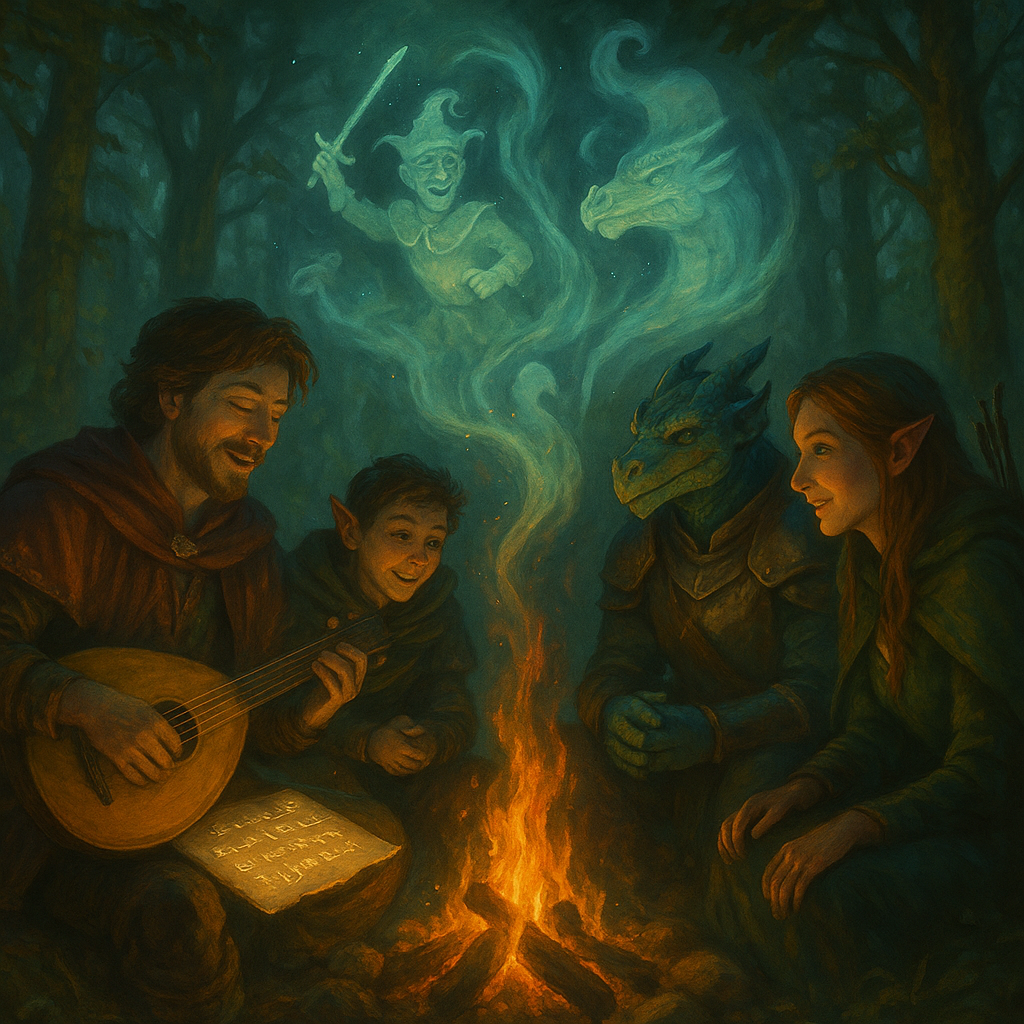
You ask the tool for a life story. It gives a giant wall of text. It lists every year and every event. Your character looks complete before the story starts. There is no air left for surprise. There is no space for change. Games slow down when nothing new can happen.
✨How to fix it: Ask for one strong moment from the past. One scene with cause and effect. Show who they were. Show what they lost or won. Stop there. Build the rest during play or while you draft chapters. Add one new line after each session. Let growth come from action not from a static file.
👉🏻Try this in Summon Worlds: Pick the memory prompt. Ask for a single turning point. Save it. Use it as your base.
2. No Link To The Present
Some backstories sit on the shelf. They never affect choices now. Players forget the text after one session. Readers skip it after one page. The past becomes trivia. That is wasted effort.
✨How to fix it: Create one force that reaches into the current plot. Choose a debt that must be paid. Or a promise that still holds power. Or a person who vanished. Or a fear that shapes today. Write one line that starts with Because. Example. Because he lost his partner, he avoids risk. Because she broke her vow, she seeks repair. Use that line to guide each scene.
👉🏻Try this in Summon Worlds: Use the link to present the prompt. Ask for a past event that drives a current goal. Add it to your sheet.
3. Wrong Style Or Setting
You want bright anime energy. The output feels grim. You want gritty sci-fi. The result feels like medieval fantasy. Tone breaks the flow. The character feels out of place. That hurts immersion for the table and for the reader.
✨How to fix it: State the genre and tone in plain language before creating a new version. Use a few precise words—whimsical, heroic, noir, tragic, hopeful—and name one rule or social pressure from the setting. Compare the result against the world rather than accepting genre clichés.
👉🏻Try this in Summon Worlds: Select the mode that matches your world. Then add two-tone words. Save the preset for your next character.
4. Stopping At The First Draft
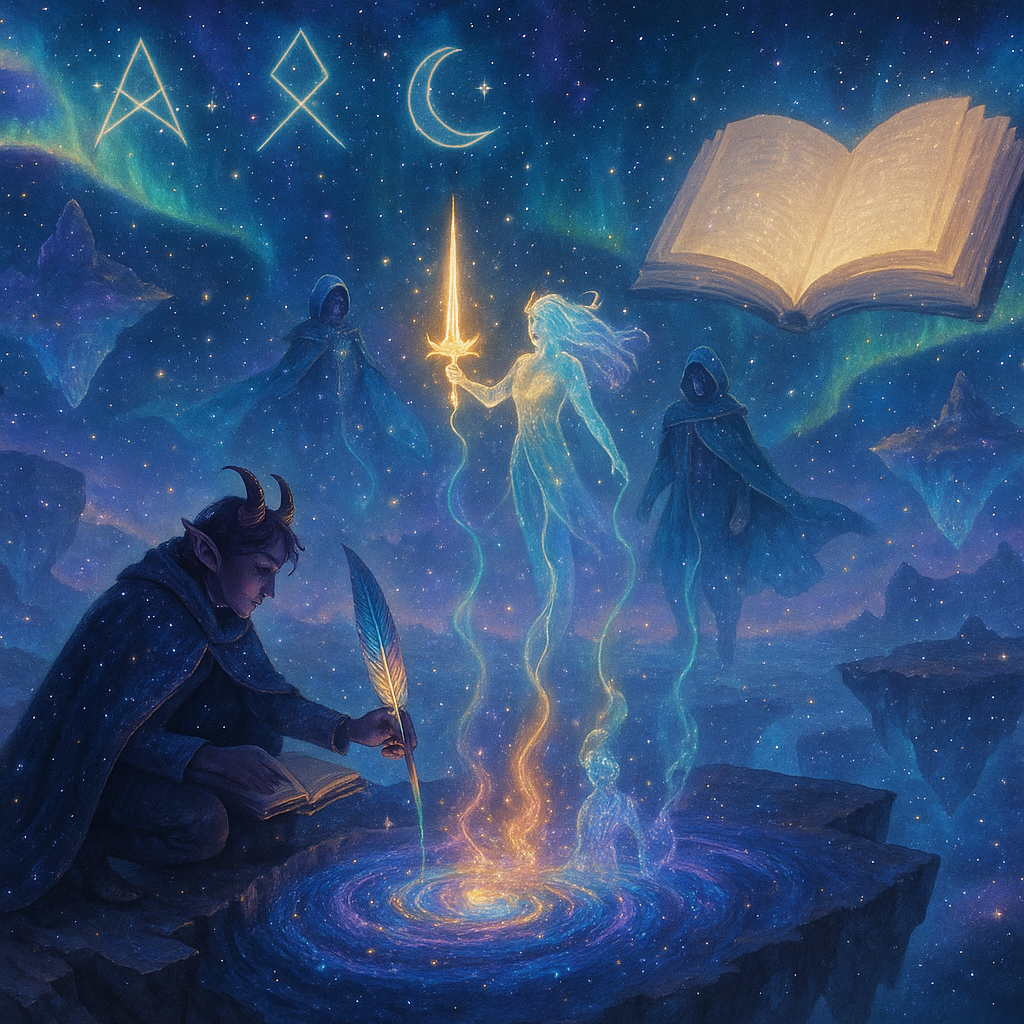
You press generate one time. You accept the first text. It reads fine, yet it lacks spark. It repeats stock lines. It uses the same beats as many other characters. It will not stand out during play.
✨How to fix it: Treat the generator like a partner, not a printer. Ask for three drafts. Read all three. Mark the best lines. Merge them into one clear page. Keep only what adds value. Cut what repeats. Read it out loud. If a line feels flat, then change it.
👉🏻Try this in Summon Worlds: Use regenerate. Save the top three outputs. Use the editor to mix the best parts. Keep it to one page at most.
5. No Personal Touch
Many outputs feel the same. They list facts with no texture. She grew up poor. He trained as a guard. That tells you what happened. It does not tell you how it felt. It does not show how the past lives in the body now.
✨How to fix it: Add one small habit. Add one sensory detail. Add one keepsake. These tiny things make a person feel real. Examples. He checks exits before he eats. She folds a blanket the same way each night. He keeps a chipped coin from a lost friend. She hates loud bells and steps outside when they ring. Write three lines like that. Place them at the end of the backstory. Use them in play. Use them on the page.
👉🏻Try this in Summon Worlds: Open character notes. Add a Habits section. Add a Memories section. Add an Items section. Fill each with one line.
A Five-Minute Diagnostic Pass
Before keeping a generated draft, ask these five questions:
- What changed? Keep one defining event with a clear before and after.
- Why does it matter now? Connect that event to a current goal, fear, debt, or promise.
- Where does this person belong? Replace a generic place or group with one from the setting.
- Who can complicate it? Give another character a different memory or interest in the same event.
- What remains unresolved? Leave one open door the story or campaign can walk through.
If the draft cannot answer one of these questions, revise that gap instead of adding more biography.
Improve a Draft Without Starting Over
You rarely need to discard the whole result. Highlight the strongest event, relationship, and unresolved problem. Keep those three pieces. Replace broad labels with details from your world, then remove facts that do not affect a present choice.
For a tabletop character, give the game master one person to bring back and one problem that can become an adventure. For fiction, connect the defining event to a decision the character must make in an early scene. For either use, leave room for the character to discover that part of their own story was incomplete or misunderstood.
Need fresh raw material before revising? Build a free character backstory draft with a motivation, relationship, secret, conflict, and forward-looking hook.
Keep the Backstory Alive
A useful backstory changes as the character acts. Add new consequences after important scenes or sessions, but resist rewriting the past simply to solve a present problem. Let discoveries complicate the original event while preserving the choices it already caused.
The goal is not a complete biography. It is a small set of pressures that make the next decision more personal.
FAQ
1. What makes a generated character backstory feel generic?
Generic drafts rely on broad roles, familiar tragedies, and facts that never affect the present. Improve them by connecting one defining event to a current choice and replacing generic places or groups with details from your setting.
2. How to make a generated backstory feel real?
Keep it short. Add details like habits or memories. Connect past events to your character’s actions now. Make sure every detail shows personality. This makes the story feel alive in play.
3. How much backstory should I keep?
Keep the details that explain a current goal, relationship, contradiction, or unresolved problem. If a fact will not influence a scene, session, or character choice, it can usually wait.
4. How should I revise a D&D character backstory?
Ask for one main event that shapes your hero. Use this as a hook in the campaign. Add small personal touches. Keep space for change as the game moves forward.
5. How to connect a backstory to roleplay?
Add an unresolved problem. Include a promise or secret. Let these shape your choices. Use them to react in character during the game. This keeps the backstory part of the action.