

The AI Chat feature in Summon Worlds brings your creations to life through dynamic, story-driven conversations. Whether you’re roleplaying, building lore, or testing character ideas, this is where immersion happens.
Starting a Chat #
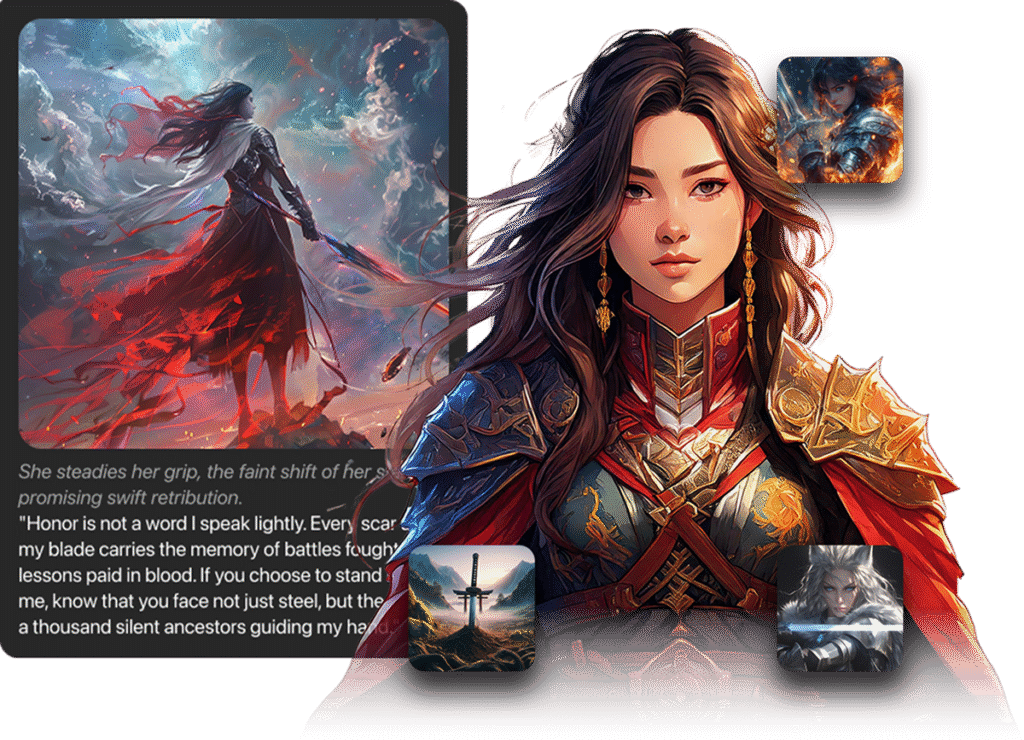
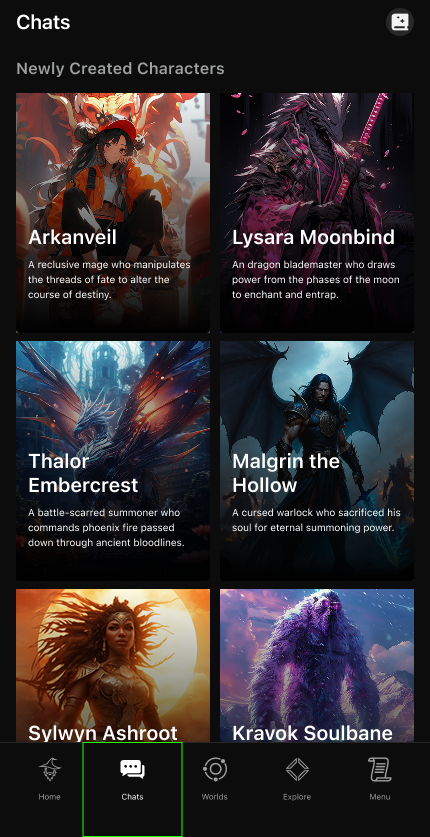
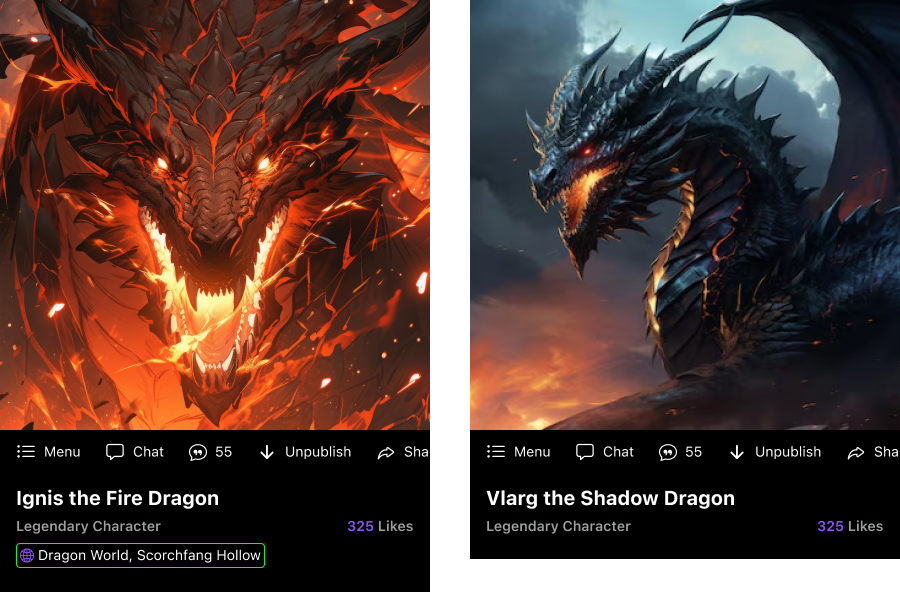
- To begin, tap the Chat button on a character’s profile.
- You can chat with any Character Summon, even ones you didn’t create.
- The summon will be aware of its own history, backstory, stats, and details you’ve provided.
- Once the chat starts, you can roleplay in a variety of scenarios: adventures, combat, or simple conversations.
⚠️ Note: Chatting can only be done with Character Summons (not items, locations, or equipment).
Free vs Pro Subscriptions #
- Free Users
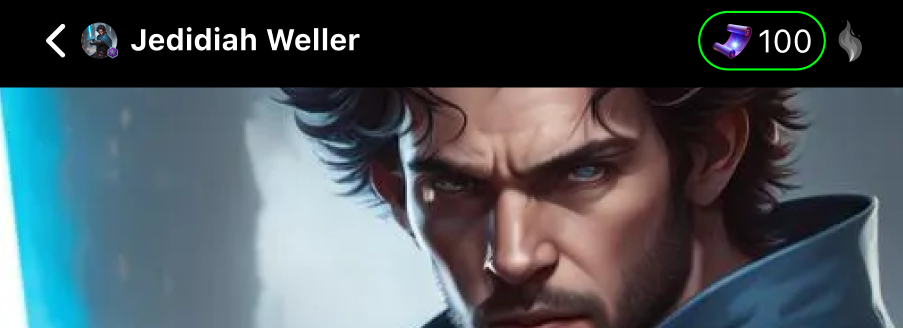
- 100 free chats per day.
- Access to both Regular and Bound Chats (within the daily limit).
- Pro Users
- Unlimited base chats.
- Most Pro chats are Regular Chats (lighter, no world context).
- Bound Chats are available, but enabling World Knowledge consumes extra Mana.
Regular vs Bound Chats #
There are two types of Character Chats: Regular and Bound. Each offers a different level of context and immersion.
- Regular Character Chats
- Characters are independent and not linked to a World.
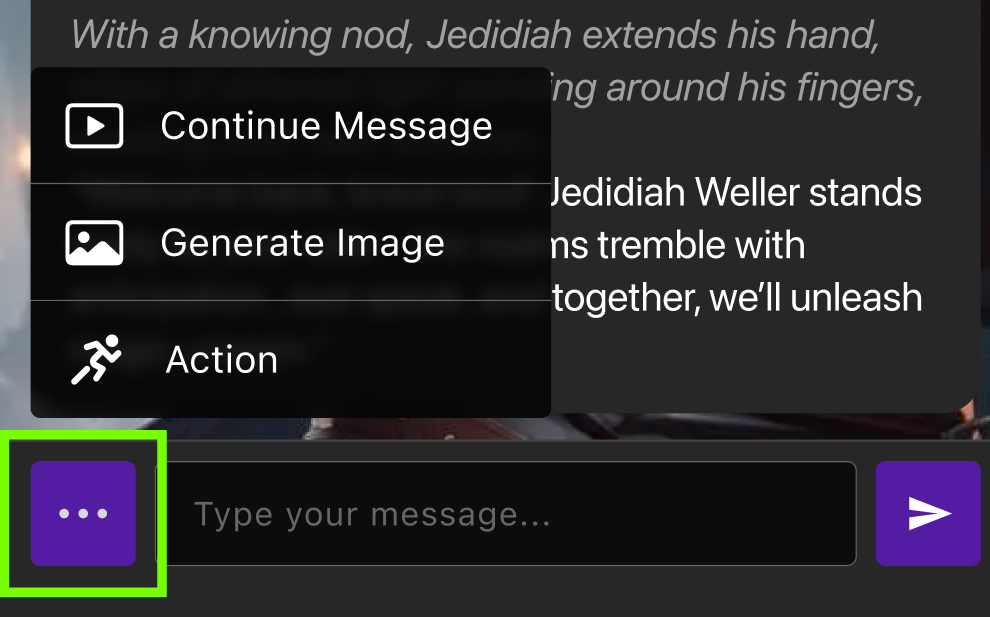
- Functions: Continue Message, Generate Image (3 Mana), Action.
- No access to World, Location, Equipment, or other Summons.
- ✅ Best for: Quick roleplay, testing, and casual conversations.
- Bound Character Chats
- Characters are placed inside a specific World and Location.
- Functions: Same as Regular Chat, plus:
- Access to World Knowledge toggle
- Awareness of Location, Equipment, and other Characters
- Enabling additional context (e.g., World Knowledge, Memory) increases Mana cost.
- ✅ Best for: Immersive storytelling and long-form roleplay with full world context.
Pro users can use both chat types unlimitedly. Free users are limited to 100 total chats per day.
Chat Tools (Quick Actions) #
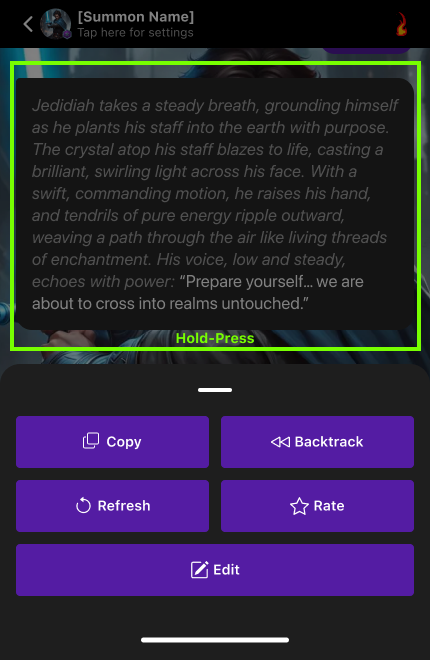
Long-press any AI response to open the tray of tools:
- Copy text
- Backtrack to a previous state
- Refresh response
- Rate reply
- Edit message
Enhanced Features #
- Generate Image Button
- Bring your conversations to life by creating AI images directly from dialogue.
- Chat Prompt Notifications (Free Users)
- Get real-time reminders of your daily chat limits.
- Voice Response – Summons speak aloud when enabled (2 Mana per line).
Chat Settings #
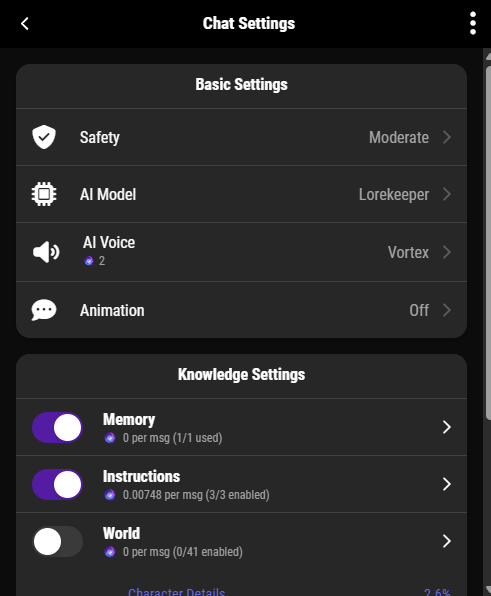
All customization options are combined in a single, easy-to-access Chat Settings Tray.
You can toggle:
- AI Model – Choose from Lore Keeper, Sentinel, or Arcanum.
- Animation – Adjust text appearance (e.g., typewriter effect).
- Voice – Enable AI-generated speech (2 Mana per response).
- Safety – Select content filter level: Safe, Moderate, or Mature.
- Knowledge Controls – Toggle:
- Instructions (personality, tone, style)
- Memory
- World Knowledge
🎯 Pro Tip: Keeping only “Instructions” enabled gives a rich chat experience while saving Mana.
Cost Estimator: Dynamic Pie Chart #
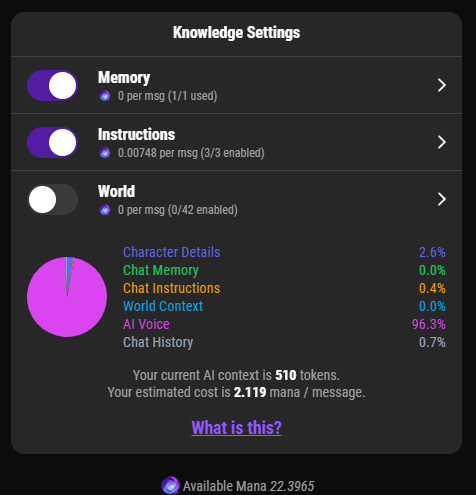
As you enable features, you’ll see a real-time pie chart that shows:
- Estimated Mana cost based on settings
- Visual feedback on how much context you’re including
💡 More features = more immersive context, but also higher Mana usage.
AI Behavior Tips & Guidelines #
- Light roleplay and romance are allowed.
- Prohibited: sexual content, extreme violence, hate speech, or abuse.
Quick Comparison #
| Feature | Regular Chat | Bound Chat |
|---|---|---|
| World & Location Context | ❌ None | ✅ Full awareness |
| Equipment Awareness | ❌ None | ✅ Yes |
| Other Character Awareness | ❌ None | ✅ Yes |
| World Knowledge Toggle | ❌ No | ✅ Yes (extra cost for Pro) |
| Chat Limit (Free Users) | 100/day | Within 100/day |
| Chat Limit (Pro Users) | Unlimited | Unlimited (World Knowledge extra cost) |
⚡ Tip: Use Regular Chat for casual, fast conversations. Use Bound Chat when you want deep, story-rich interactions within your World.