Choose a worldbuilding generator for your starting point
Worldbuilding generators are useful when they answer a question your project already has. Start with a story problem, a place, a deadline, or a wider environment. Then choose which details need to connect. You can build a useful setting before you know every kingdom, dynasty, or moon.
For a story, start with a conflict
The Fantasy Plot Generator offers a premise, competing characters, and connected story beats. Use that outline to decide which parts of the world the story needs. A disputed crossing may need a river town and local law before it needs a complete continent.
For a campaign, start with pressure and choices
The D&D Campaign Generator gives you a starting point involving factions, threats, and escalating conflict. Adapt the premise to your group. Decide what can change when players negotiate, ignore a warning, or choose a different ally.
For a planetary setting, start with the environment
Try the Planet & Star System Generator for a featured planet, its moon, neighboring worlds, resources, ecology, and an expedition hook. Use the relationships to shape a science-fantasy setting. Treat the result as fictional worldbuilding rather than an astronomical simulation.
Build a setting you can use in the next scene
- Write one pressure. Choose a shortage, disputed promise, dangerous journey, or change in the environment. Give someone a reason to act now.
- Name the relevant place. Use the Fantasy City & Town Name Generator for a settlement, the Fantasy Place Name Generator for a landmark, or the Kingdom, Realm & World Name Generator for a larger realm. Add geography and history in your own notes.
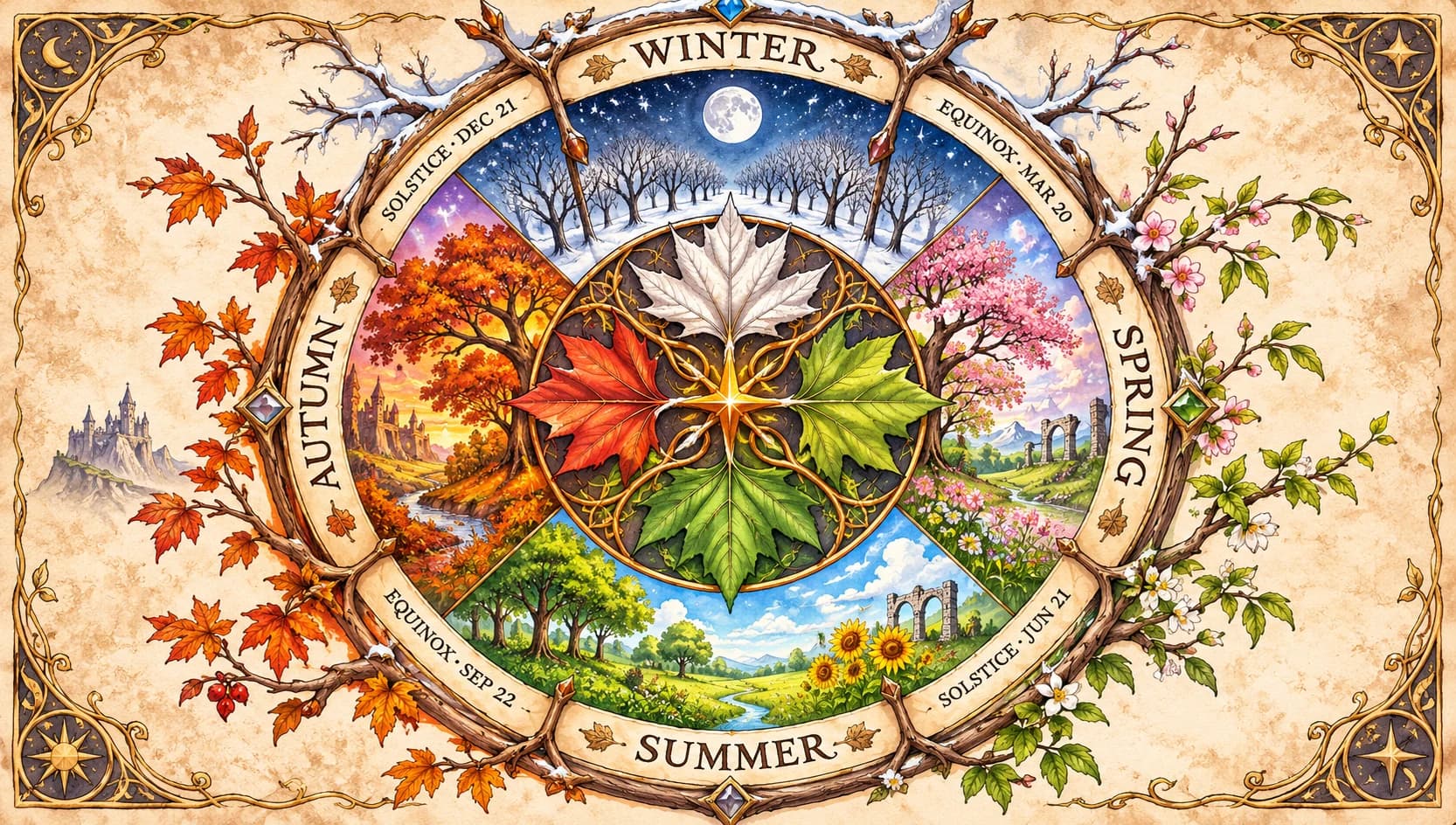
- Give the scene a time constraint. The Fantasy Calendar Maker can help you arrange months, seasons, moons, festivals, and events. Choose a date that changes travel, work, law, or a promise.
- Connect the consequence to a person. Decide who gains from the current situation, who bears its cost, and who can change it. Develop the people involved with the character generators.
Check that the details belong to the same world
Separate tools can suggest strong ideas that still need adjustment. Keep a short reference and review the connections before making a result part of your setting.
| Detail to check | Ask yourself | A useful adjustment |
|---|---|---|
| Time and seasons | Does the deadline fit the weather, travel conditions, and calendar I chose? | Move the event or explain the unusual season. |
| Distance and access | Can the characters reach the place in the time available? | Change the deadline, route, or starting location in your notes. |
| Names and institutions | Do the same names and titles refer to the same people, groups, and places? | Choose one spelling and record alternate names explicitly. |
| Resources and conflict | Does the dispute follow from what people need and what is available? | Tie the threat to food, shelter, transport, power, or another concrete stake. |
If you combine a planetary profile with a calendar, decide what “day” means in your notes before aligning the dates. Use a consistent fictional convention and check the arithmetic you need for the story. You do not have to simulate every orbit to make a deadline clear.
Make a date change what happens next
Original fictional example: Alder Quay holds its winter market on the final day before its river gate closes. A landslide has delayed the grain boats. The gatekeeper can extend the crossing window, but doing so leaves the lower district exposed to the rising water.
The place creates a practical constraint. The calendar makes waiting costly. The conflict gives people a choice with consequences. A trader might demand more time, a resident might insist on closing the gate, and the characters might search for another way to move the grain.
You can expand the region later. For this scene, you need the crossing, the deadline, the people affected, and the options they can realistically attempt.
Keep a reference as the setting grows
Use the worldbuilding template to decide which questions deserve more detail. Record the decisions you have made and keep unchosen possibilities separate. This makes it easier to return to the same setting without reinventing its rules.
For an organized project, see how Summon Worlds connects characters, locations, and lore, then follow the first World, Location, and Character walkthrough. Adapt the browser results into your project yourself; the separate tools do not automatically synchronize one shared setting.
Worldbuilding generators FAQ
Which tool should I start with?
Start with the question blocking your next scene. Choose Plot for a story conflict, Campaign for a campaign premise, Calendar for time and observances, or Planet for a wider environment. Use place-naming tools when the setting needs a name.
Do the tools automatically keep my world consistent?
No. You choose which results belong together and resolve differences in names, dates, geography, and history. Keep one reference for the decisions you want to preserve.
Do these generators draw maps?
The tools listed in this category focus on text, naming, calendars, plots, campaigns, and planetary settings. They do not generate a map. Treat geography as something to develop separately from a place-name result.
Do I need to finish the whole setting before writing or playing?
No. Build the details that shape the next decision, then expand when new questions matter. A small setting with clear consequences is enough to begin a story or session.
